 Talus
Workouts by week
Every past workout by week, newest first, each with its day, name, any records, time, length, sets and volume. Older weeks load as you scroll.
Every Workouts by week feature
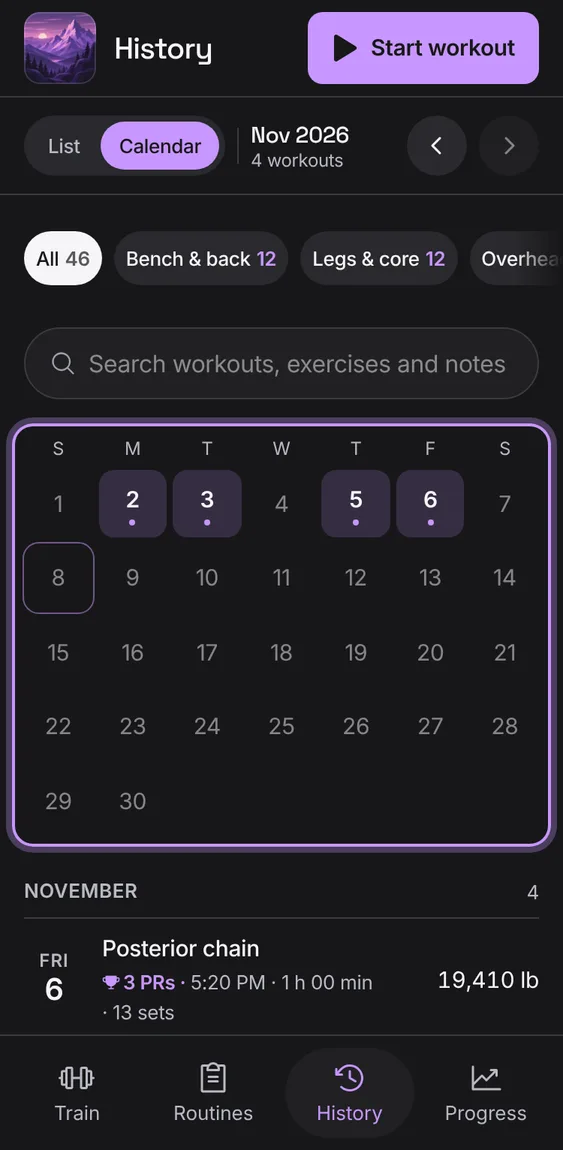
A month with every day you trained marked, over the month's workouts. A day opens its workout, or jumps to them.
- Switch to Calendar; move between months with the arrows.
With nothing logged, History shows one message and Start workout.
- Tap Start workout.
Not in the demo. Shows before anything is saved; the demo has sample data.
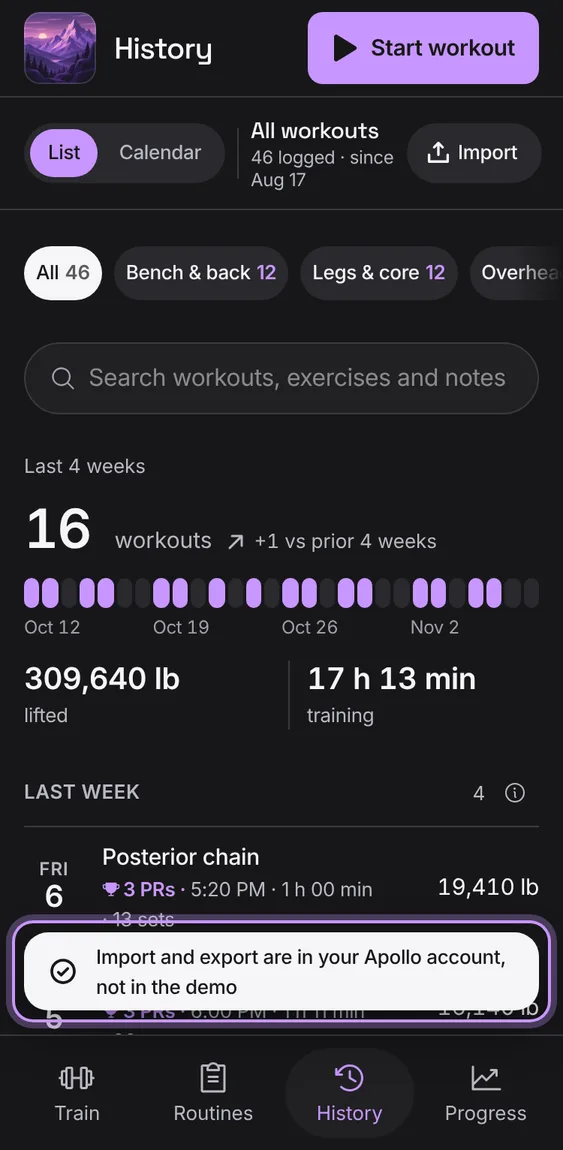
History's Import tool opens Account's import, to bring workouts in from Strong or Hevy or take yours out. In the demo it says why it can't.
- Tap Import in History's bar.
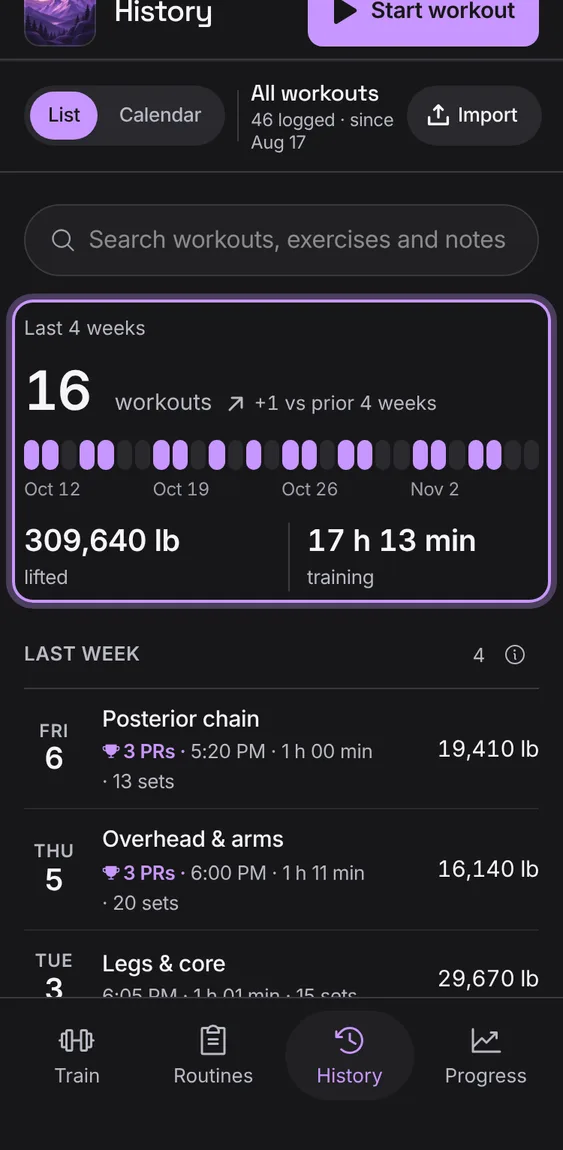
How many workouts in the last four weeks, against the four before, with a dot for each day you trained and how much you lifted and for how long.
- Shown at the top of the list.
A workout that set records shows a PR pill with its count; the (i) says what a PR is.
- Look for the trophy on a workout.
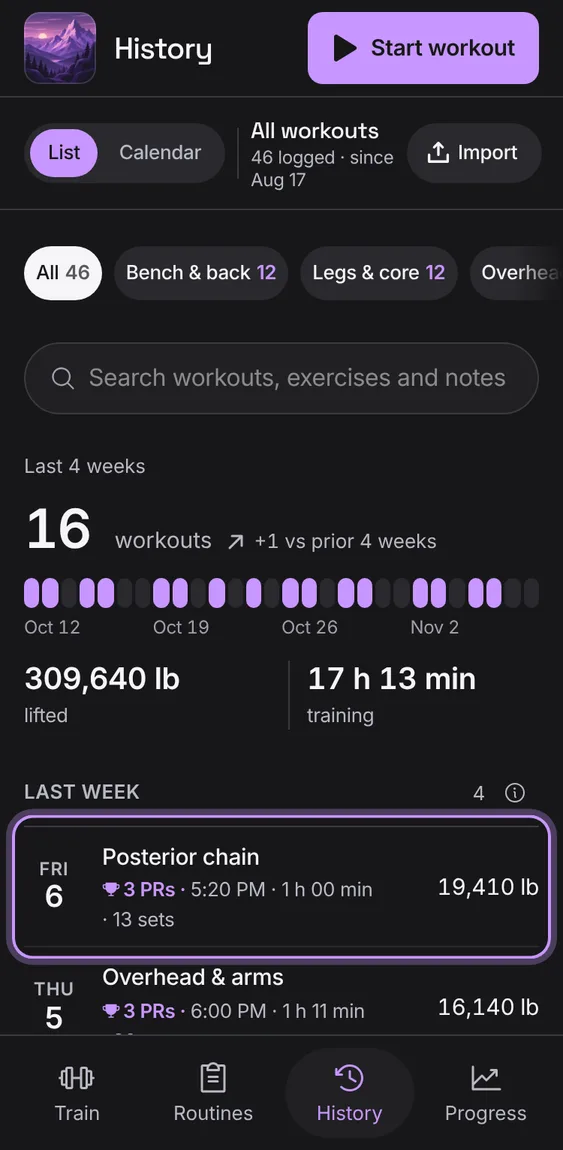
Chips for each routine, with counts, show only the workouts started from it (Other for the rest).
- Tap a routine's chip; tap All to show everything.
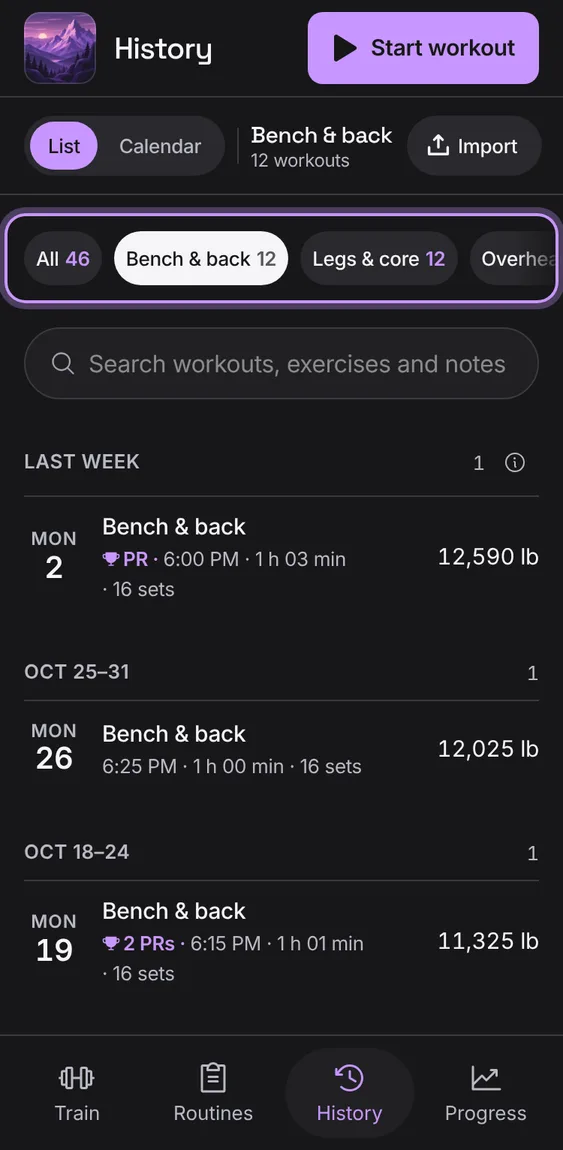
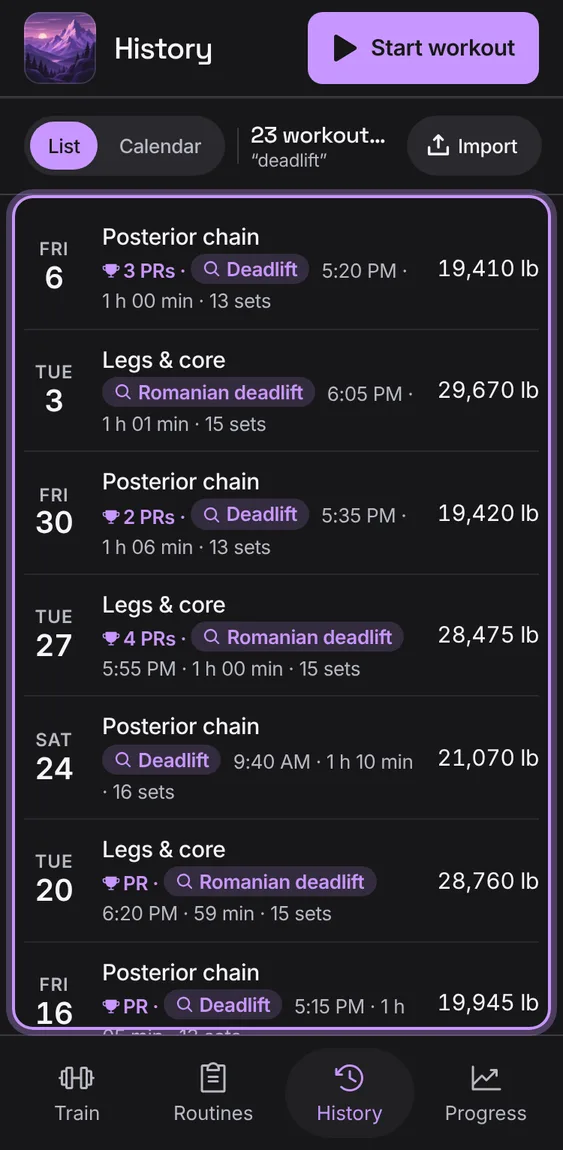
Search workouts by name, exercise or notes. Each match says why it matched.
- Type in Search workouts, exercises and notes.
On a wide screen a workout opens beside the list, starting with the latest.
- Open History on a computer or tablet.
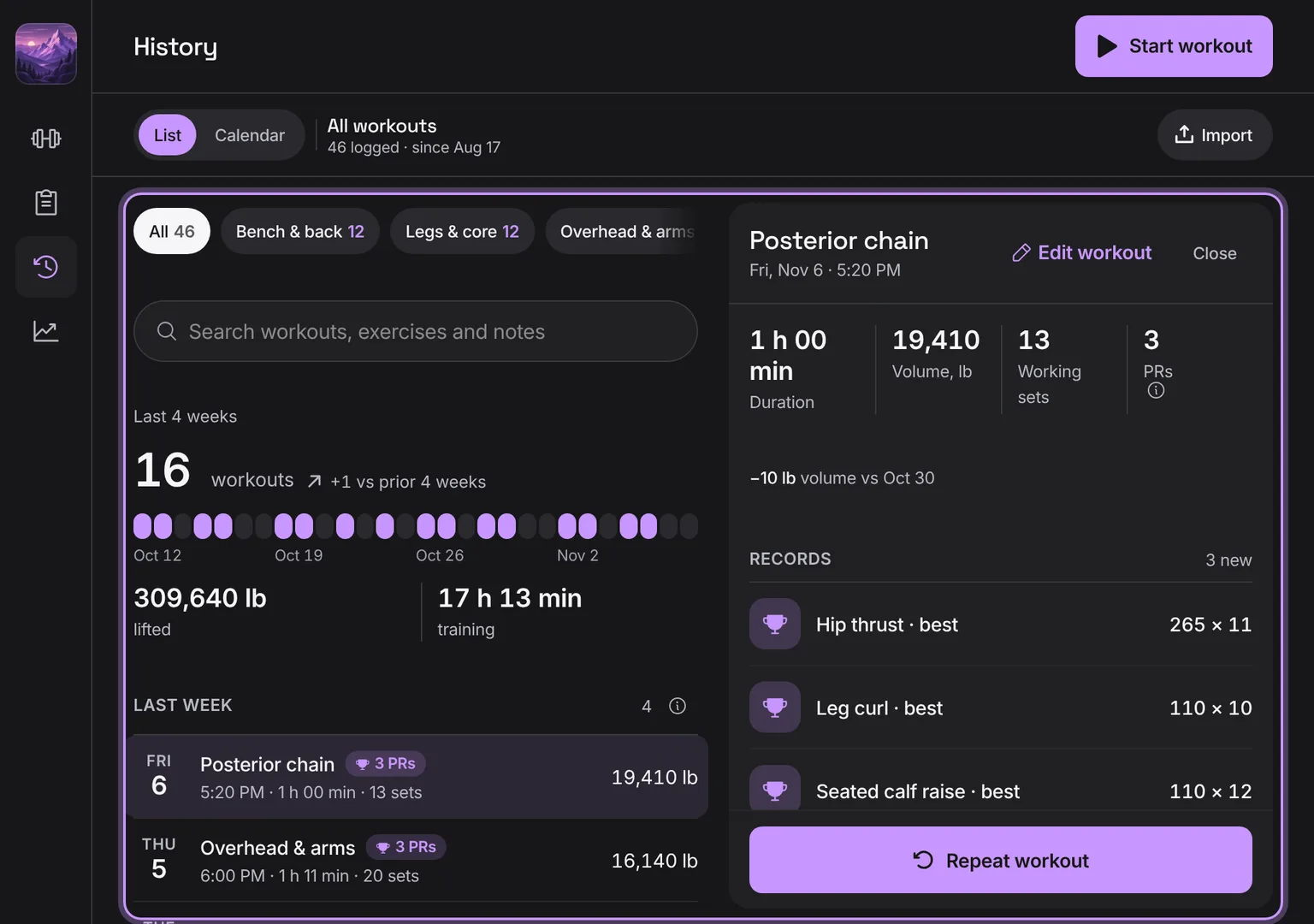
Shown at a computer’s width.