 Hub
Your subscription
In Account, see your plan, switch it, update your card, read invoices, cancel or ask for a refund, all yourself.
The Hub’s features play in its own demo, not on this page.
Every Your subscription feature
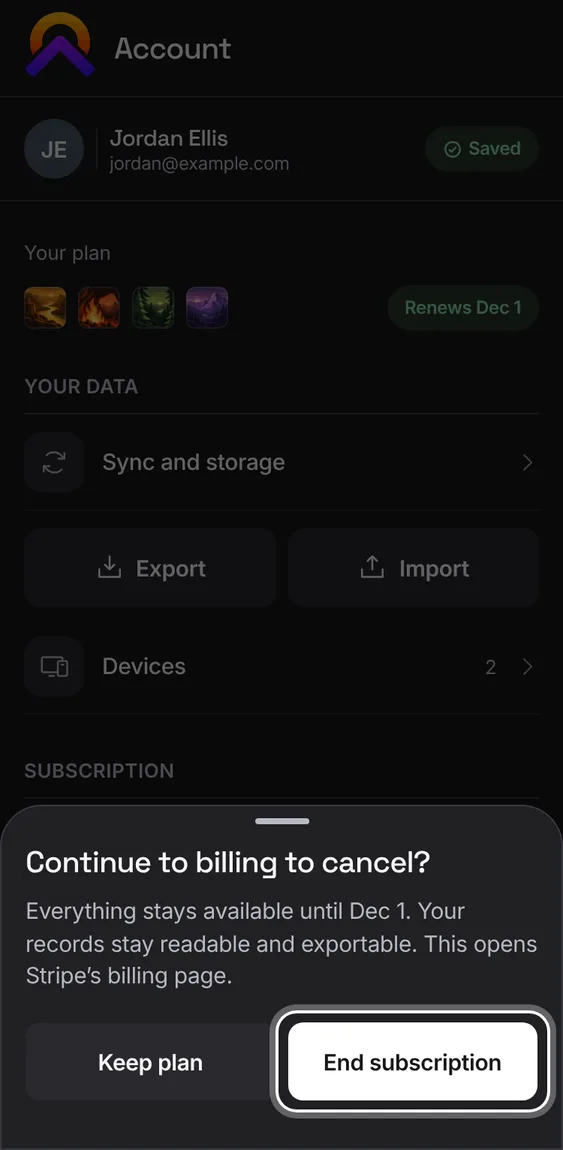
Cancel from Billing. It says how long everything stays open, and that your records stay readable and exportable, before Stripe's page opens.
- Billing › Cancel subscription, then End subscription. Keep plan leaves it as it is.
Coming back from Stripe, a message says the plan updates once the payment is confirmed, or that a cancelled checkout charged nothing.
- The plan in Account updates by itself.
Not in the demo. Goes on at Stripe or Google, which the demo never calls.
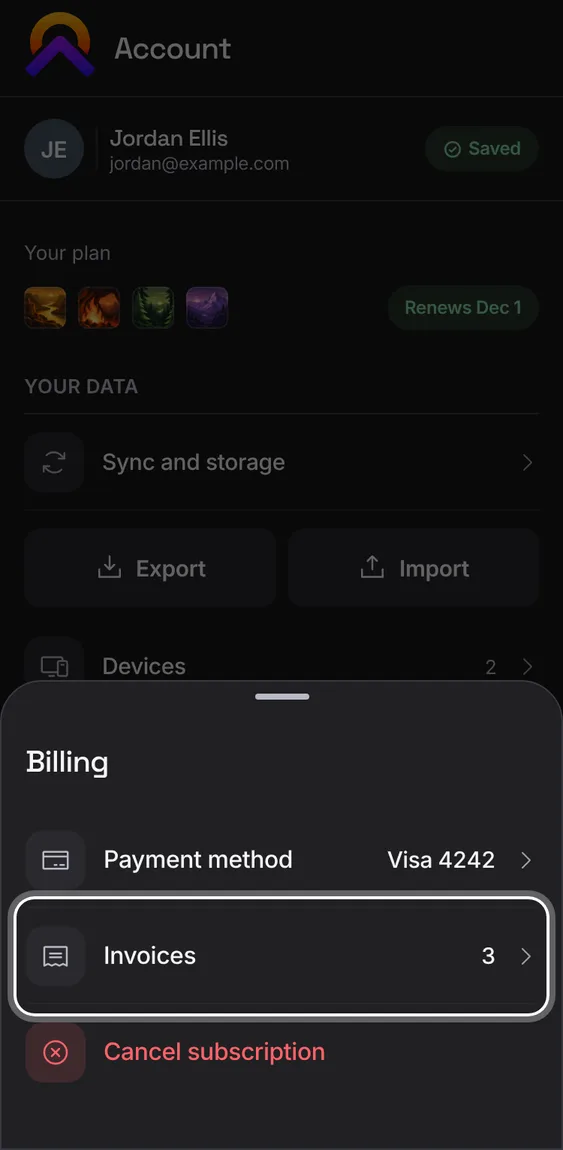
Billing shows how many invoices you have and opens them on Stripe's page.
- Account › Subscription › Billing › Invoices.
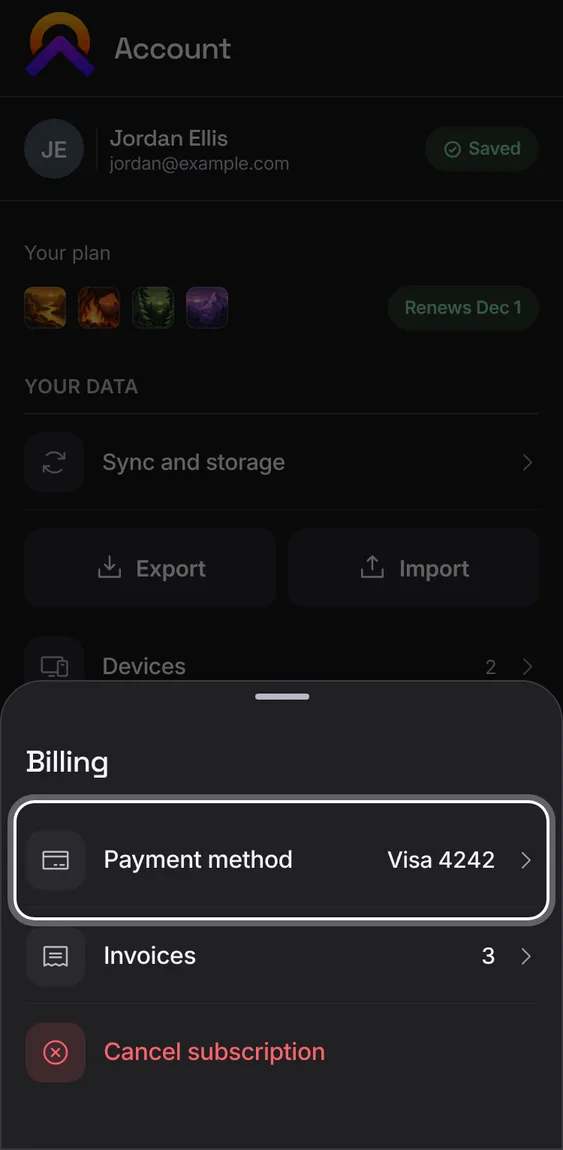
Billing shows the card that pays, by brand and last four digits, and opens Stripe to change it.
- Account › Subscription › Billing › Payment method.
Within 30 days of your first payment you can have it refunded and your plan ended, once per person.
- Account › Plan › Request a refund, then confirm the amount.
- The row shows the last day you can ask.
Not in the demo. Goes on at Stripe or Google, which the demo never calls.
A yearly plan gets one email before it renews, so the charge is never a surprise.
- It arrives once, ahead of the renewal date.
Not in the demo. Asks Apollo’s server, which the tour site doesn’t reach.
Move to another plan, or between monthly and yearly. You see the new price and what ends before you confirm; unused time is credited.
- Open Plan, pick Monthly or Yearly, then the plan to switch to.
- Confirm with Switch plan.
Not in the demo. Goes on at Stripe or Google, which the demo never calls.
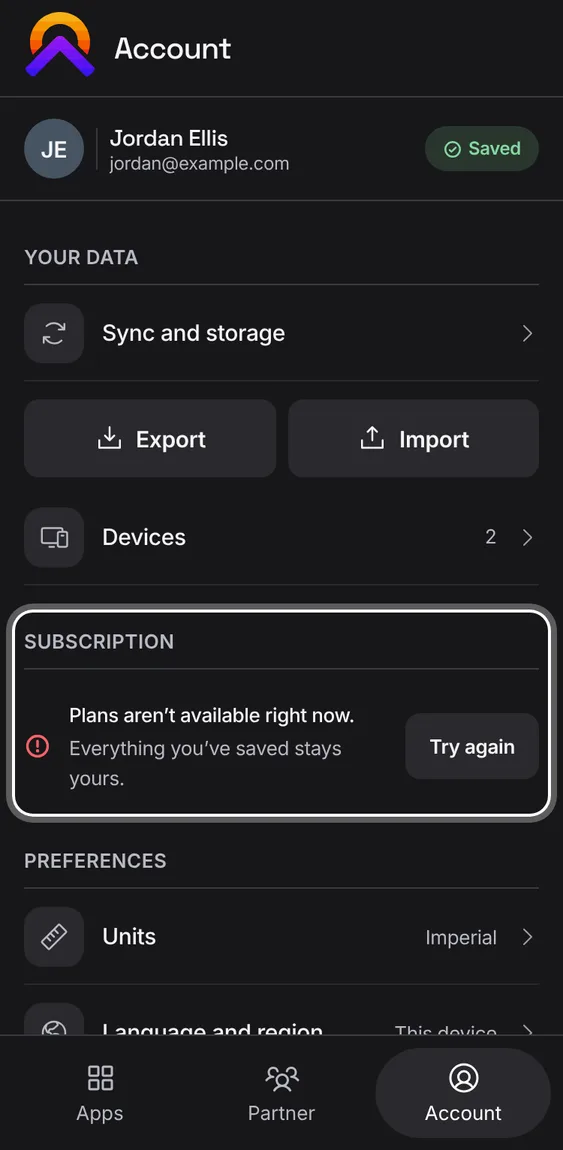
If plans can't be read for a while, Account says so and everything you've saved stays yours. A billing outage never takes away a paid plan.
- Tap Try again once it's back.
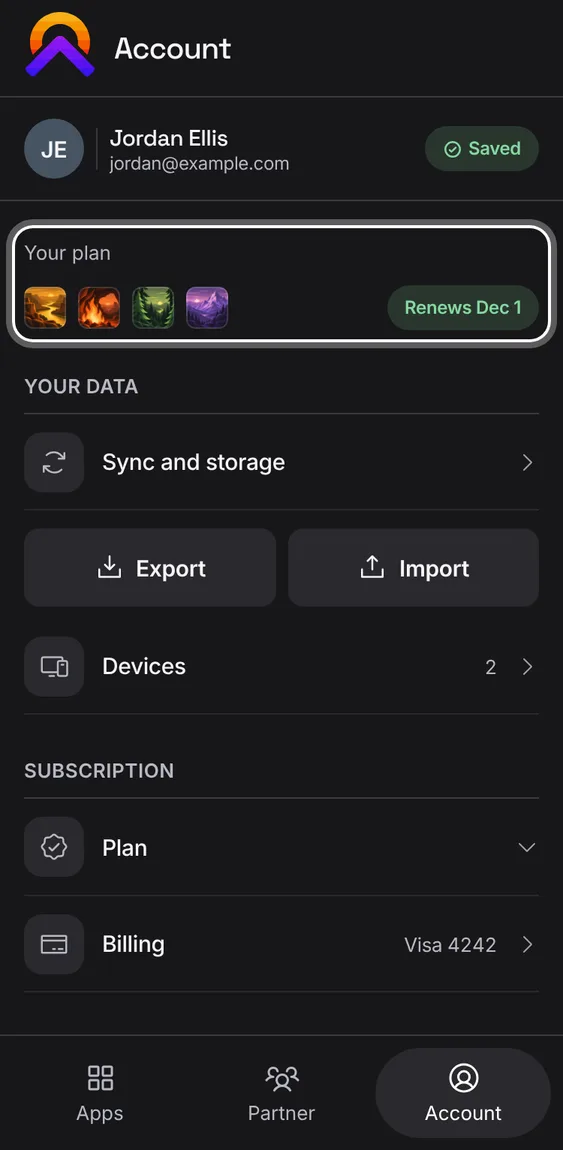
The top of Account shows your plan, its price, which apps it includes, and when it renews, ends or leaves its trial.
- A payment that failed shows as Payment overdue.