 Hub
Partner
Share your money and your kitchen with one partner. Each of you keeps your own sign-in; notes and workouts stay private.
The Hub’s features play in its own demo, not on this page.
Every Partner feature
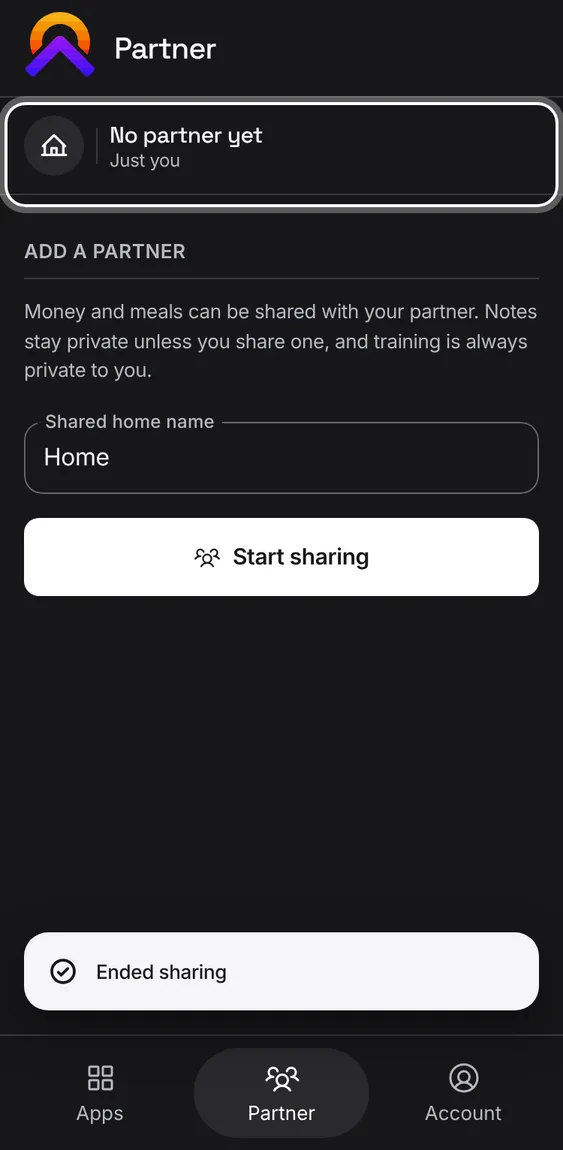
An owner on their own can end sharing. Any waiting invitation is cancelled, and Alluvium and Hearth stay with them.
- Tap End sharing and confirm.
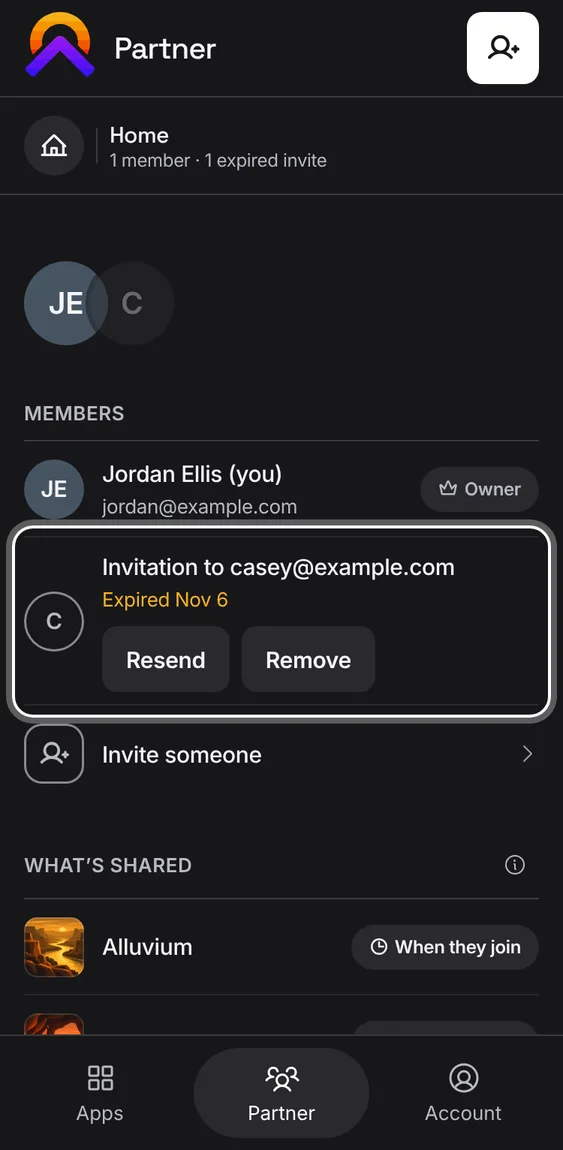
An invitation that ran out stays listed for you, with the date it expired, until you resend or remove it.
- Tap Resend for a fresh invitation to the same person, or Remove.
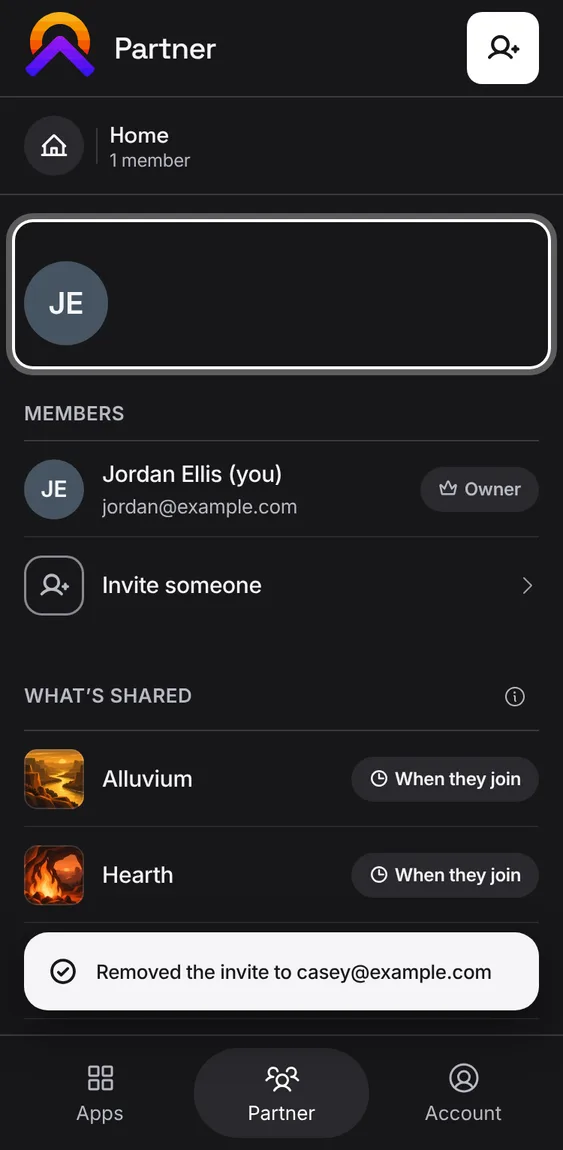
Remove takes an expired invitation off the list.
- Tap Remove on the expired invitation.
Resend makes a fresh invitation for the same person, role and apps, then removes the expired one.
- Tap Resend. Without email, the new link is shown once to send yourself.
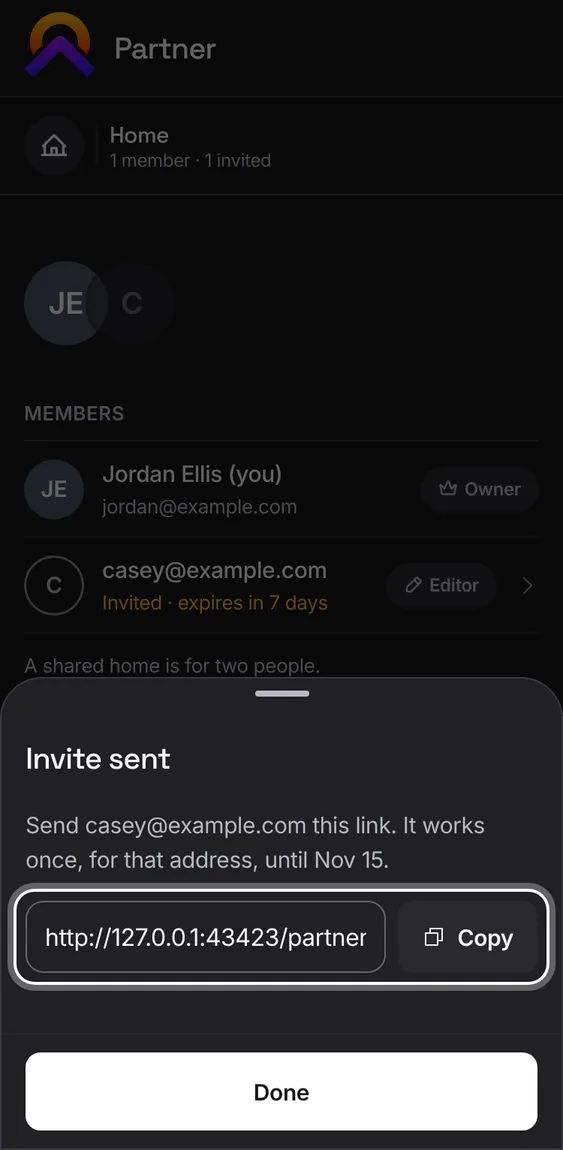
A shared home is for two people. Once both places are taken, Partner says so where Invite was.
- To invite someone else, remove your partner or revoke the waiting invitation first.
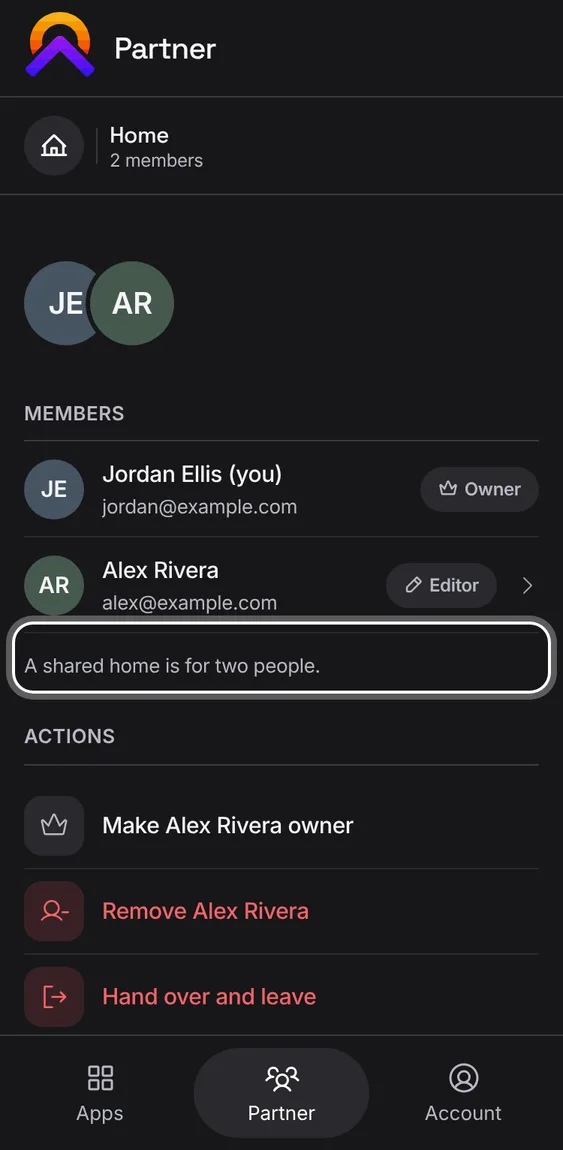
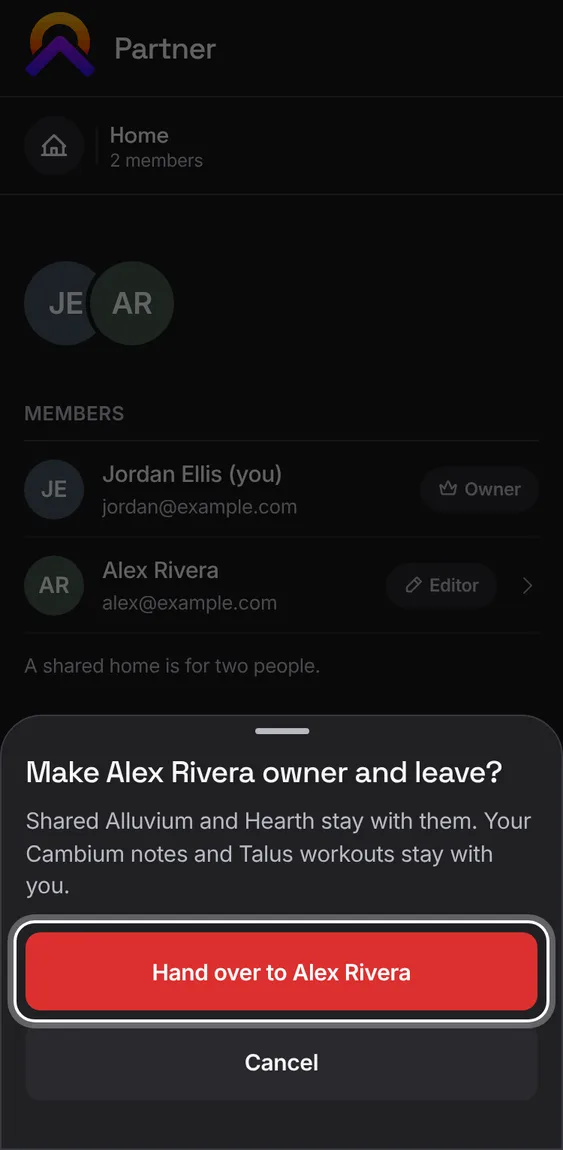
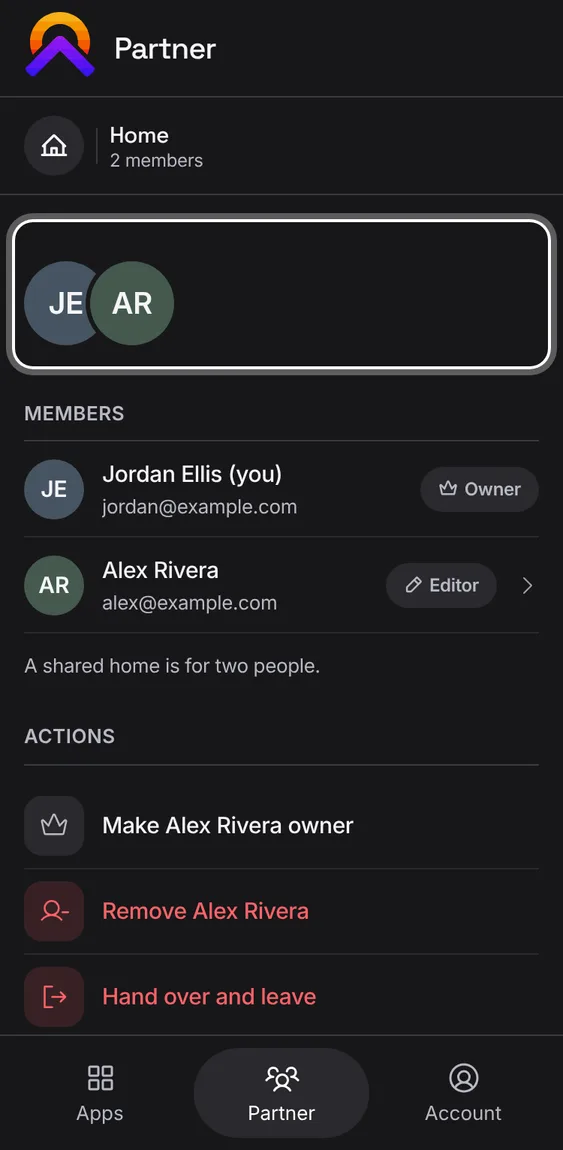
An owner who wants to leave hands ownership to their partner and leaves in one step.
- Tap Hand over and leave and confirm.
Invite one person by email, as an editor or a viewer, and choose whether notes you choose to share go too.
- Tap Invite someone, type their email, pick Editor or Viewer, then send.
- An incomplete address says what's missing instead of the button going grey.
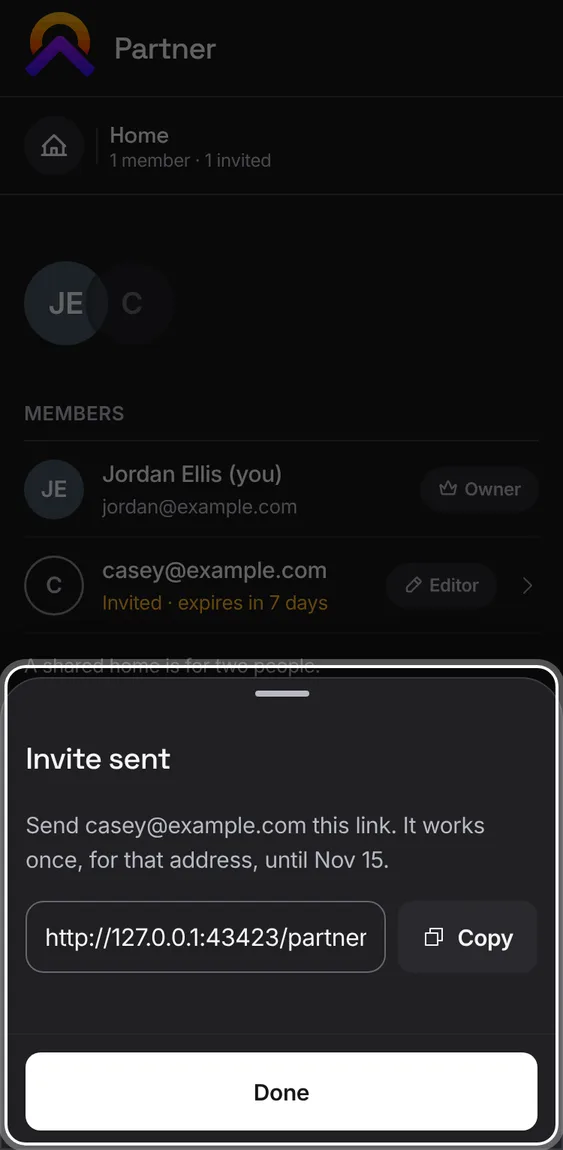
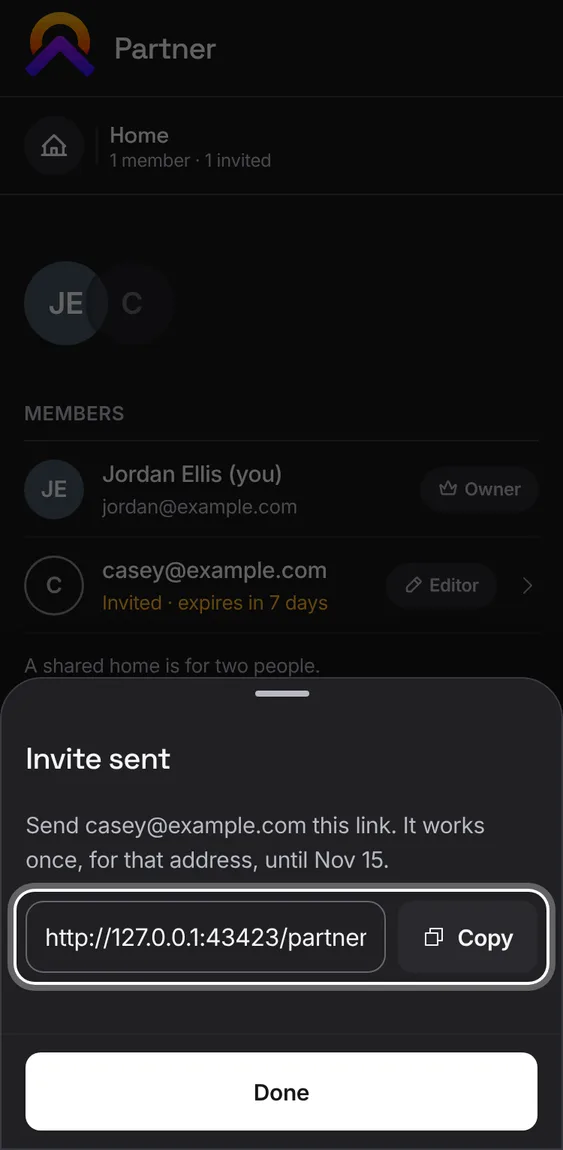
When the invitation can't be emailed, its link is shown once for you to send yourself.
- Copy the link and send it however you like. It lasts 7 days.
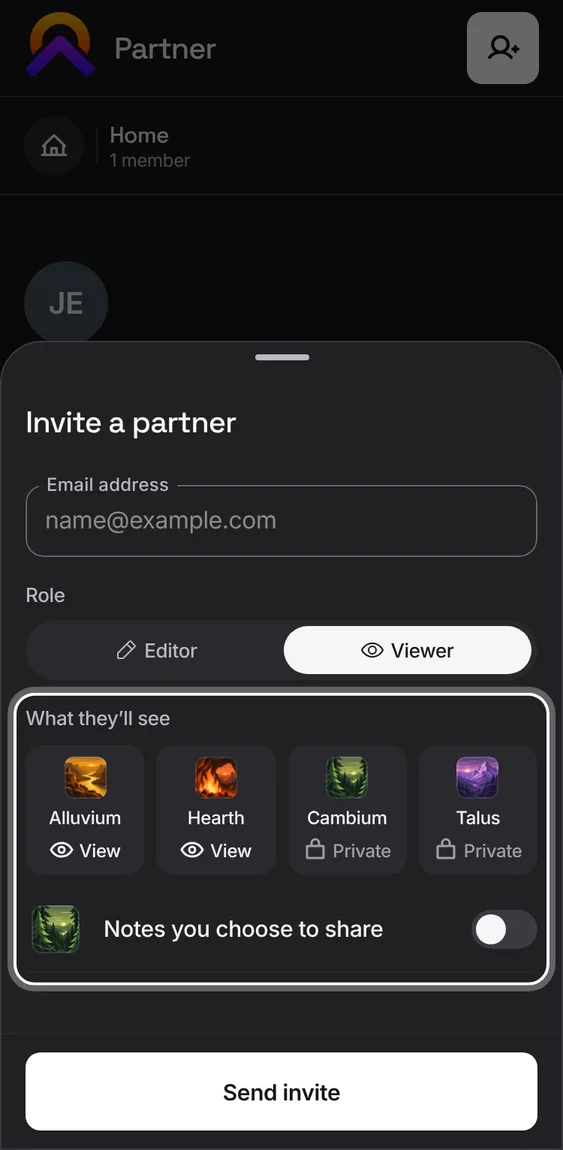
An editor can change shared money and kitchen records; a viewer can only look.
- Pick the role when you invite. The owner can change it later.
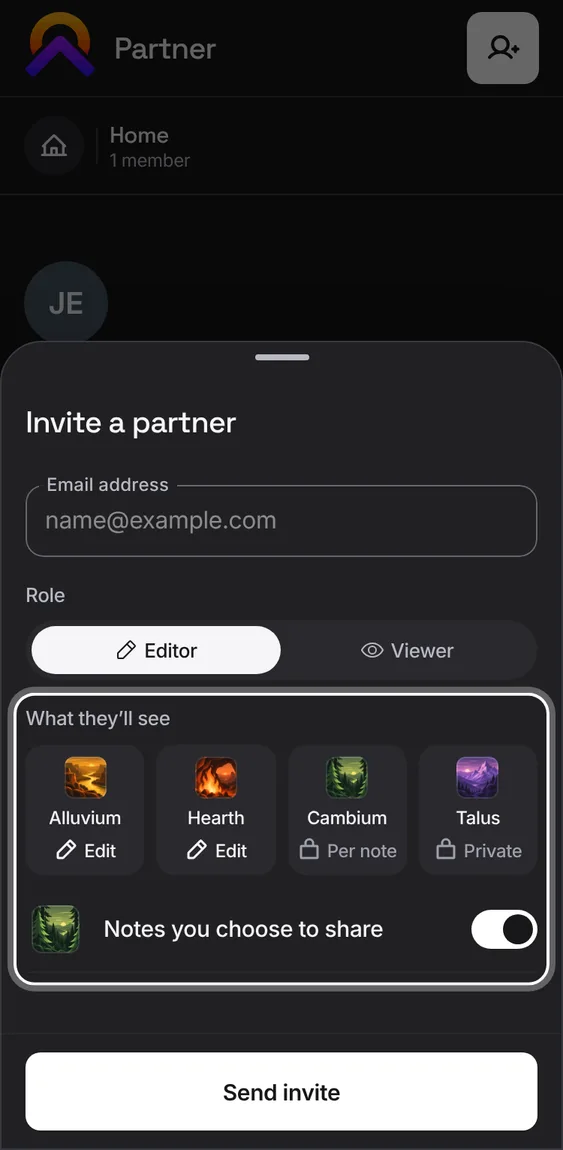
Turn this on to let your partner see the notes you choose to share in Cambium. Everything else in Cambium stays private.
- Switch it on in the invitation or later in their sheet. Each note is shared on its own.
Open the invitation link and sign in with the email it was sent to. You join automatically, and the page says what joining shares.
- Tap the link, then Sign in to join.
- If the invitation expired or went to another email, it says which.
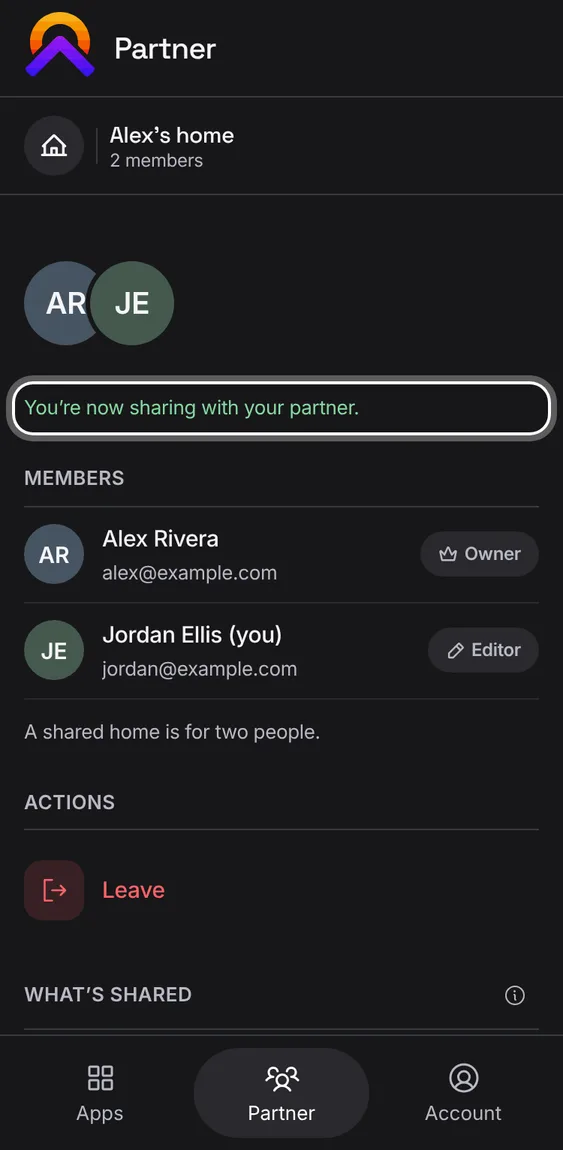
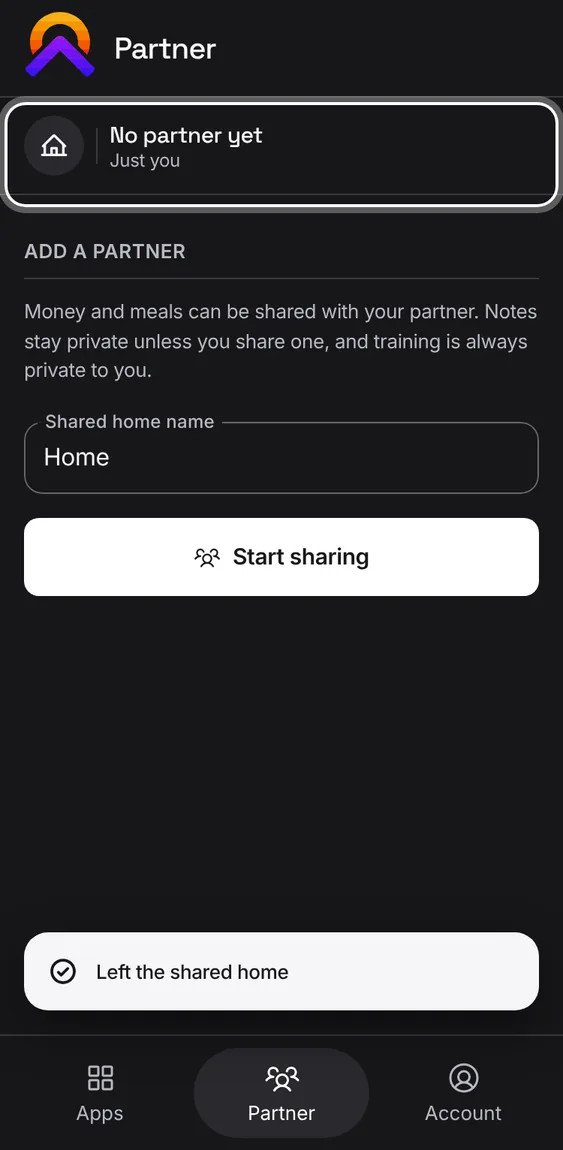
A partner can leave. Shared Alluvium and Hearth are no longer theirs; their own notes and workouts go with them.
- Tap Leave and confirm with Leave shared home.
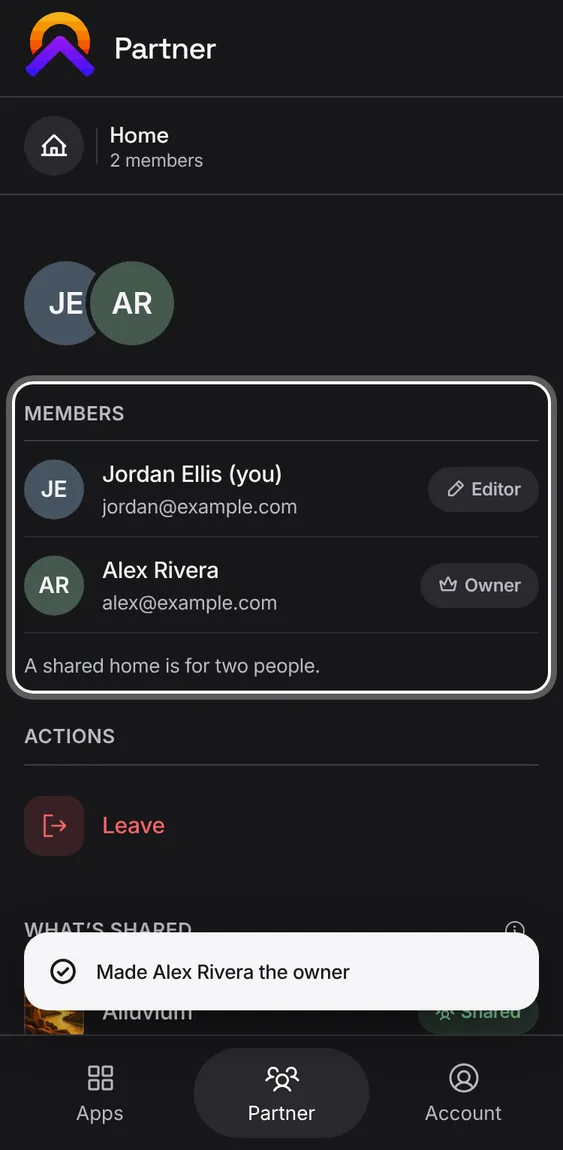
Hand ownership to your partner. They'll manage members and invitations; you stay as an editor.
- Tap Make Alex owner under Actions or in their sheet, and confirm.
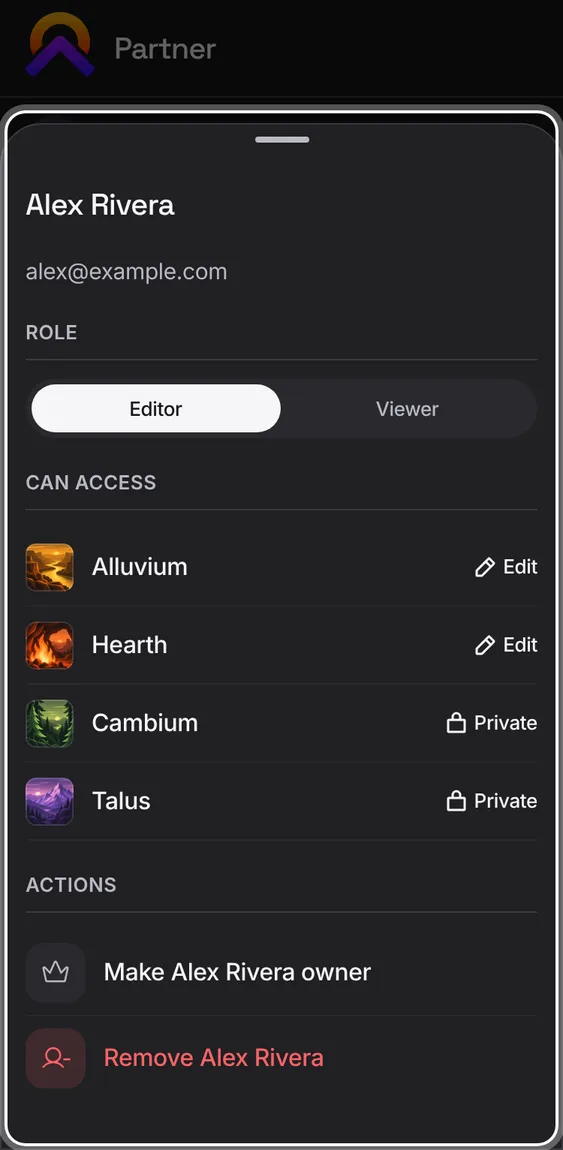
Tap your partner to see their role and what they can reach in each app.
- Change their role with Editor or Viewer; Undo puts it back.
- Can access lists each app: Edit, View, Per note or Private.
A shared home for two people: one owner and one partner, who can edit or only view. Every read and change is checked on the server.
- The owner invites, changes roles and removes; either of you can leave.
- Shared money and kitchen are one; each person's notes and workouts stay their own.
An invitation that hasn't been accepted shows under Members with how many days it has left.
- Tap it to resend or revoke it.
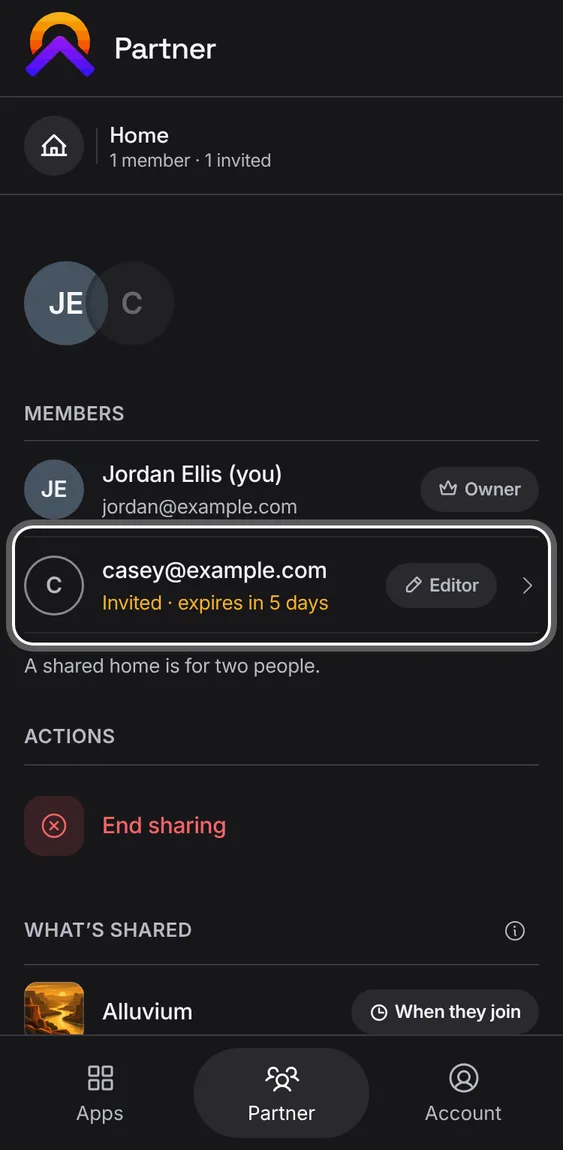
Send the same invitation again. Its link stays the same and gets a fresh 7 days.
- Open the invitation and tap Resend invite. If it's been sent too often, it says so.
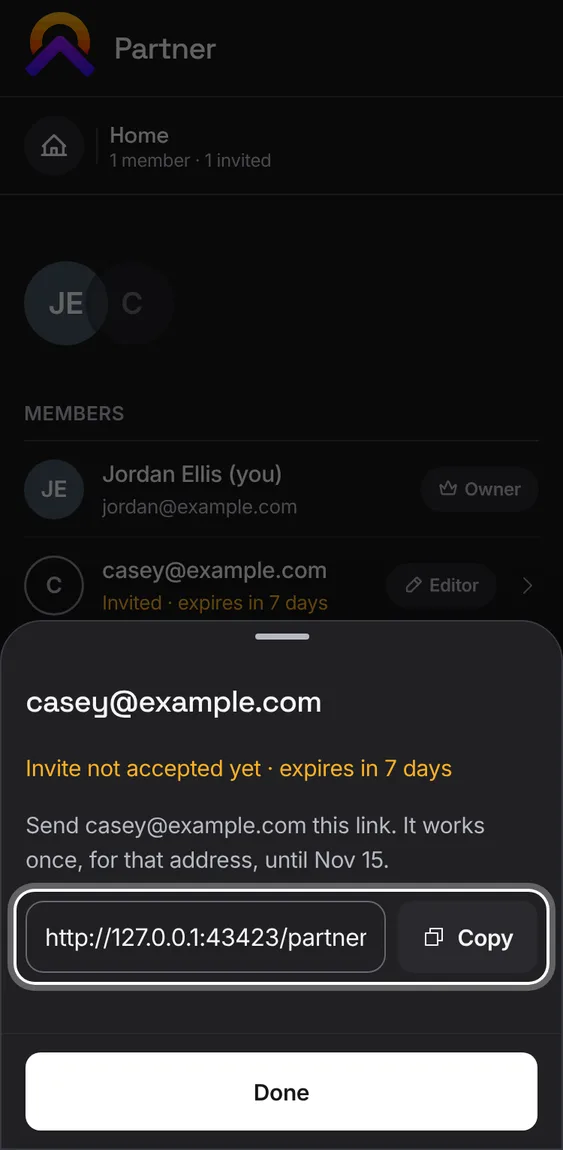
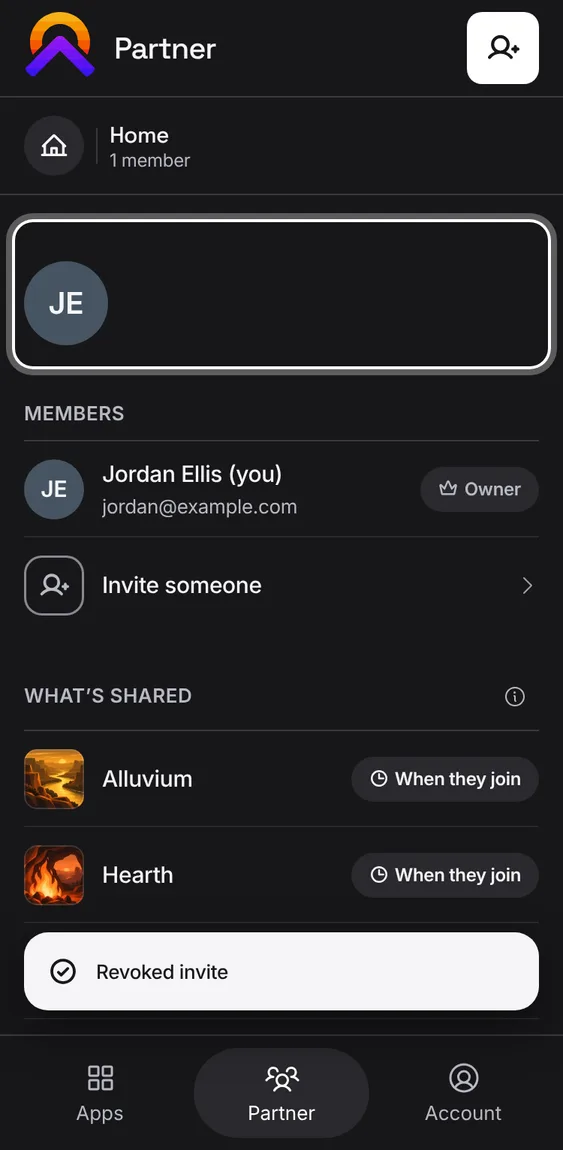
Cancel an invitation so its link stops working. You can invite them again any time.
- Open the invitation, tap Revoke invite and confirm.
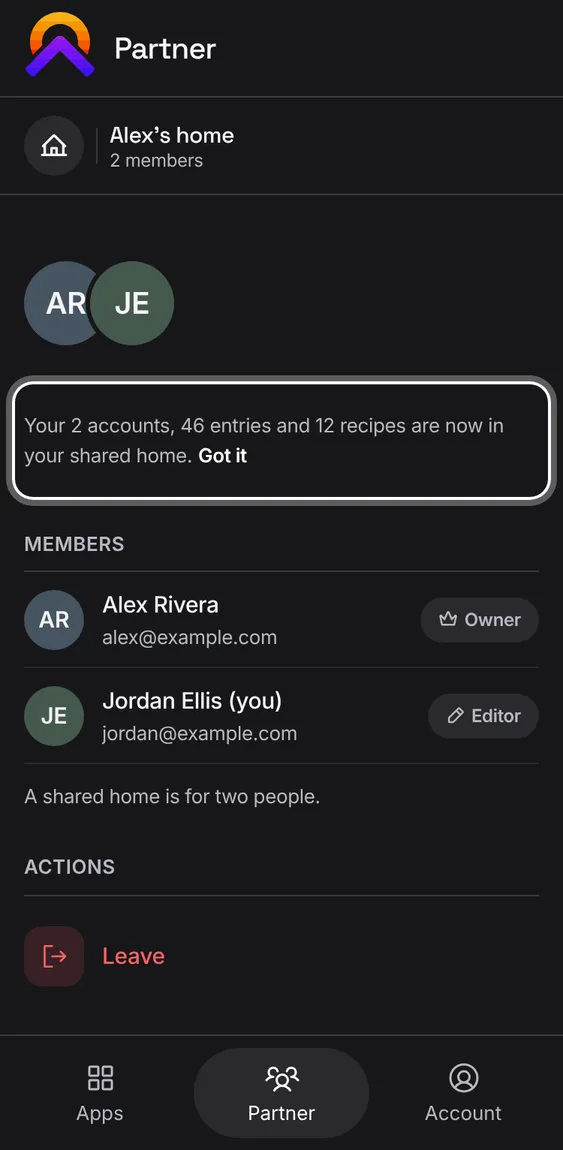
Joining a shared home brings your own money and kitchen records into it, marked as yours. Leaving takes them back. Notes and workouts never move.
- It happens by itself, with one notice saying what moved. Tap Got it to dismiss it.
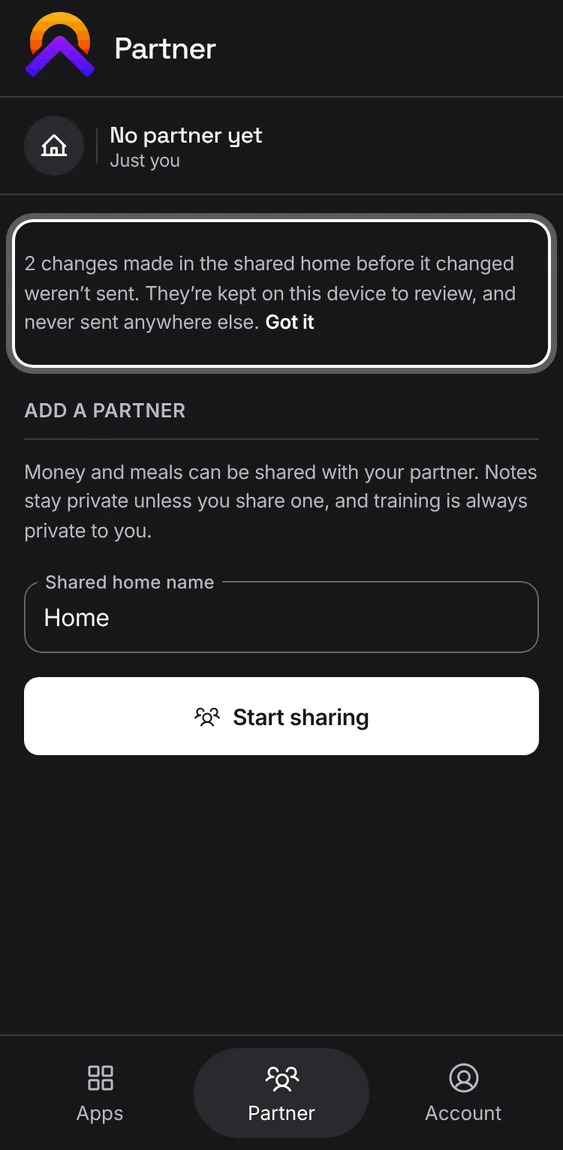
Changes this device had queued for a shared home you've left are held here, never sent to another place.
- The notice says what's held. Tap Got it once you've seen it.
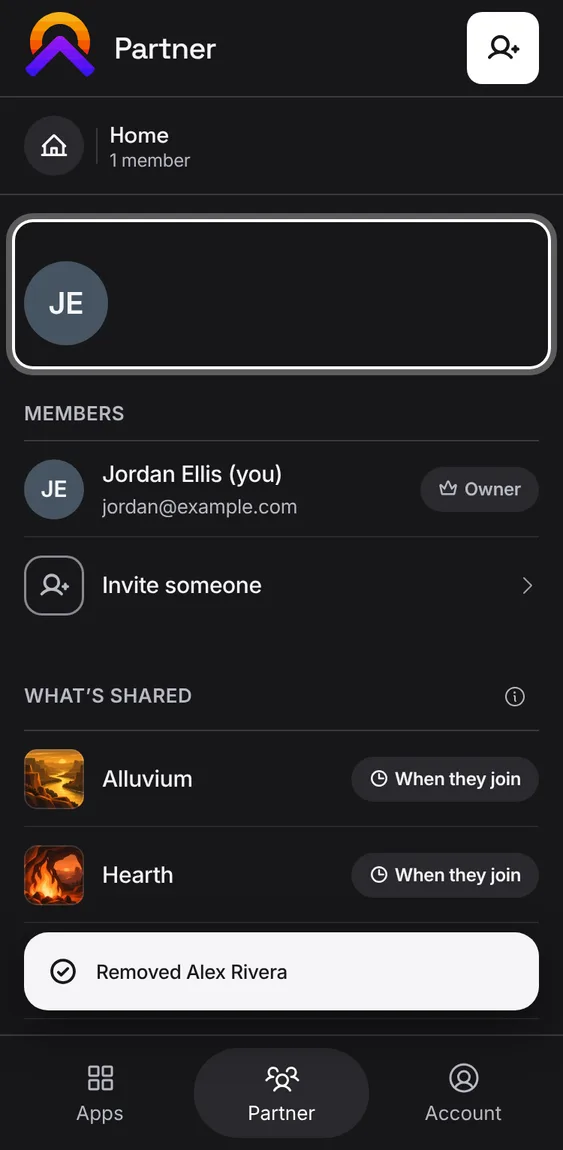
The owner can remove a partner. They lose shared Alluvium and Hearth at once; their own notes and workouts stay theirs.
- Tap Remove Alex and confirm.
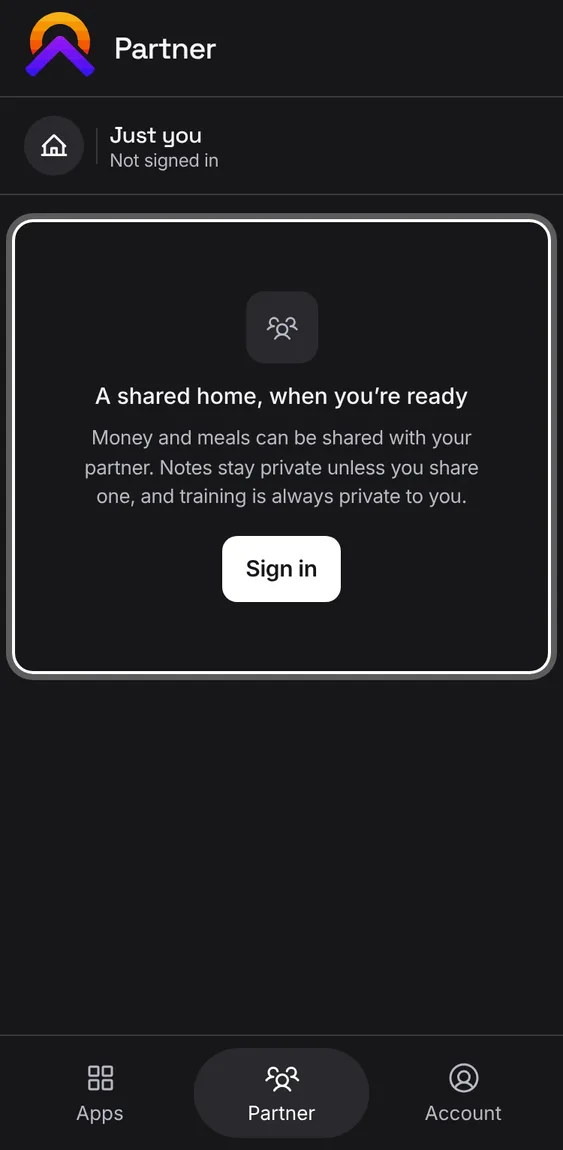
Signed out, Partner explains a shared home and offers Sign in.
- Tap Sign in to start or join a shared home.
On your own, Partner offers to start a shared home: give it a name and you're its owner, ready to invite.
- Type a name under Add a partner and start sharing.
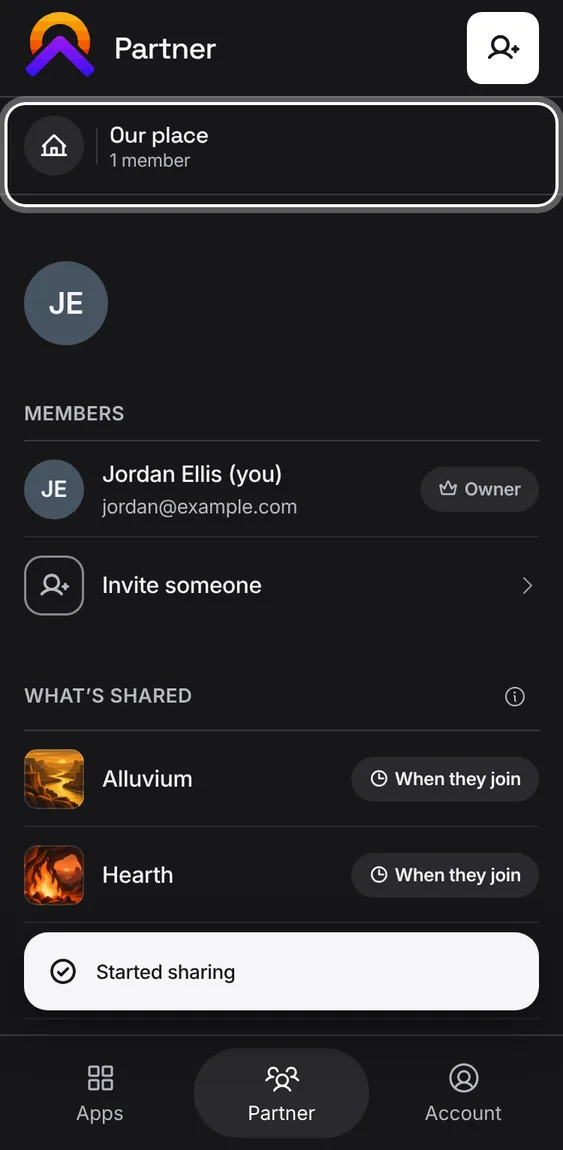
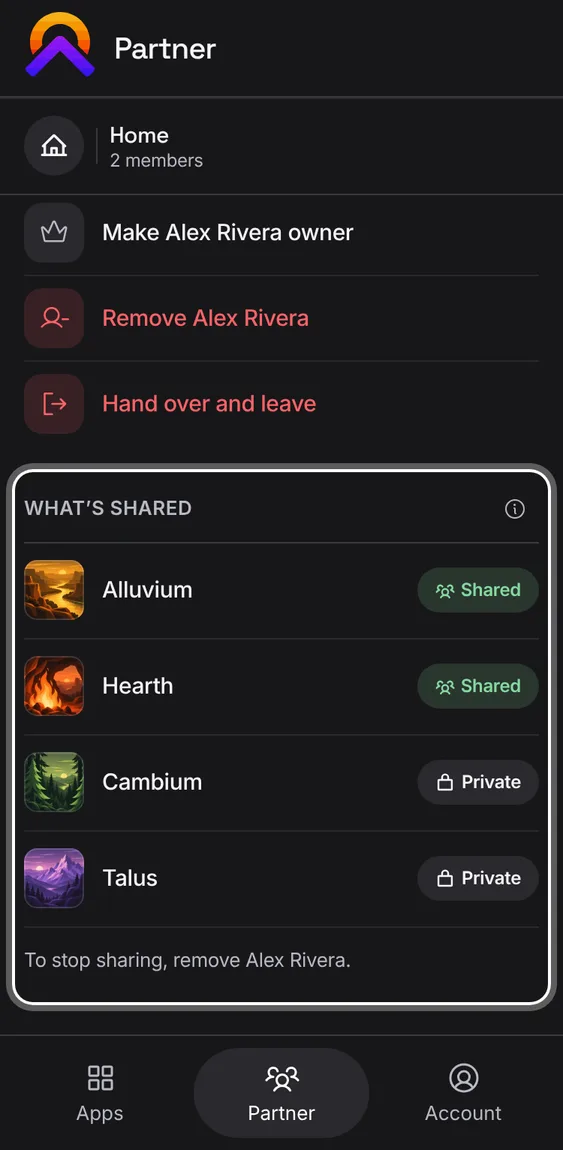
Partner lists each app with what your partner sees: Alluvium and Hearth shared, Cambium per note, Talus private.
- The (i) beside What's shared explains what a partner sees.
- The pills are status, not switches; how sharing stops is said under them.