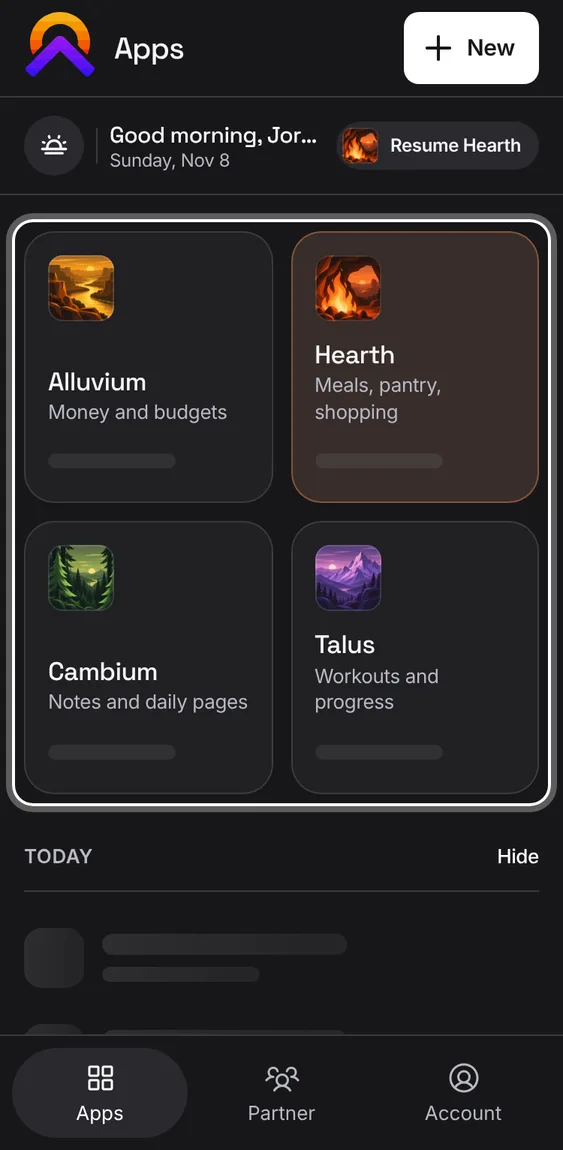
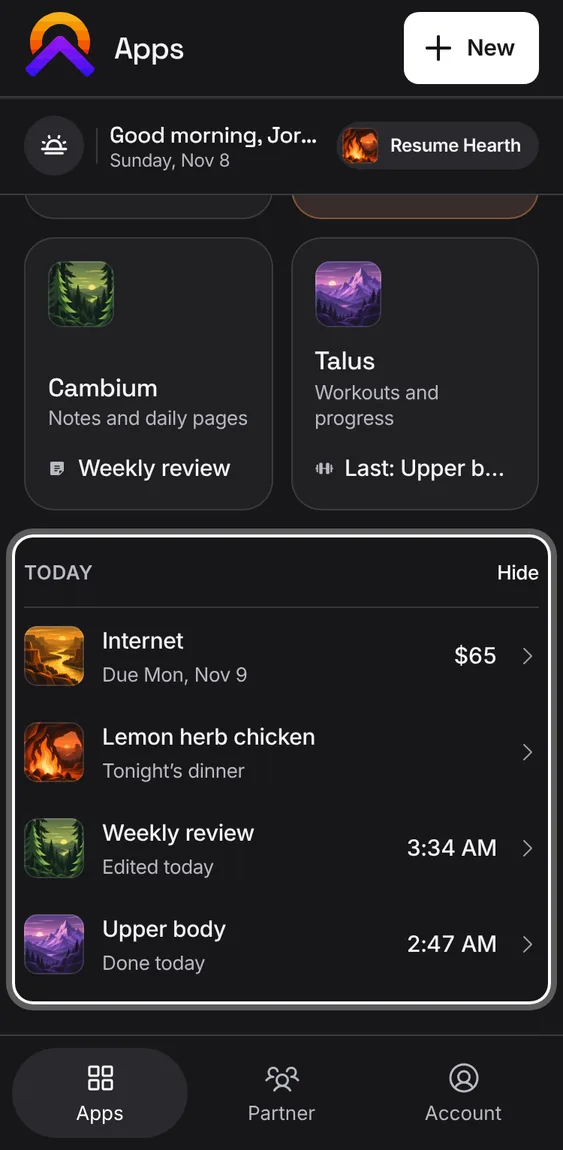
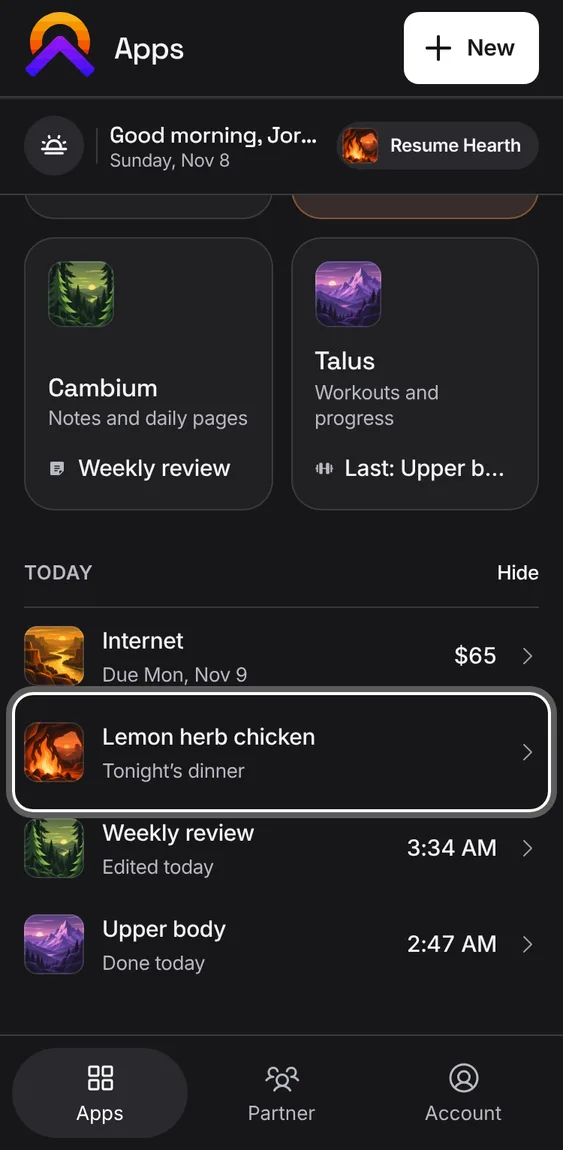
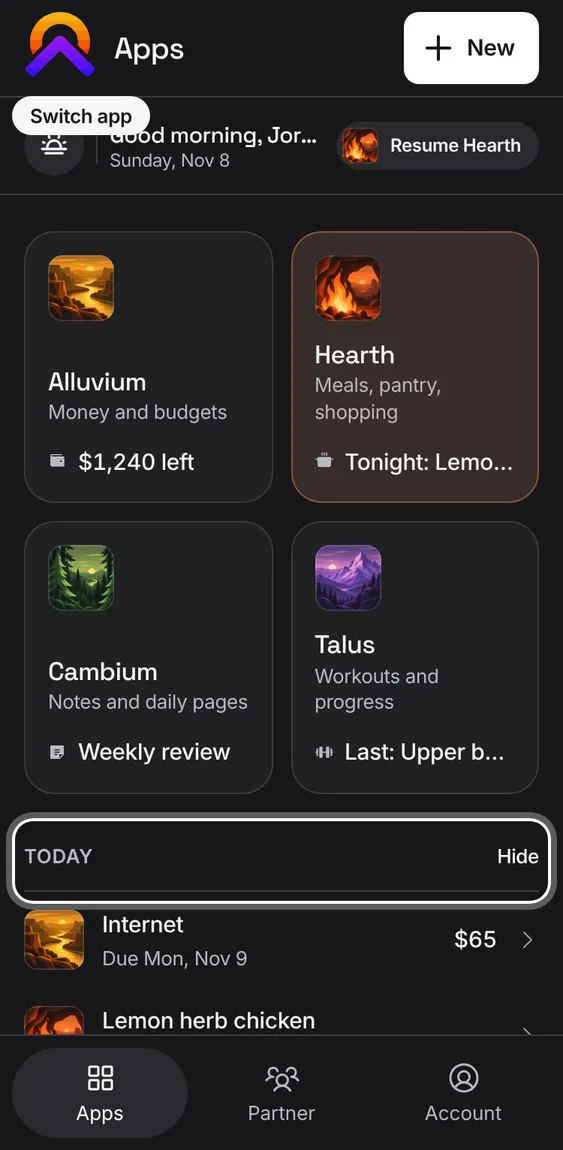
Signed out, when Apollo can't be reached to show its plans, an app with nothing in it offers its demo, right on its tile.
Tap Demo on the tile to see that app with sample data.
Signed out and online, Apollo opens on its home page with the demos instead; signed in, tiles don't offer the demo; Account keeps it under Help and feedback.
Not in the demo. Shows before anything is saved; the demo has sample data.
Every app has its own address on apollo-suite.com, so you can bookmark it, link to it or install it on its own.
Open apollo-suite.com/alluvium/, /hearth/, /cambium/ or /talus/.
Old product subdomains send you to the same place.
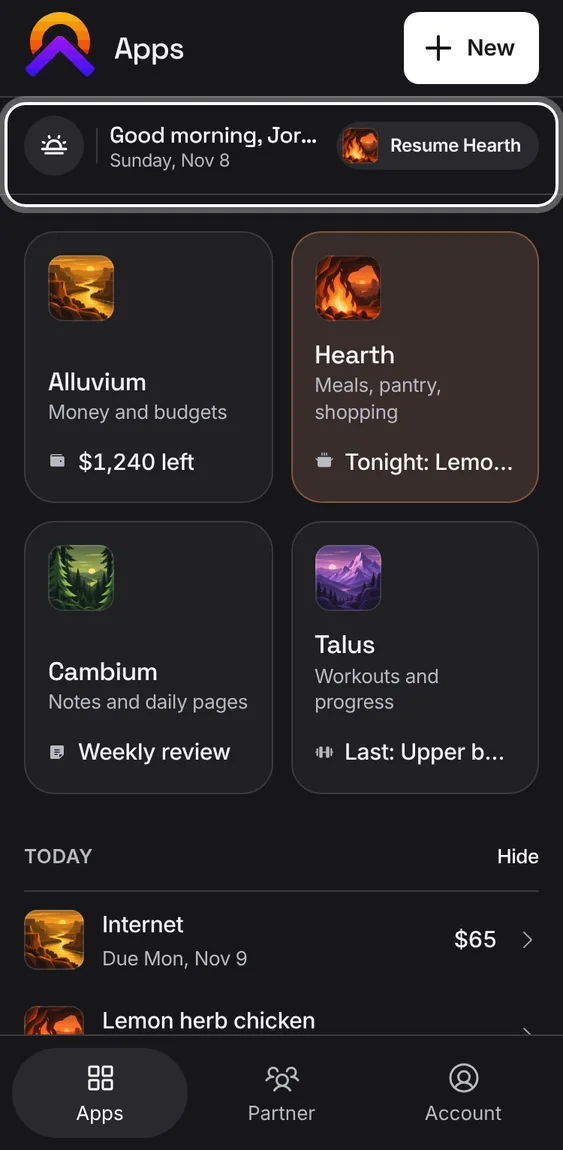
Apps greets you by your first name for the time of day, with today's date in your time zone.
Your first name comes from your profile. Without one, it just says good morning, afternoon or evening.
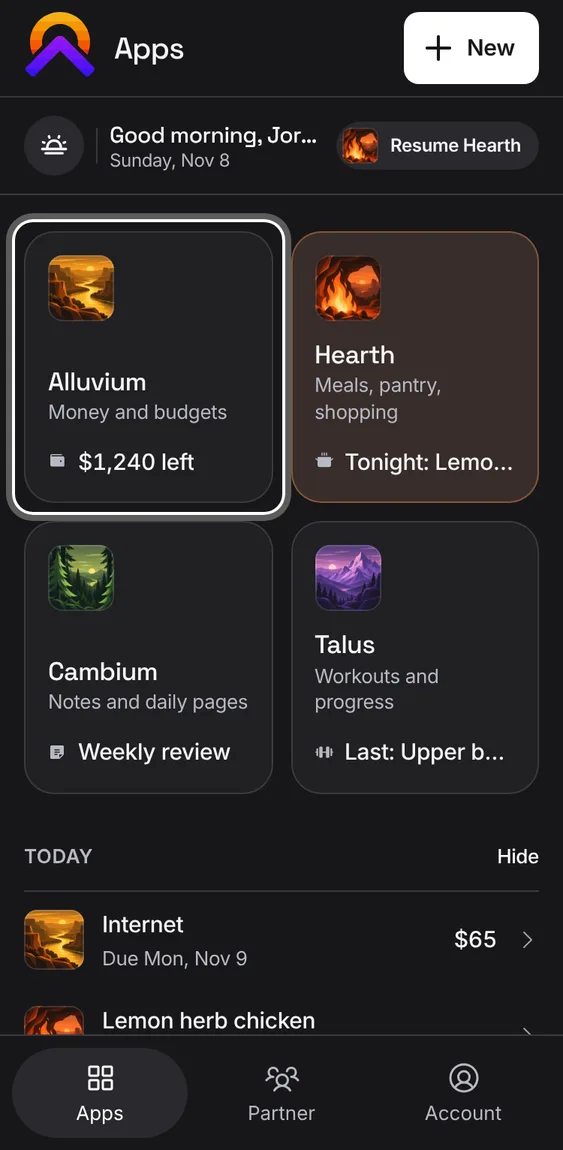
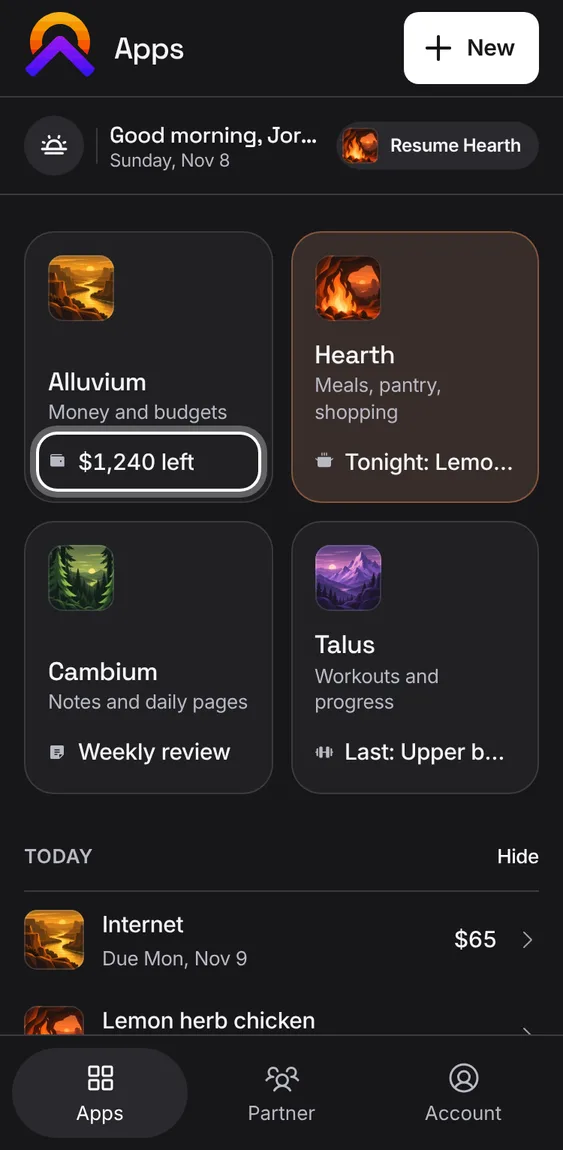
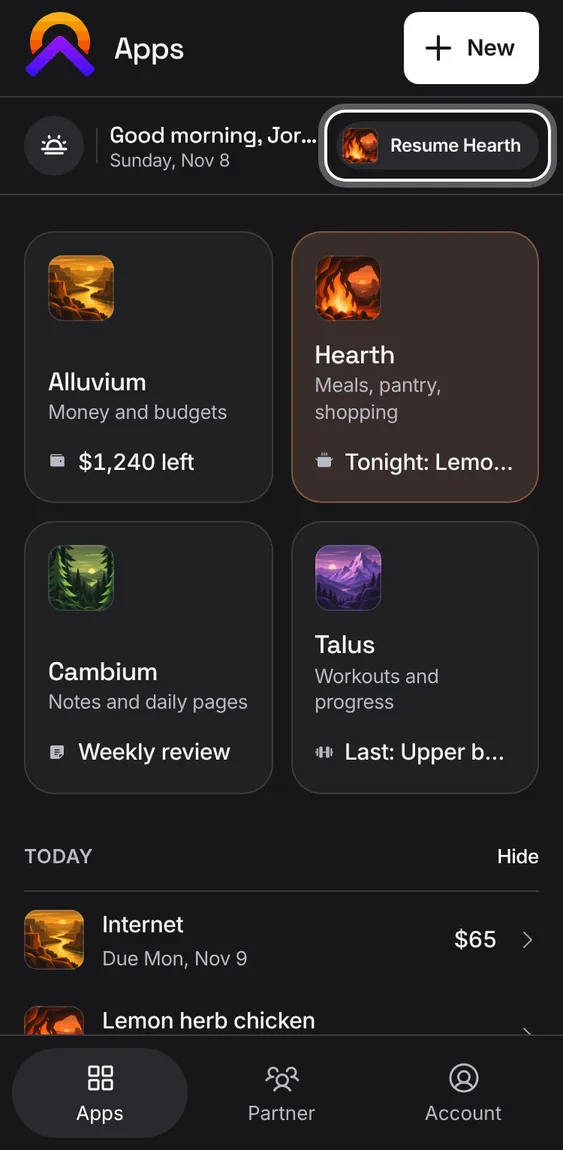
Each tile shows one real thing from its app: money left this month, tonight's dinner, your latest note, your last workout.
Nothing to show says so plainly, like "No budget yet" or "Nothing planned tonight".
An app this browser hasn't synced yet says "Syncs when opened" instead of looking empty.
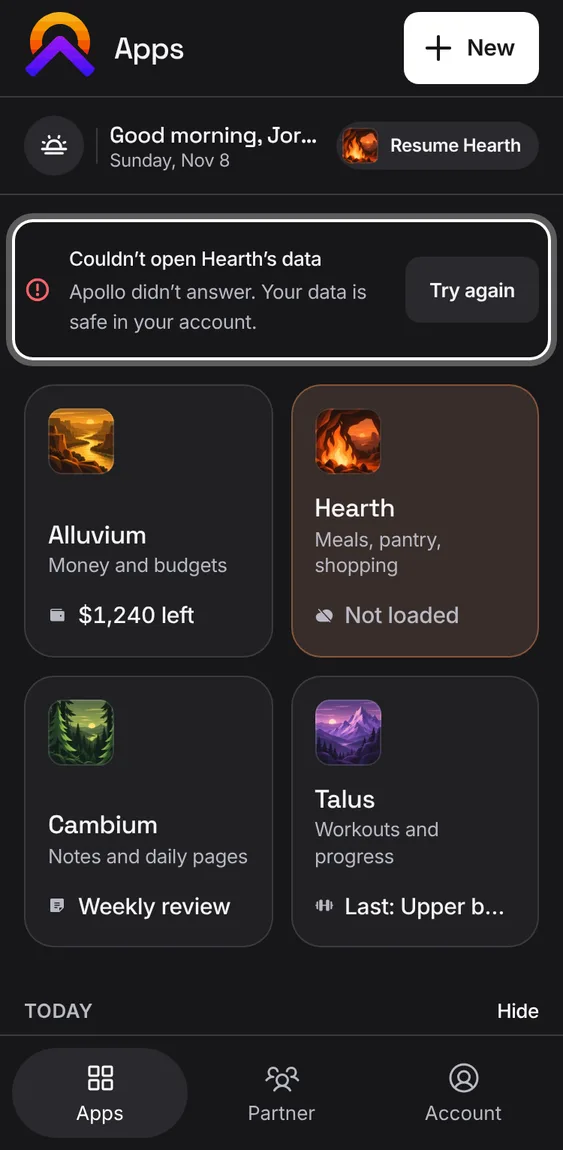
If some apps couldn't be read, one message names them with a Try again button. Their tiles say "Not loaded" rather than looking empty.
Tap Try again to read them again.
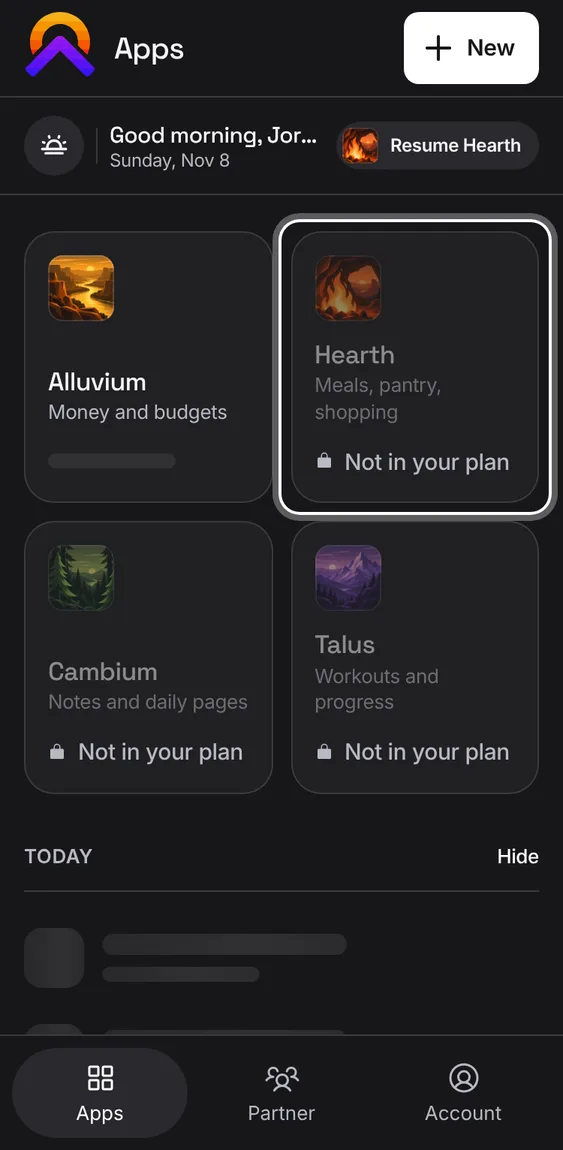
If your plan doesn't include an app, its tile is dimmed with a lock and says "Not in your plan".
Tap a locked tile to see the plans that include that app.
The Hub remembers the app you used last on this device and offers to take you back.
Tap Resume in the bar at the top of Apps.
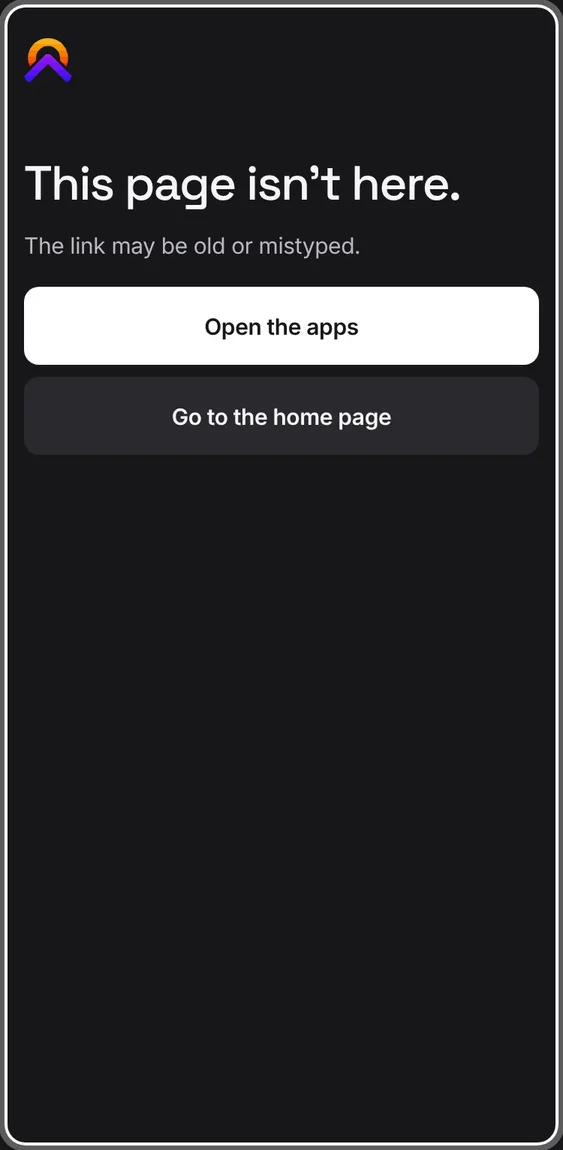
An address that doesn't exist shows a plain page saying so, with a way back to the apps.
Follow the link back to Apollo.
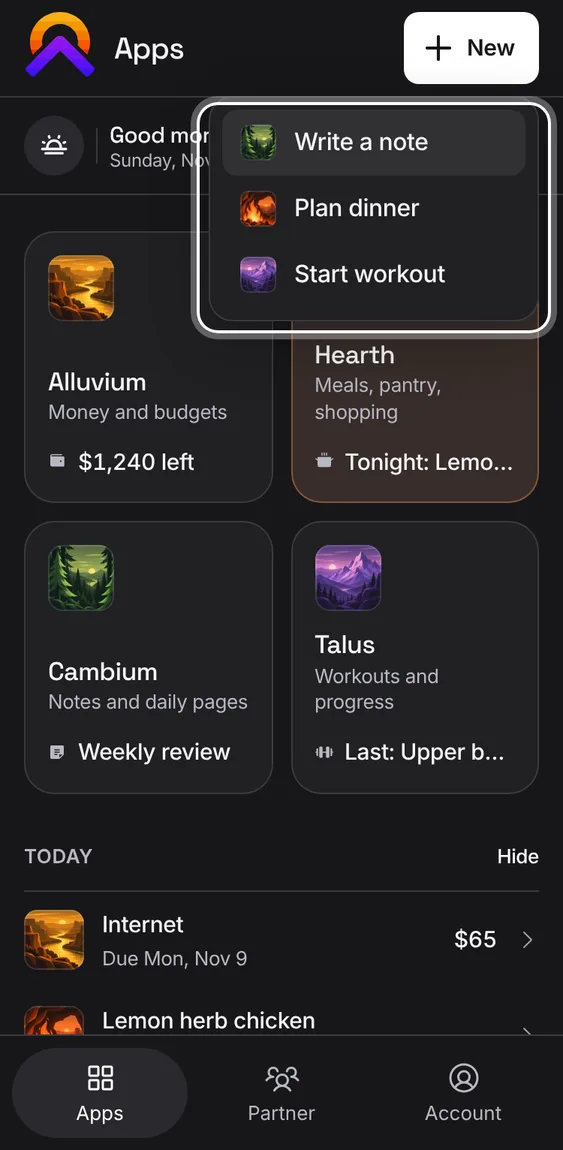
The + at the top of Apps ("New" on phones) starts a note, tonight's dinner or a workout without hunting for the app first.
Tap New, then Write a note, Plan dinner or Start workout.
Each opens in its own app, ready to go.
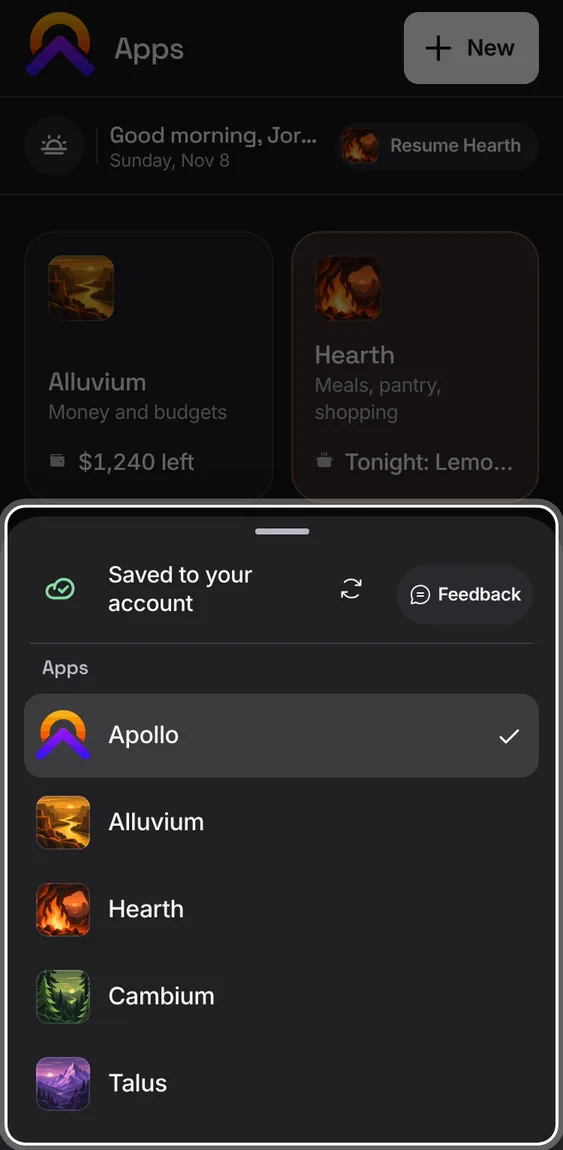
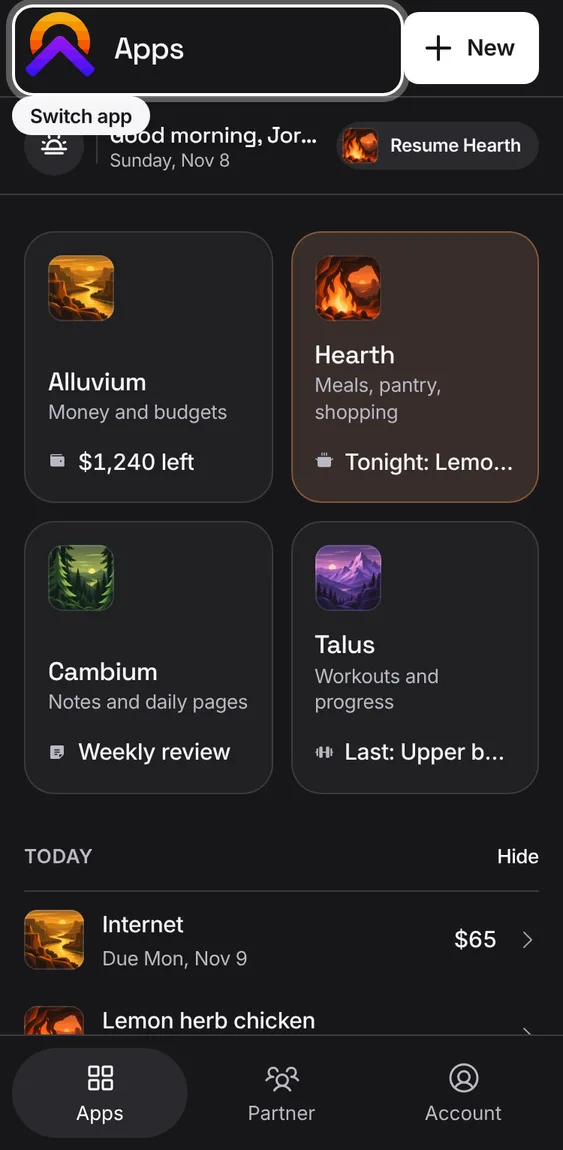
Every app's mark, top left, opens the list of apps, so any app is one tap from any other.
Tap the app's mark, then the app you want.
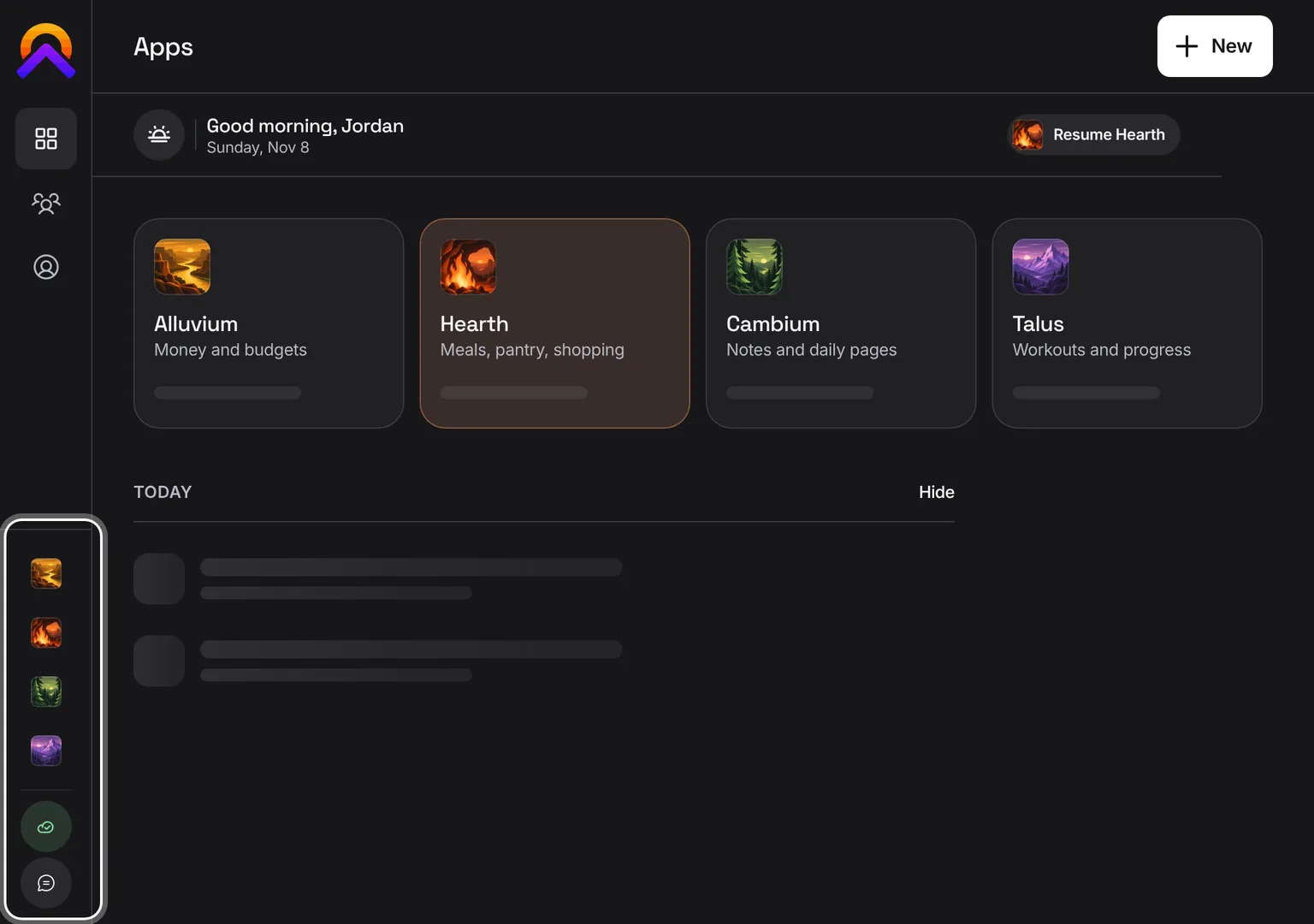
On phones the list rises from the bottom; on a computer it's the sidebar.
 Hub