 Hearth
Shared kitchen and recipe links
Your household shares the recipes, plan, list and pantry; anyone can be sent a link to one recipe.
Every Shared kitchen and recipe links feature
One sheet for a recipe, the plan or the list: who already sees it, the ways to take it out of Hearth, and a preview of exactly what leaves.
- Tap the share icon.
- Nothing is sent anywhere unless you choose Send.
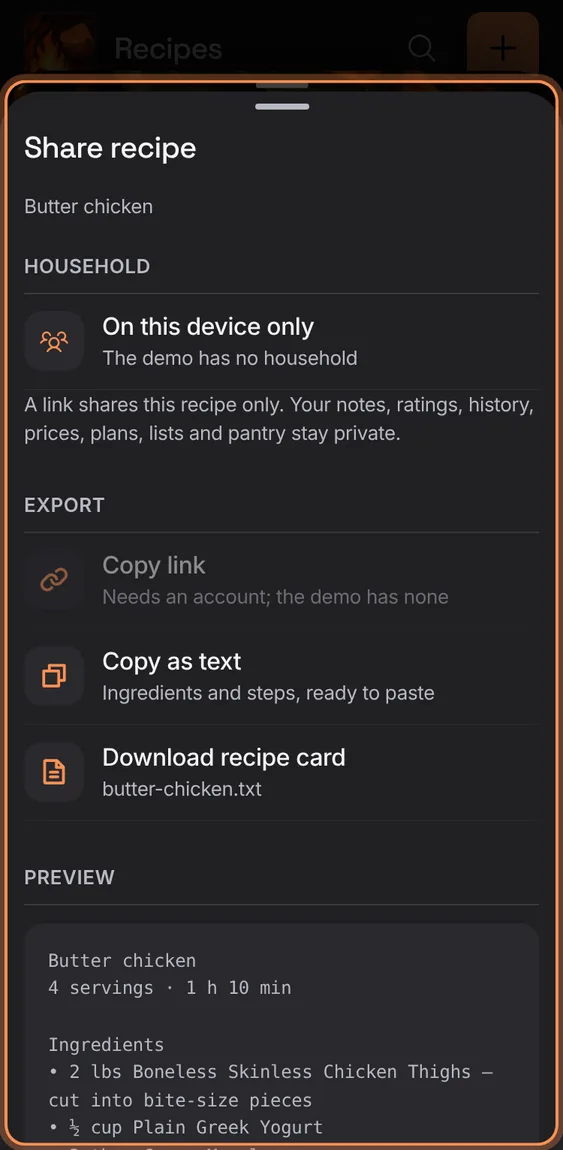
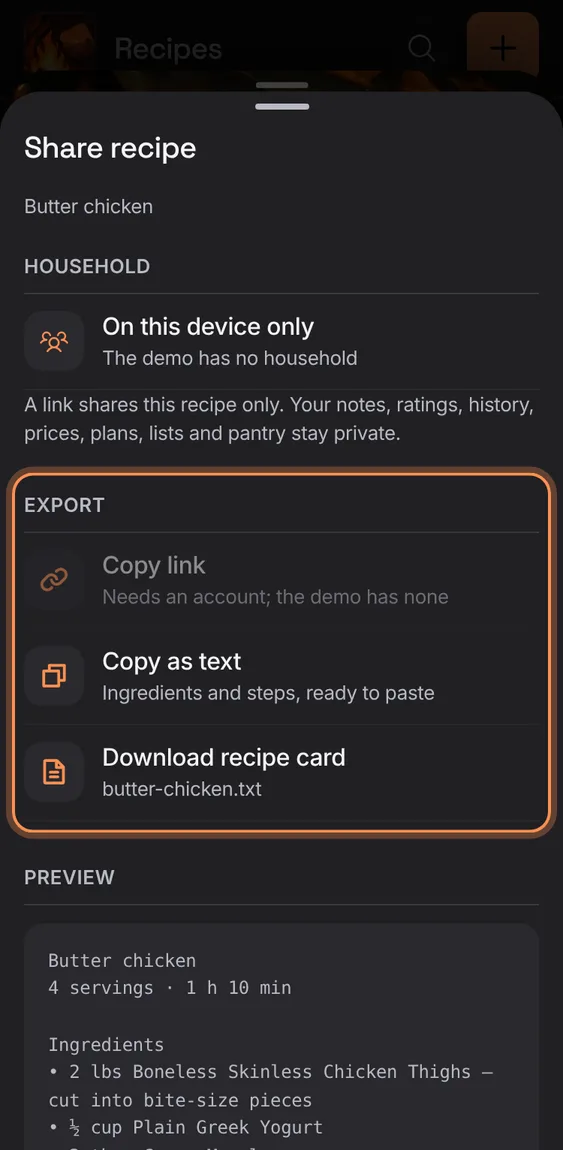
Copy a recipe as text, or download it as a recipe card file.
- Share recipe › Copy as text, or Download recipe card.
Where the phone or browser has a share sheet, Send hands the recipe or list to Messages, mail or another app.
- Share › Send.
Not in the demo. Hands over to your device’s share sheet.
Share sheets say who in your household already sees it; signed out they say it's on this device only, with Sign in.
- Open any share sheet.
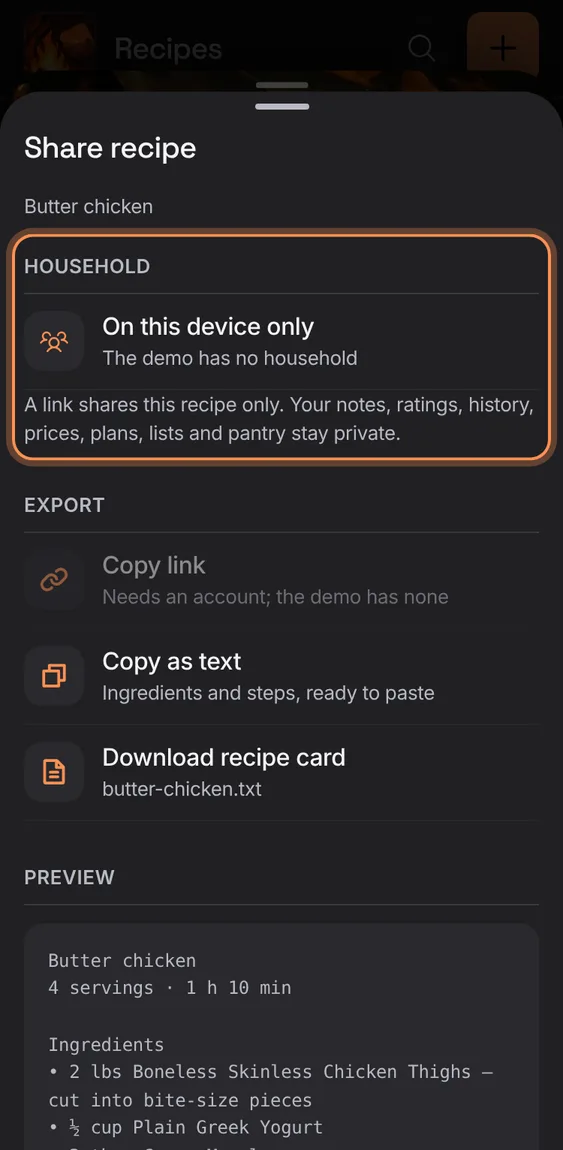
Copy link makes a link to this recipe alone (no notes, ratings, prices or private photo); it can be turned off any time.
- Share recipe › Copy link (signed in).
- The link shows once; Active links lists them.
Not in the demo. Needs an account: the demo has none.
Someone without Hearth opens the link and sees the recipe itself: photo, facts, ingredients and steps, with Sign in to save a copy.
- Open the link in any browser.
- A turned-off link says it isn't available; a network failure offers Try again.
Not in the demo. Asks Apollo’s server, which the tour site doesn’t reach.
All 1 in Shared recipe pageA link that's been turned off says so and asks for a new one; it offers no retry.
- Tap See Hearth.
Not in the demo. Asks Apollo’s server, which the tour site doesn’t reach.
In Hearth, a shared link opens the recipe with Save copy, which makes it your own.
- Open the link signed in; tap Save copy.
Not in the demo. Needs an account: the demo has none.
Turn off a recipe link after a confirmation; anyone with it can no longer open the recipe.
- Share recipe › Active links › Turn off.
Not in the demo. Needs an account: the demo has none.