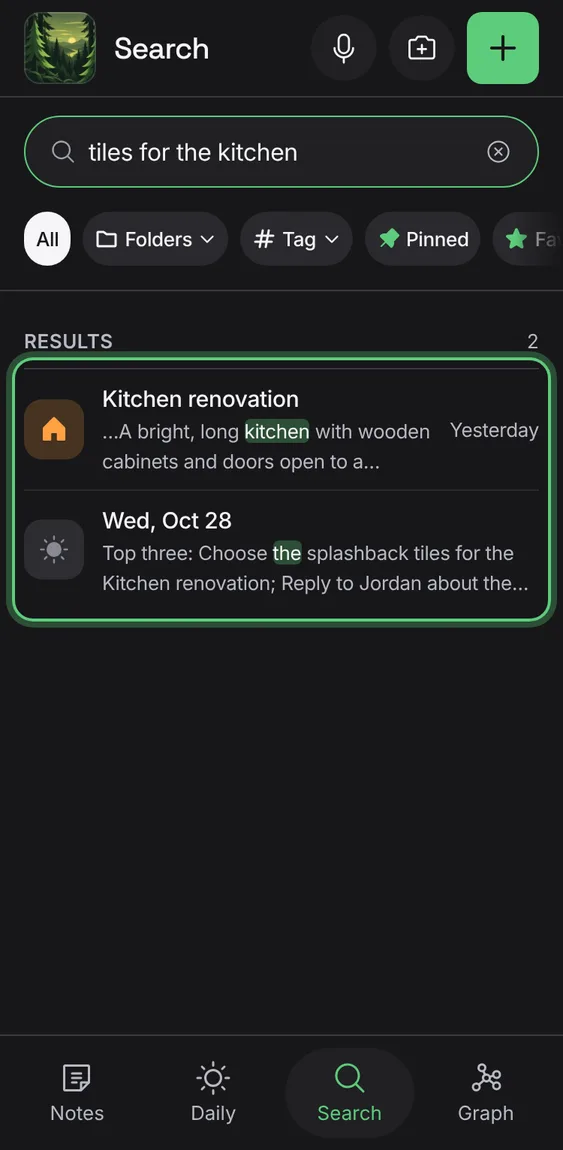
Cambium
Search
Find any note by its words or by what it's about, in one box.
Every Search feature
Results by your words show at once, even offline: titles, text and tags, best match first, with the words marked.
- Type in Search notes.
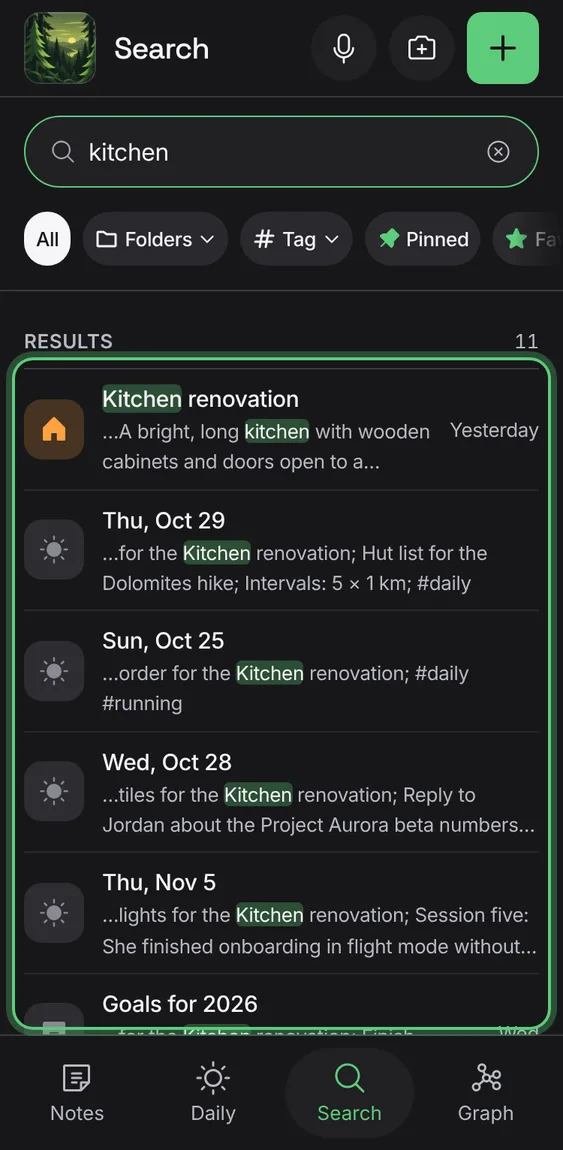
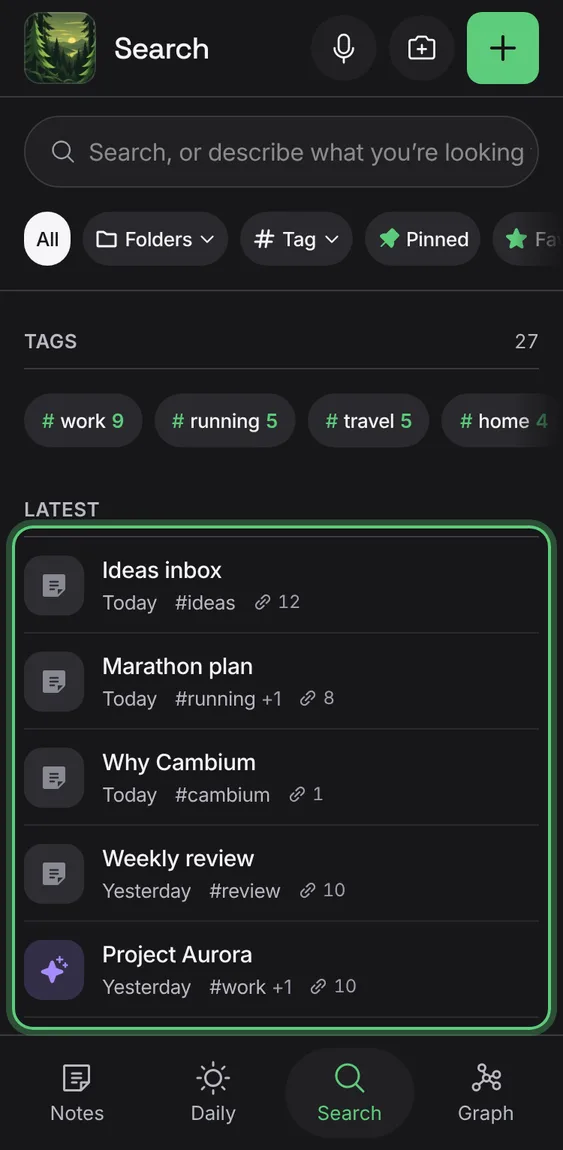
Before you type, the notes you edited last.
- Open Search.
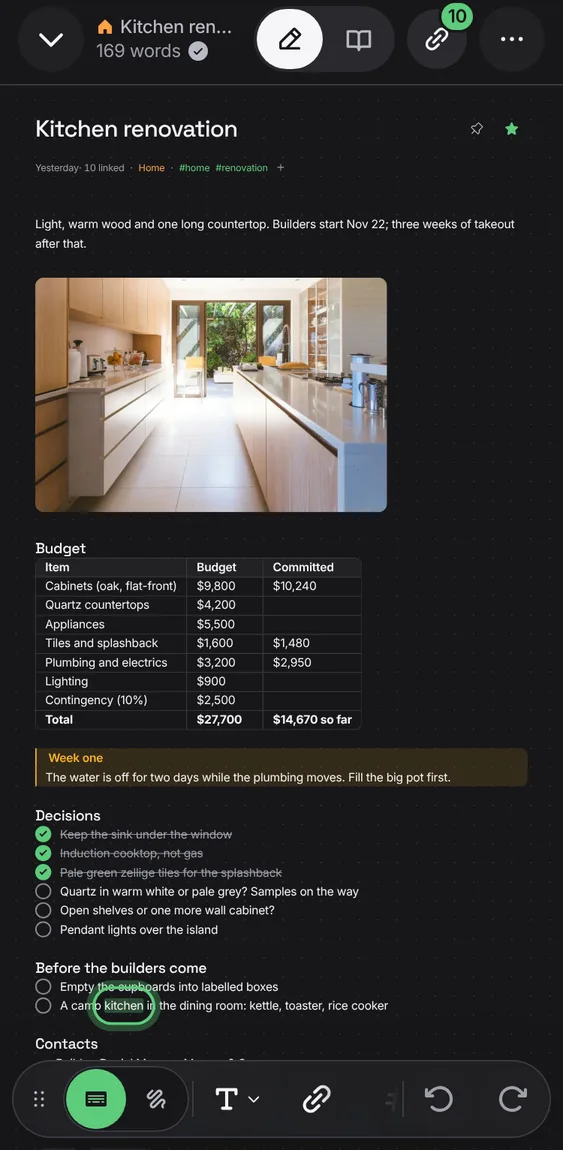
A note opened from a result shows your search words marked until you edit it.
- Tap a result.
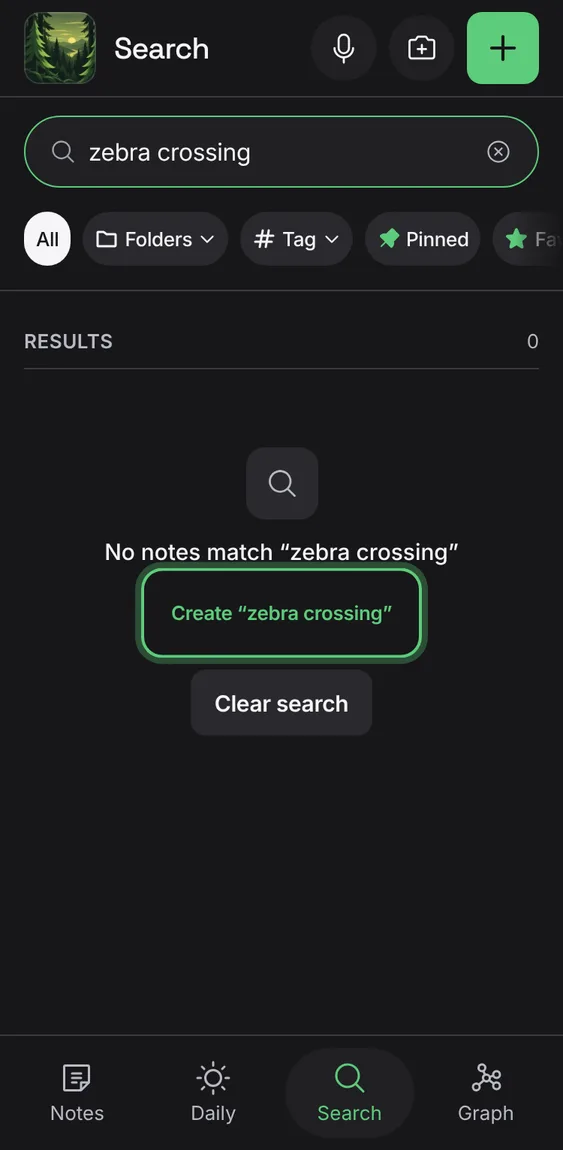
No match says so, with Clear search and Create to make a note of that name.
- Tap Create “…” to start that note.
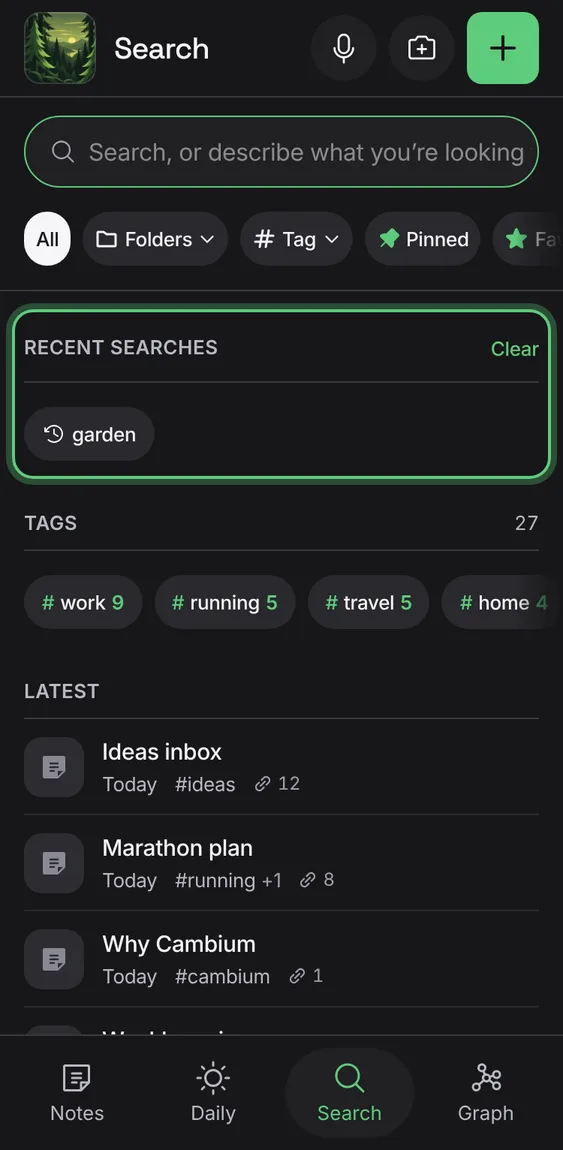
Your last searches as chips, cleared together.
- Tap a recent search; Clear forgets them.
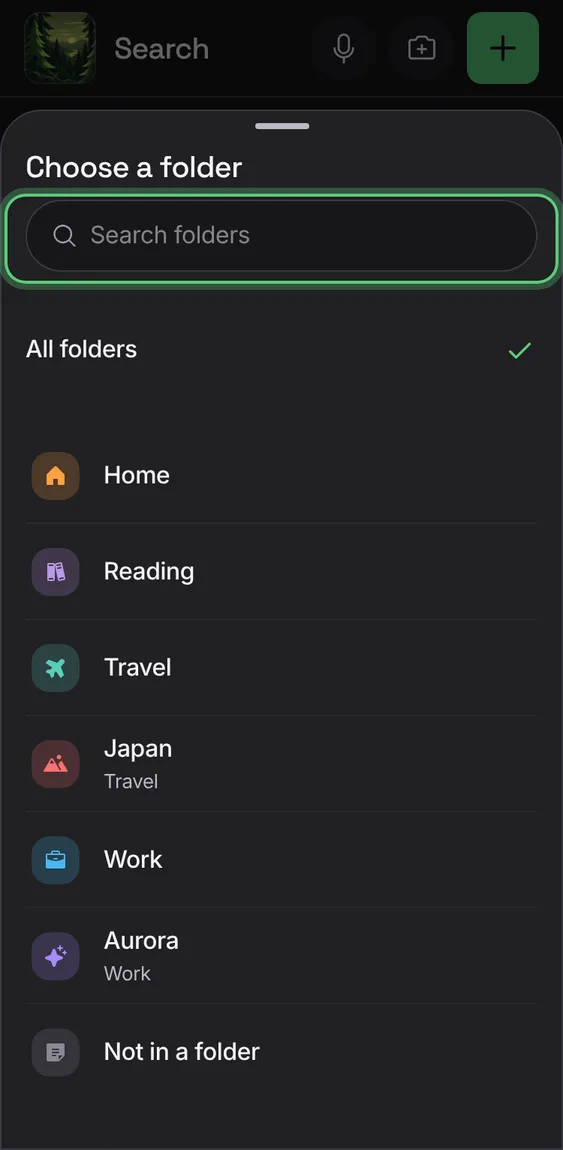
Narrow to Pinned, Favorites, Daily, a folder, notes in no folder, shared notes or a tag; before typing, a scope lists what it holds.
- Tap a chip under the search box.
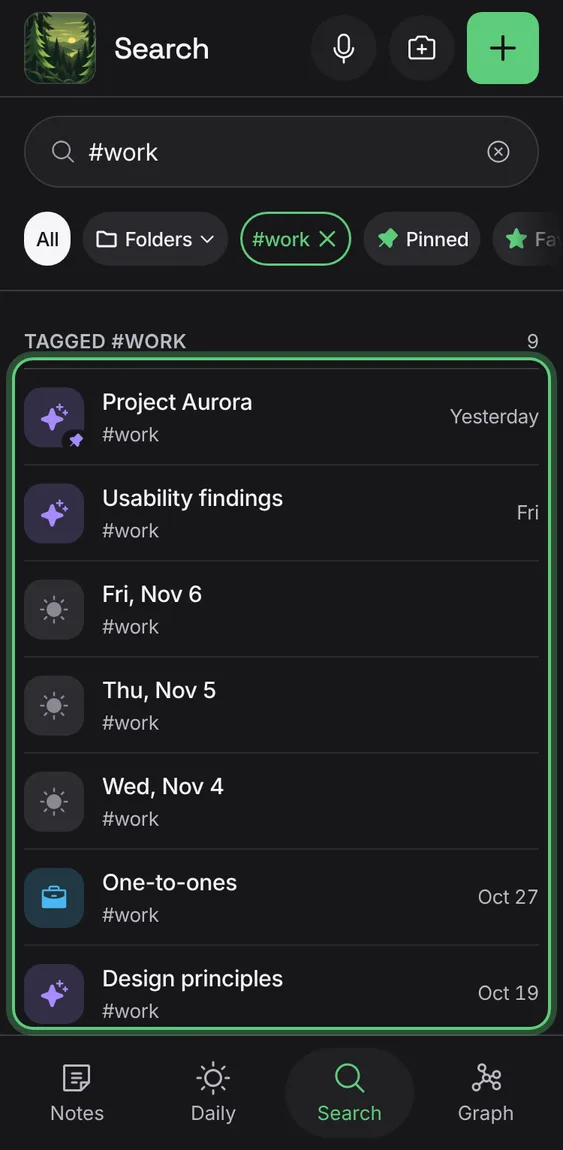
Type #tag, or tap a tag, to find what's tagged with it wherever the tag is written.
- Tap a tag under Tags, or type #tag.
Signed in, every search also looks for notes about what you typed, even without the same words, and adds them to the same list. There's no switch.
- Type what you're looking for, in your words.
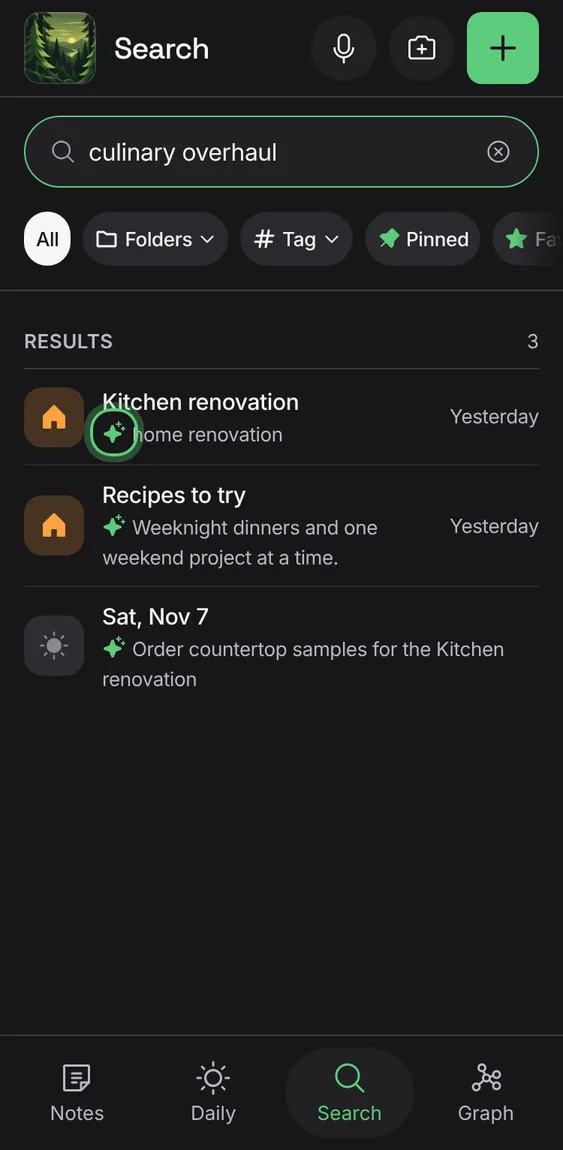
- A sparkle marks a note found by meaning.
Not in the demo. Needs an account: the demo has none.
All 5 in Search by meaningThe public demo searches its sample notebook by meaning too, with no account.
- In the demo, search for “culinary overhaul”.
Words written by hand on a note's page or in a sketch are read, so search finds them.
- Write by hand; search for the words.
Not in the demo. Needs an account: the demo has none.
A note can be found by what one of its linked pages or files says; the result names it.
- Search as usual.
Not in the demo. Needs an account: the demo has none.
Meaning search starts once you've agreed to the current terms; until then you search by words and no note text is sent.
- Agree to the terms when Apollo asks.
Not in the demo. Needs an account: the demo has none.
Word results show at once and stay if meaning fails or is slow; Searching shows while meaning is on its way.
- Nothing to do.