Cambium
Go to a note and commands
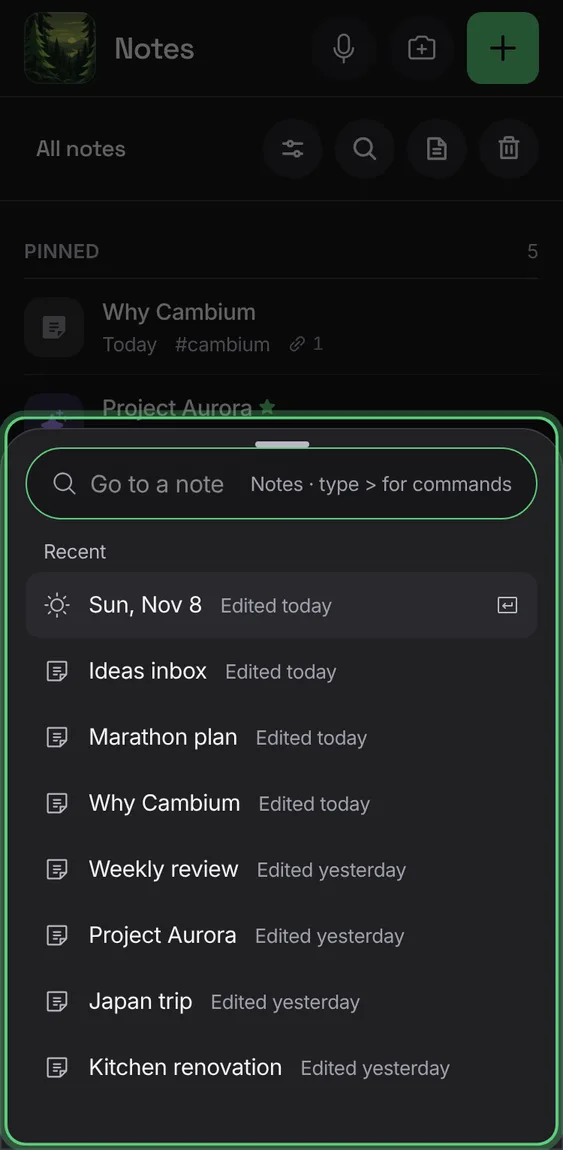
Jump to any note or heading by typing its name, or run any of Cambium's commands, from anywhere in the app.
Every Go to a note and commands feature
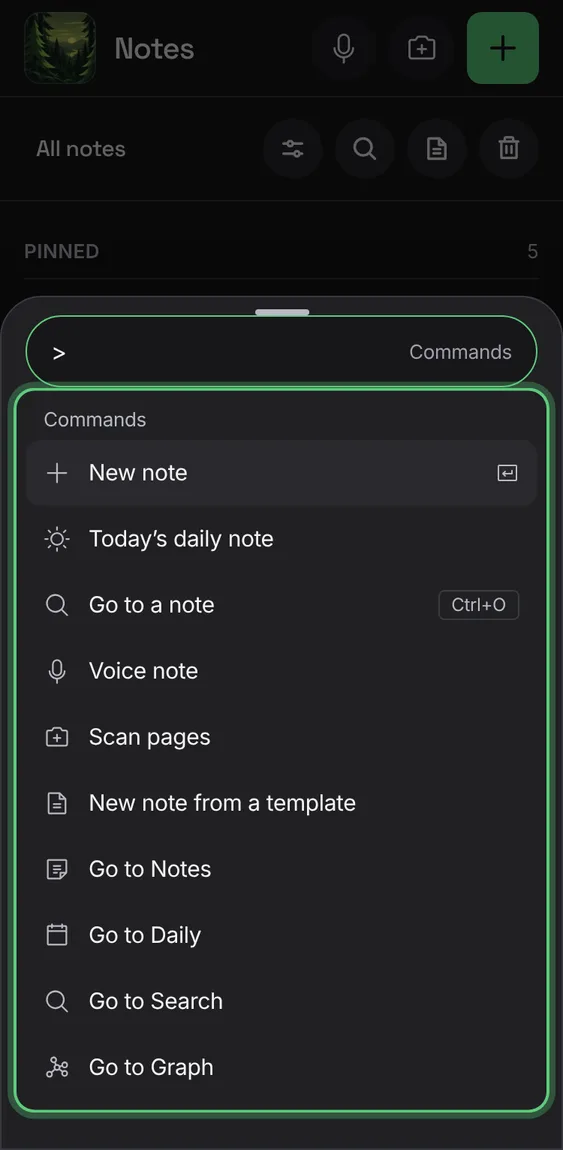
New note, Today's daily note, Voice note, Scan pages, the tabs, and with a note open its menu and every toolbar tool, with their keys.
- Press ⌘K, or type > first.
Finds a note by its name, or a heading in it, most recent first; Create makes a missing one.
- Press ⌘O, type, and press Enter.
Phones have no ⌘O, so Go to a note is in the Notes bar, and in a folder's menu.
- Tap Go to a note in the Notes bar.