Cambium
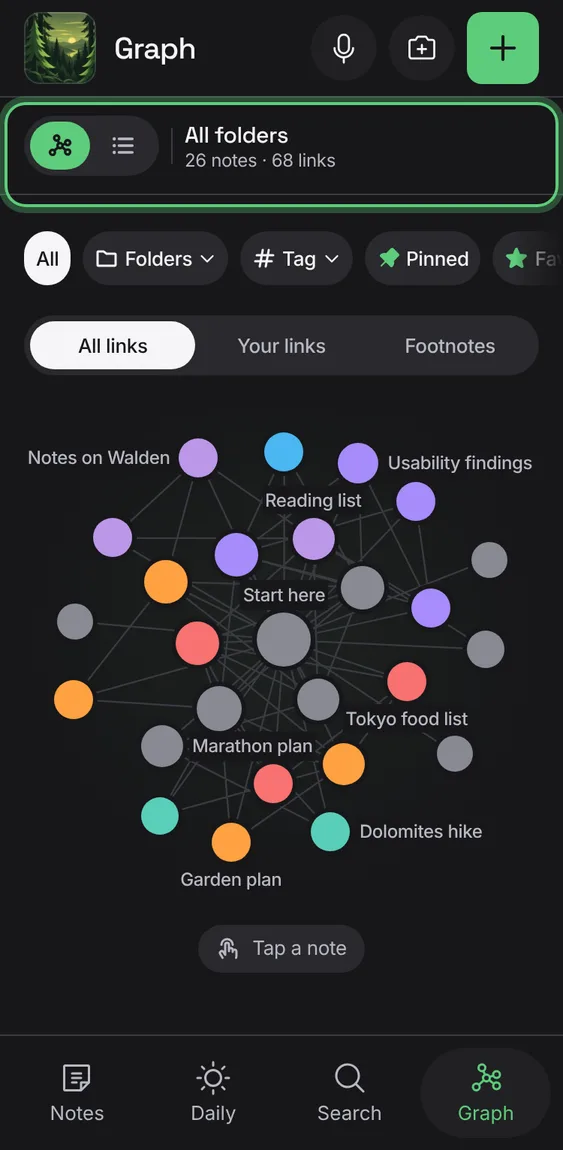
The graph of your links
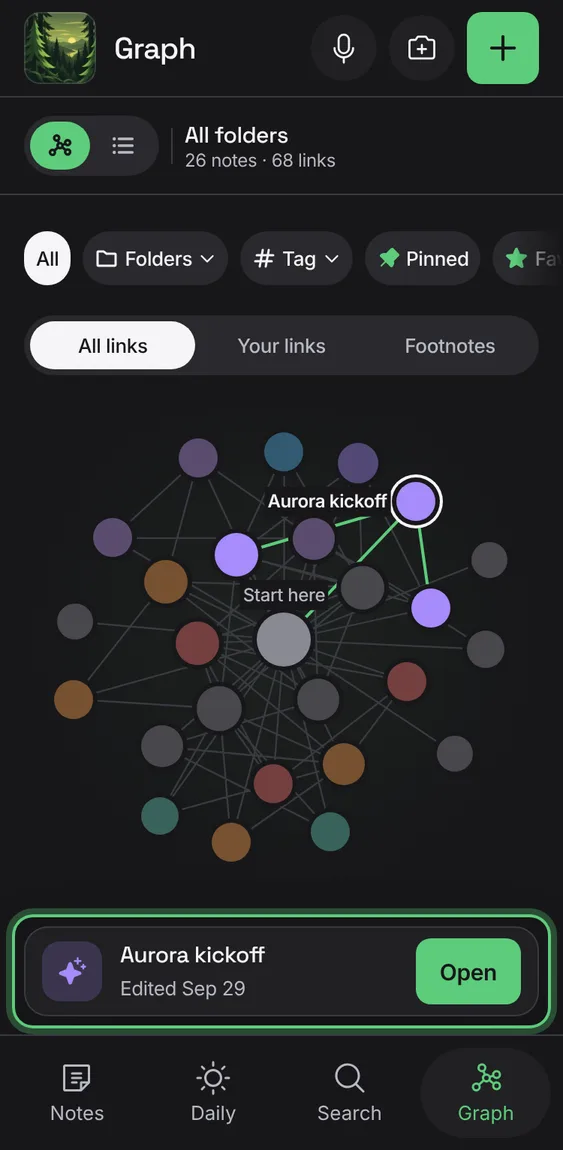
Each note a dot coloured by its folder and sized by how many notes it's linked with; the same notes always land in the same places. Daily notes are left off.
Every The graph of your links feature
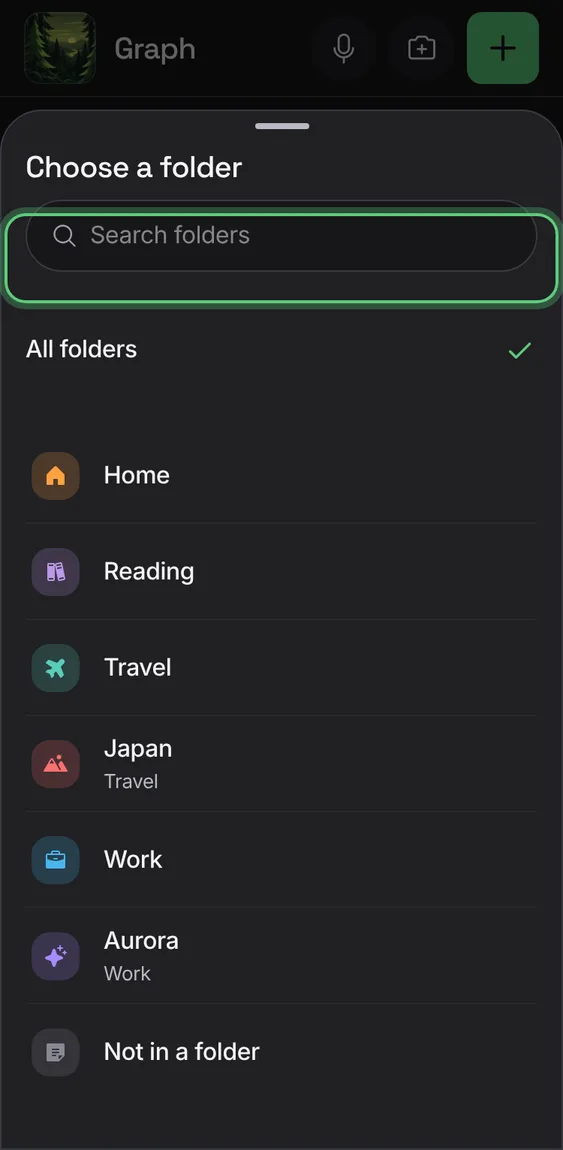
Narrow the map to a folder, pinned or favorite notes, notes in no folder, or a tag; the chips are its colour key.
- Tap a chip above the map.
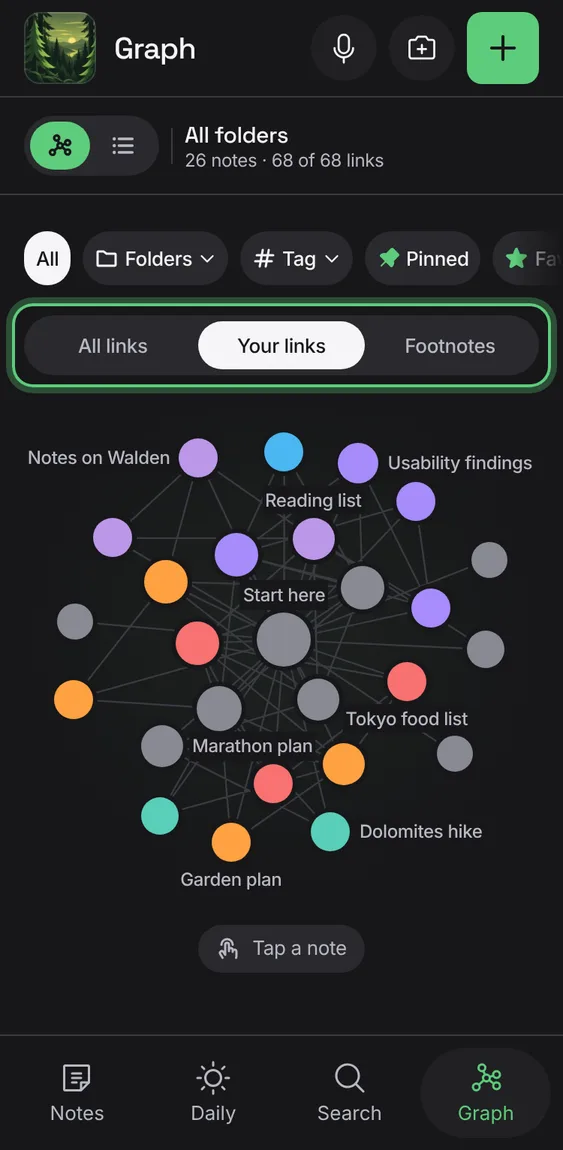
Show the links you made (solid), the footnotes Cambium found (dotted), or both, with a key; it says plainly when there are no footnotes.
- Tap All links, Your links or Footnotes.
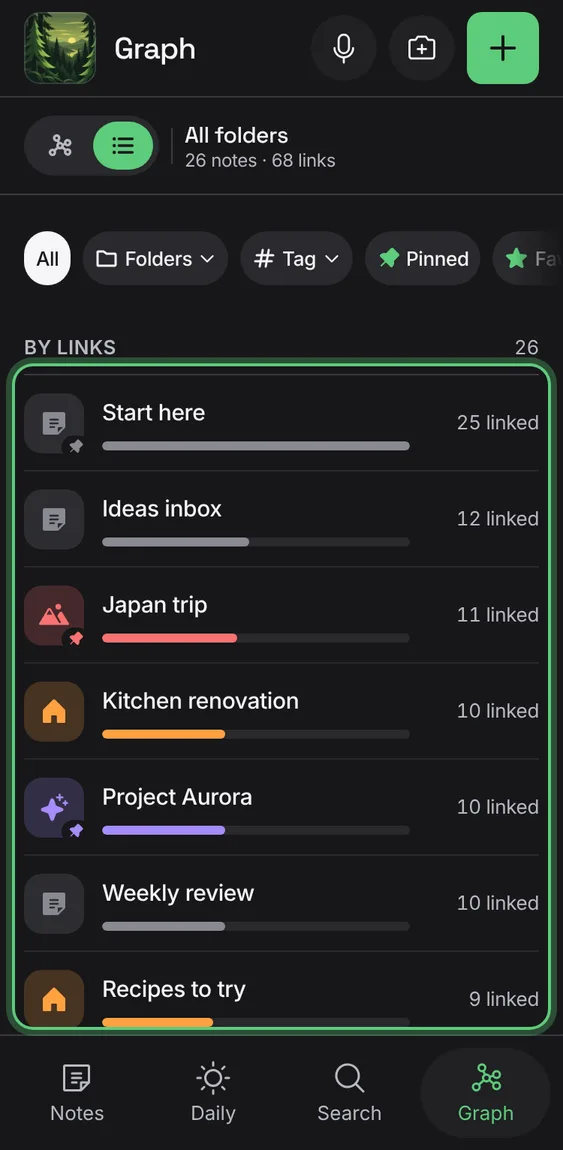
The same notes as a list, most linked first, with who each is linked with for screen readers.
- Tap List above the map.
A tapped note lights its links, names its neighbours, and shows its links in and out with Open.
- Tap a dot; tap Open.
On a wide screen, the best-linked notes beside the map, to start from.
- Open Graph on a computer.
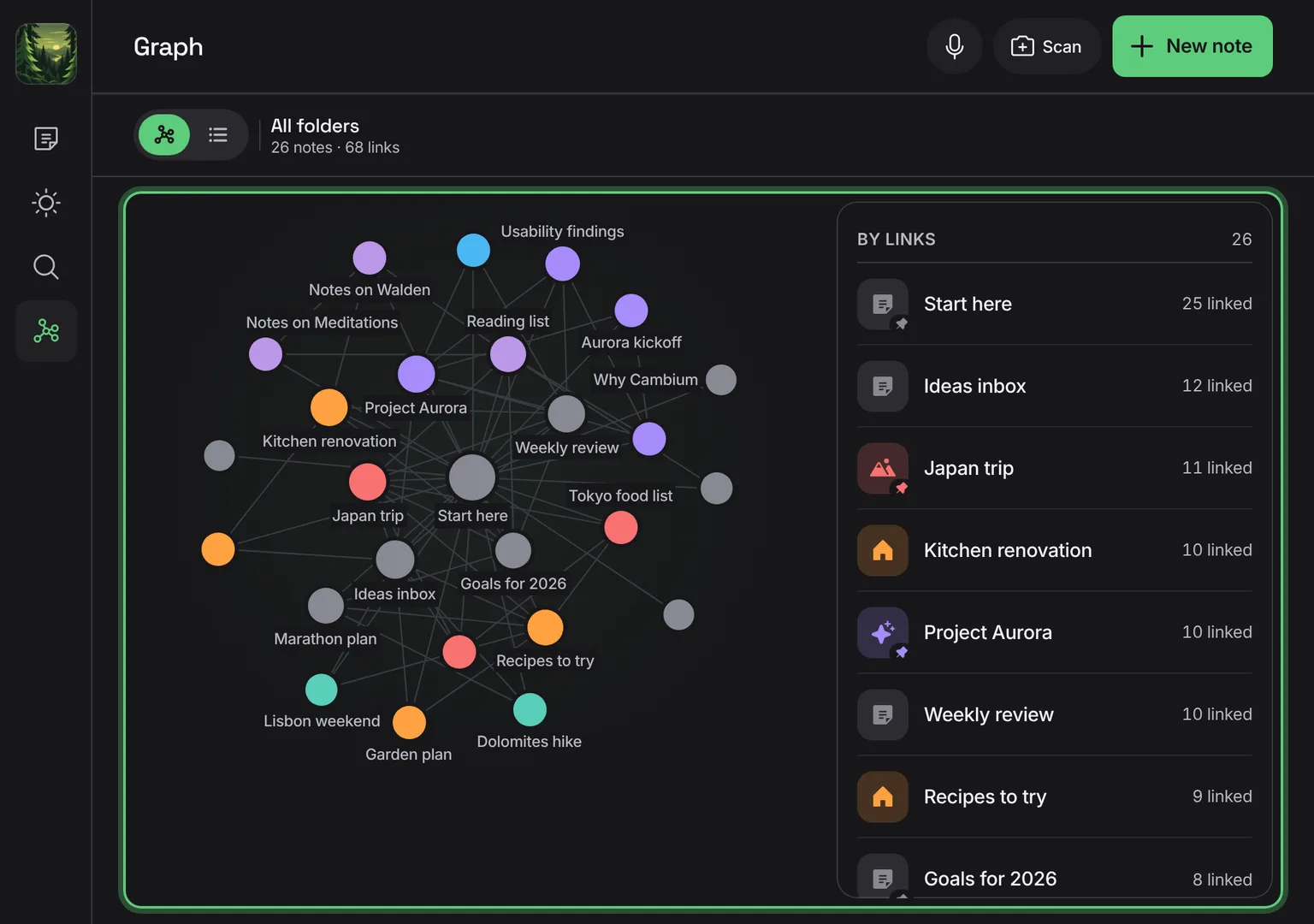
Shown at a computer’s width.
The bar says what the map shows and how many notes and links.
- Look at the bar above the map.