Cambium
Daily
A note for each day: today's to write in, the days around it and your streak.
Every Daily feature
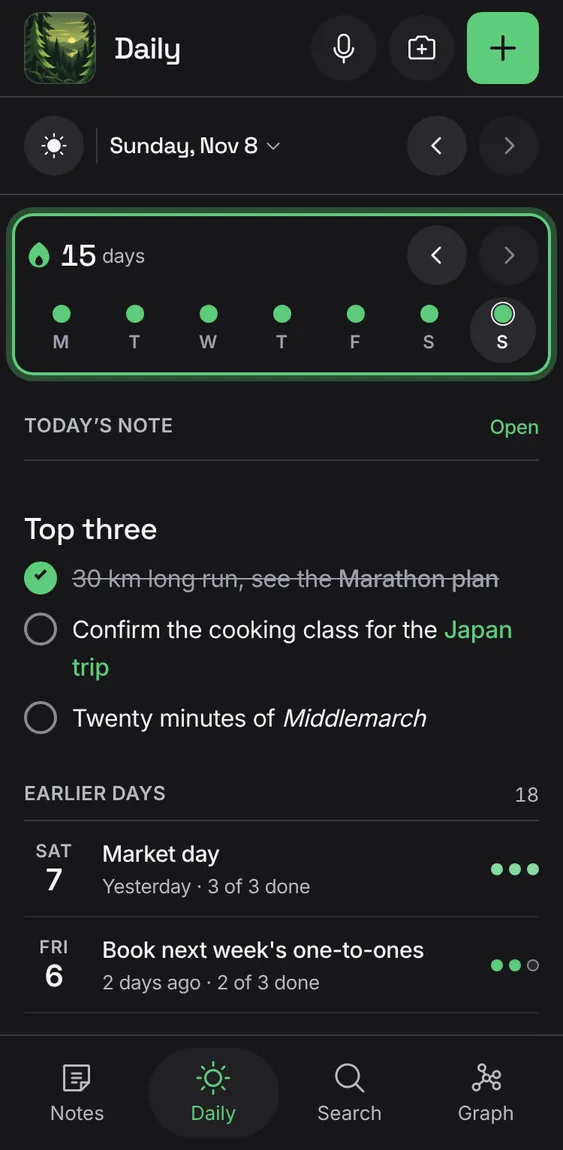
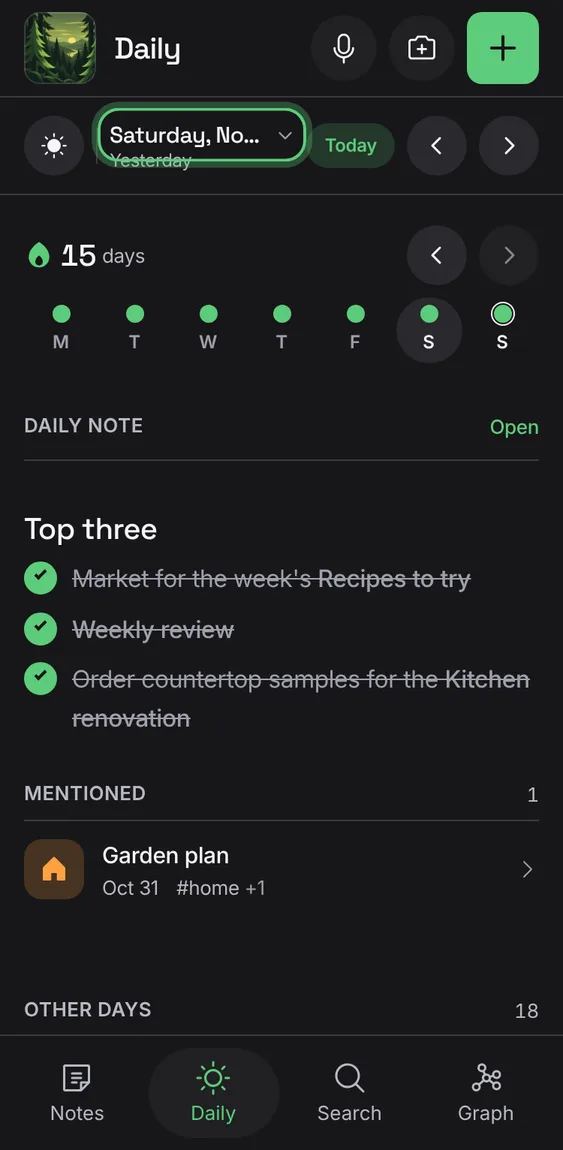
The day in the bar; step a day back or forward, Today to come back, or tap the day for the month.
- Tap Previous day or Next day; tap the day's name for the month.
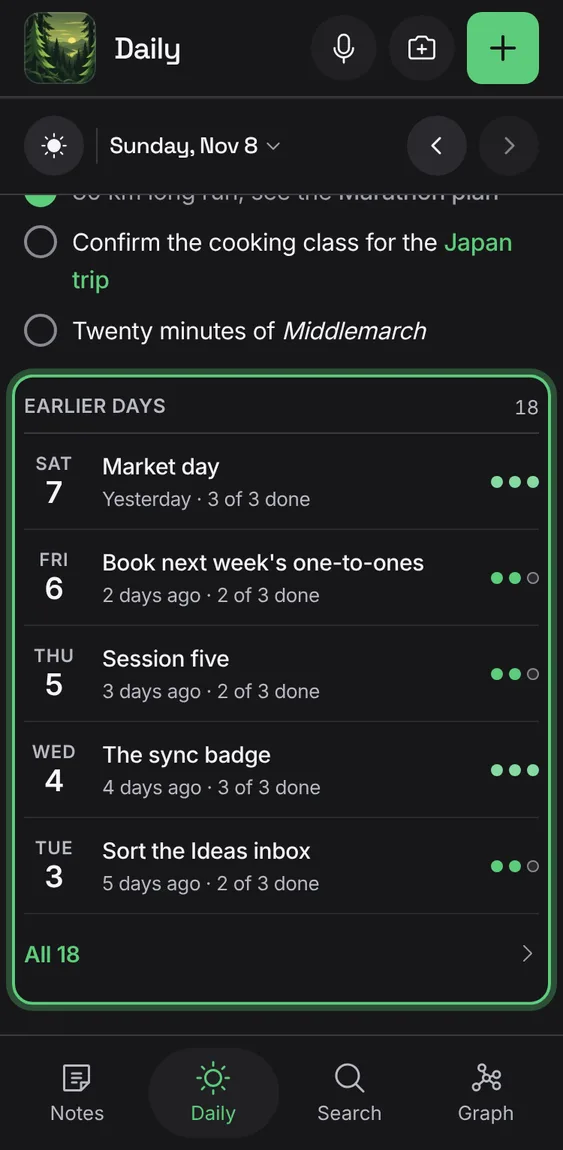
The days before, each titled by what it holds, how long ago, and its tasks done as small pips; All lists every one.
- Tap a day; tap All for every daily note.
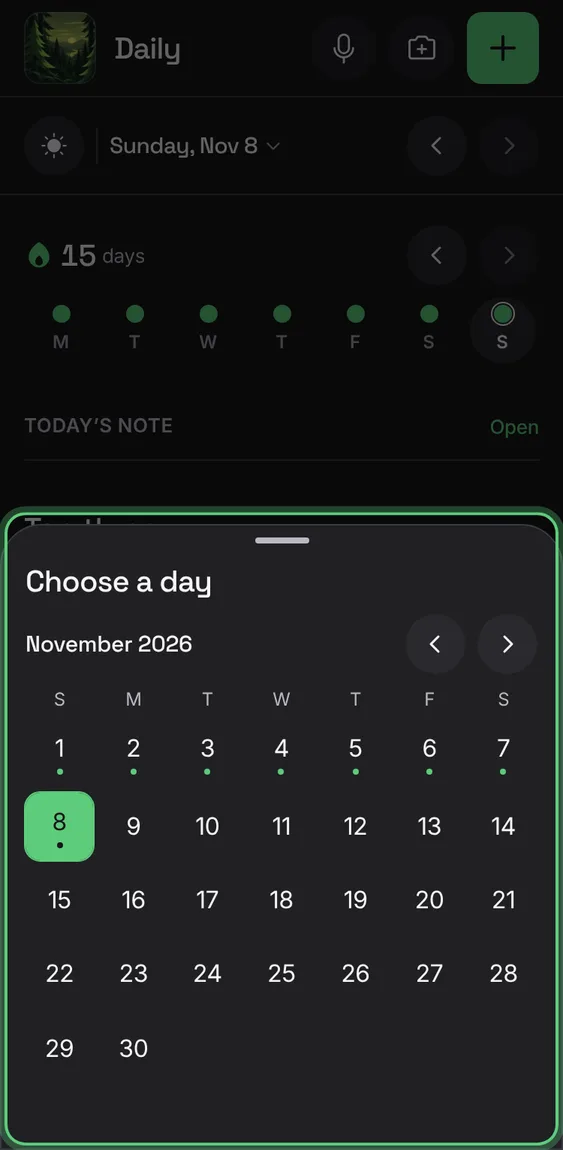
A month with a dot on each day that has a note; Today comes back to today.
- Tap the day's name in the bar; pick a day.
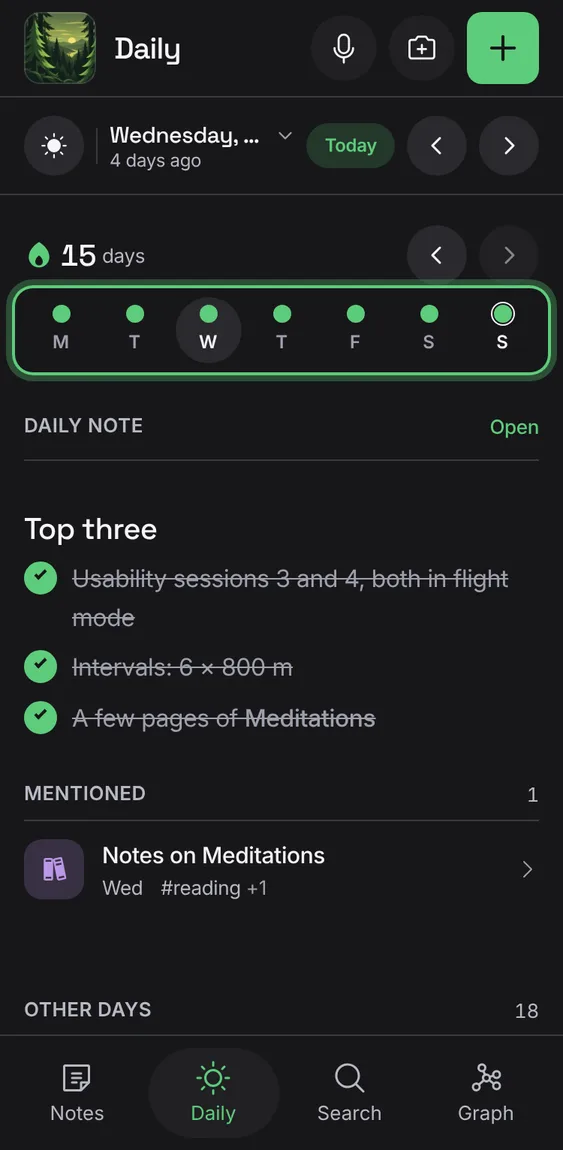
A strip of the last two weeks, one week at a time on a phone: a dot for each day with a note, today ringed; tap one to go to it.
- Tap a day in the strip.
One daily note per date, even when two devices open the day at once; started from your daily template if you have one.
- Open Daily; tap Start daily note or Open.
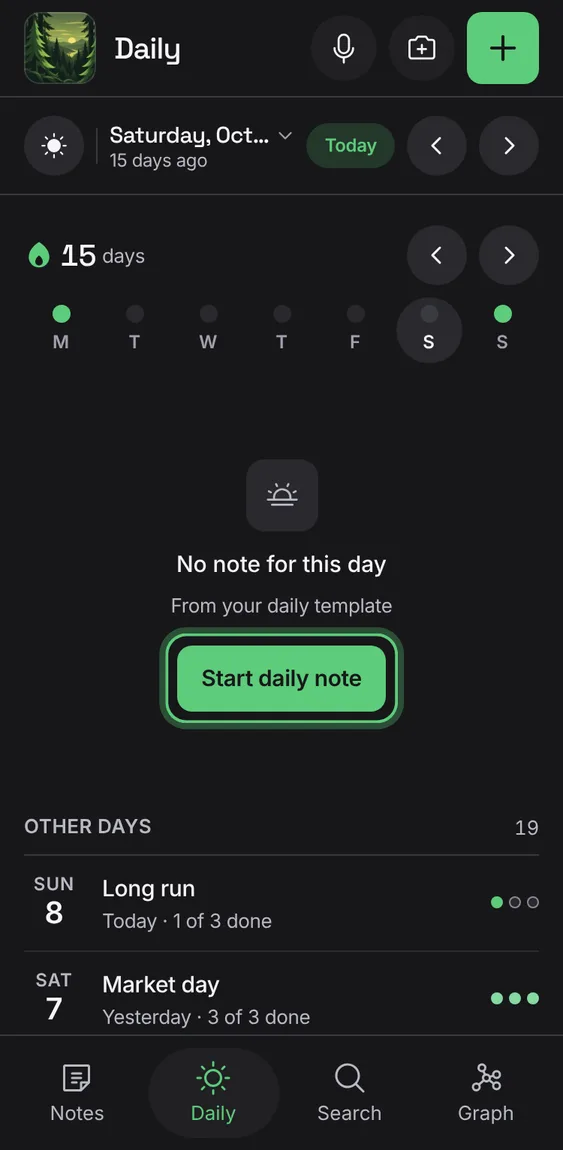
A day without a note says so, with Start daily note and whether it uses your template.
- Go to a day without a note; tap Start daily note.
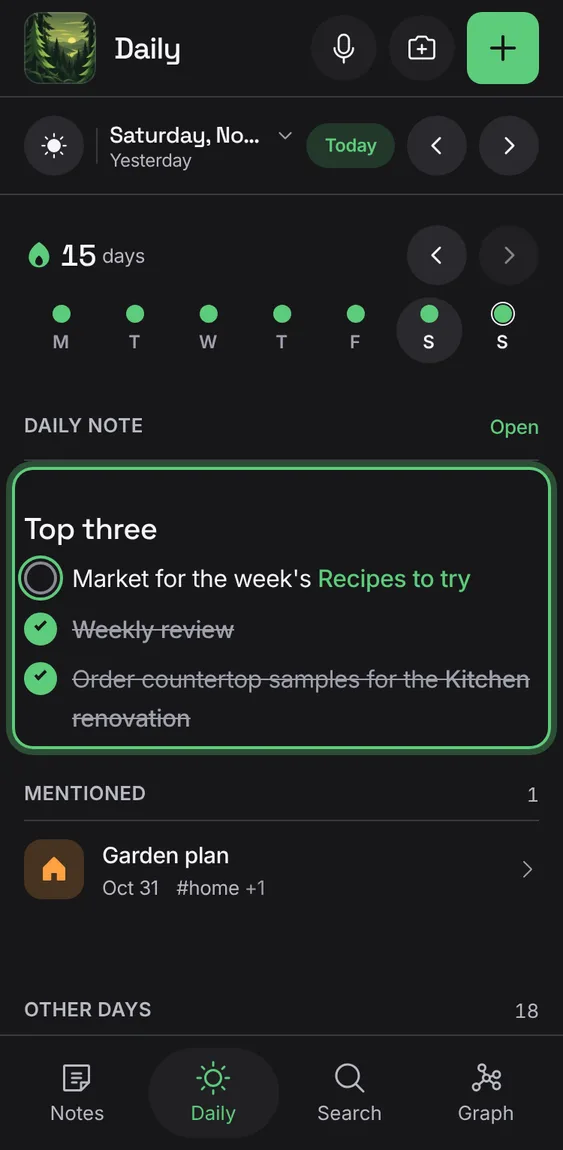
The day's first checklist, to tick through right there, or its first lines, with Open.
- Tick a task under Today's note.
The notes the day links to that the glance doesn't already show.
- Look under Mentioned.
If two notes ever end up on one day, both are kept and Daily says so.
- Nothing to do.
Not in the demo. Needs a second device editing at once.
In the installed app, a notification at 8 pm on days you haven't written your daily note.
- Turn on Daily note reminder in Daily.
Not in the demo. Needs an account: the demo has none.
How many days in a row you've written a daily note, once you've written one.
- Write in today's note.