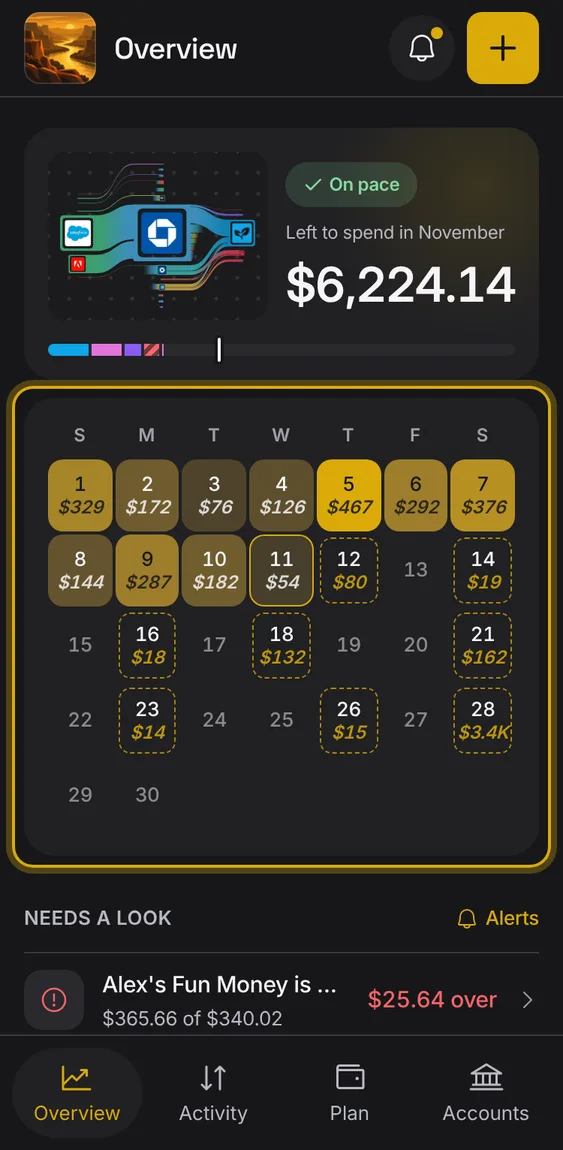
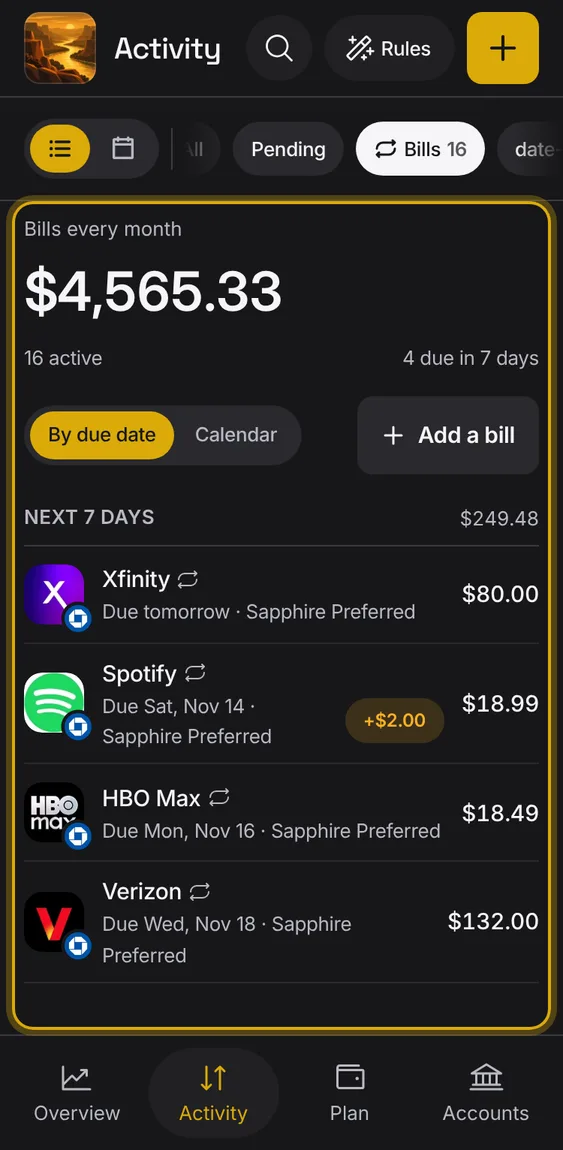
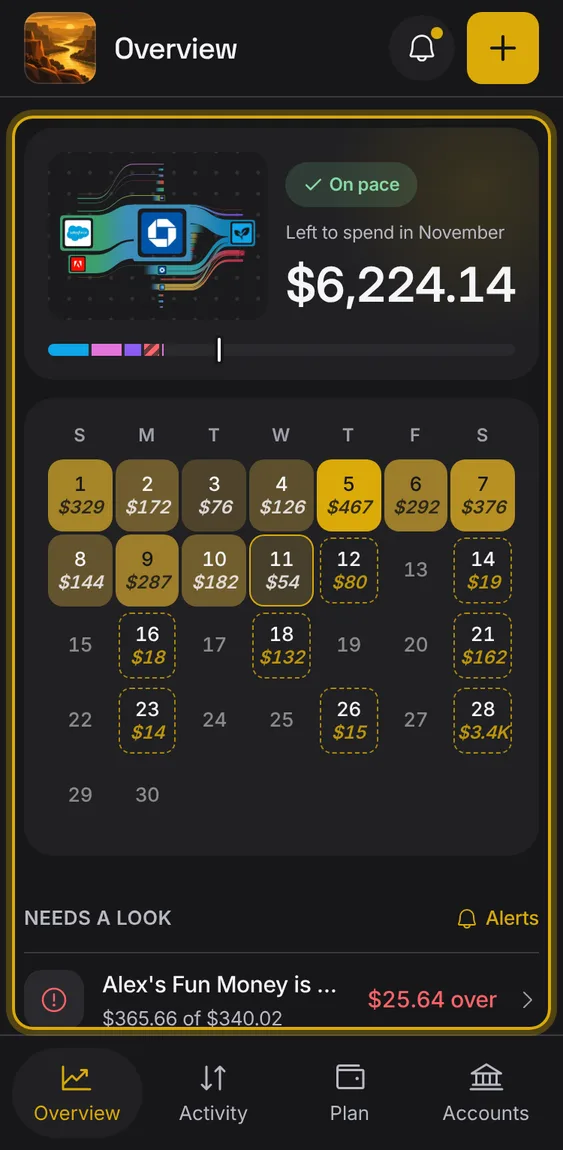
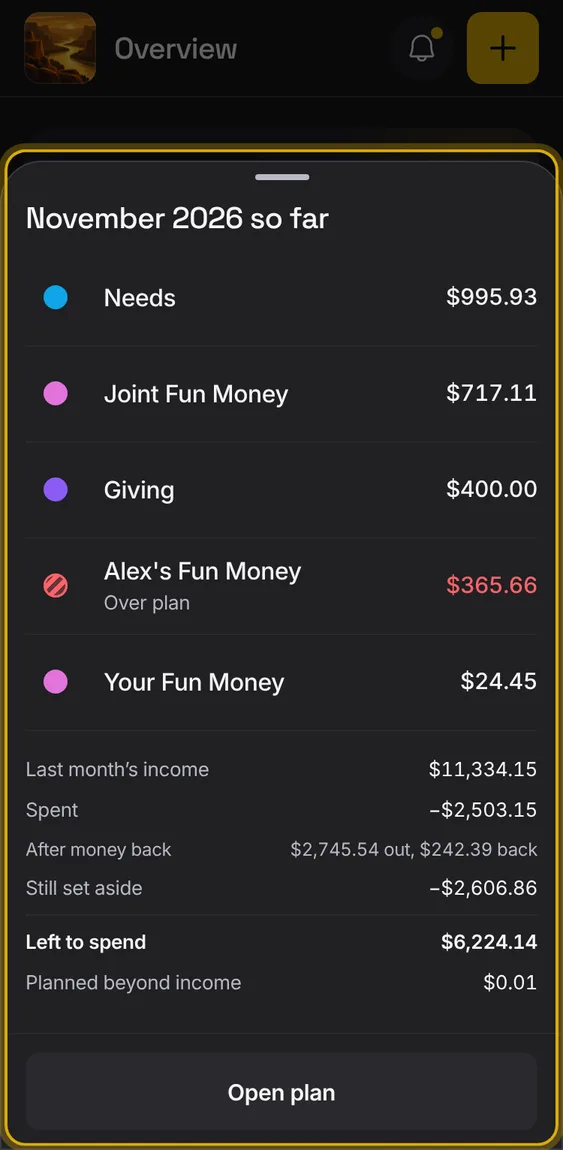
With no plan this month, the ring offers to start one.
Tap "Start plan" to open Plan.
Not in the demo. Shows before anything is saved; the demo has sample data.
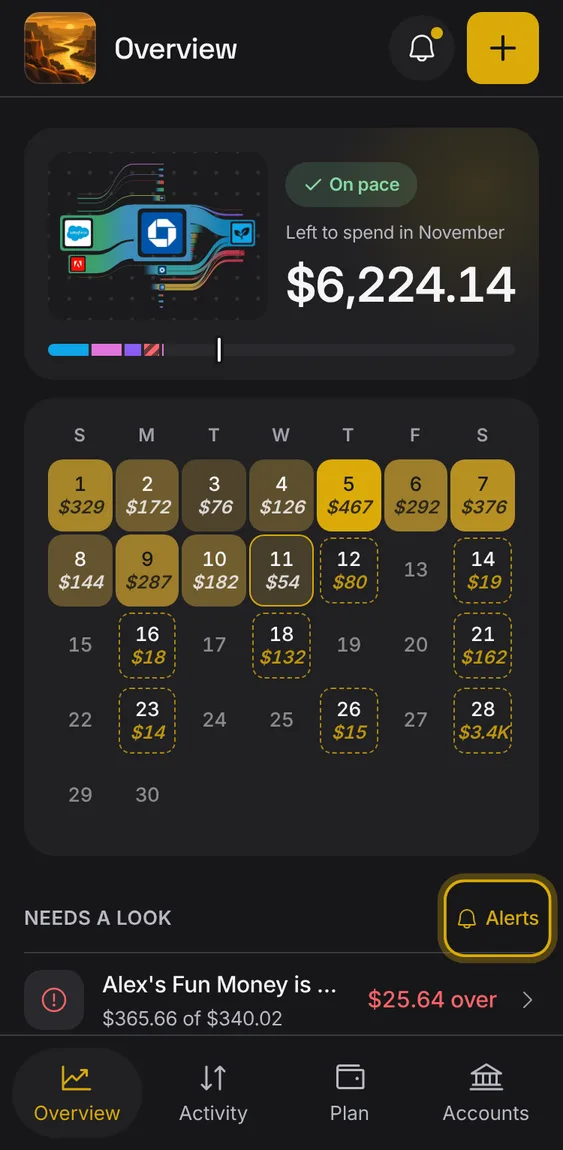
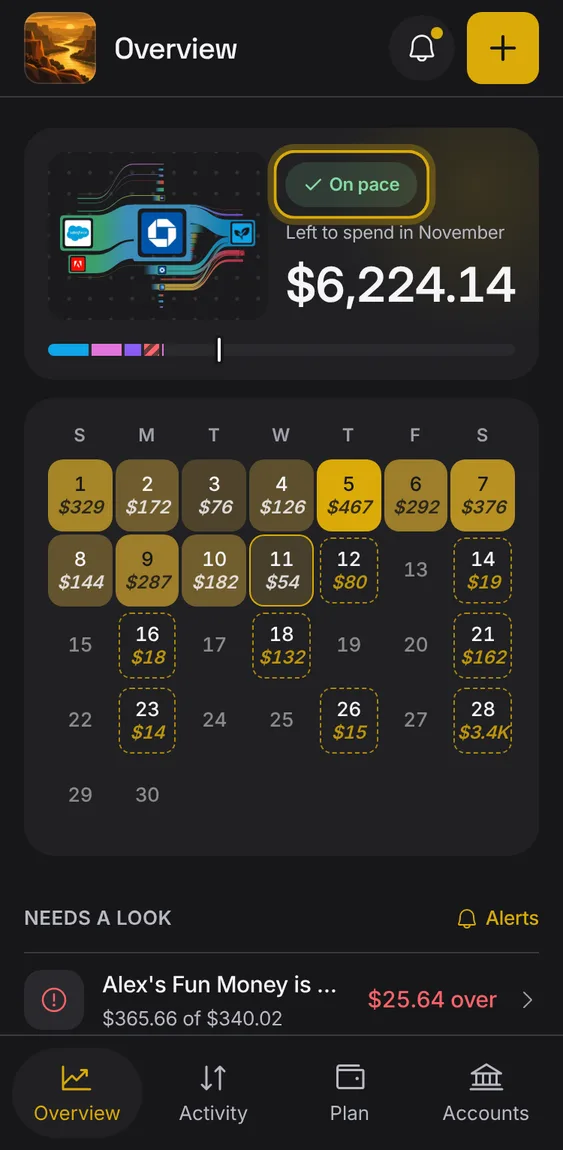
A small label that says whether you're on pace, spending fast or over plan for the month.
Spending fast: more of the plan is used than of the month.
Over plan: you've spent more than the plan holds.
The same label shows on Plan.
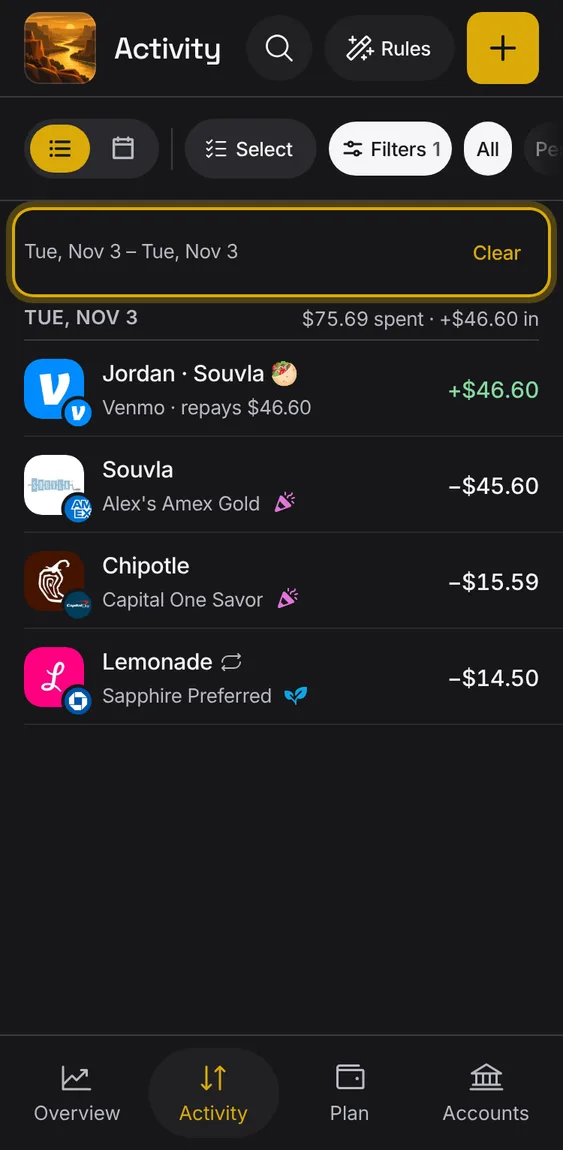
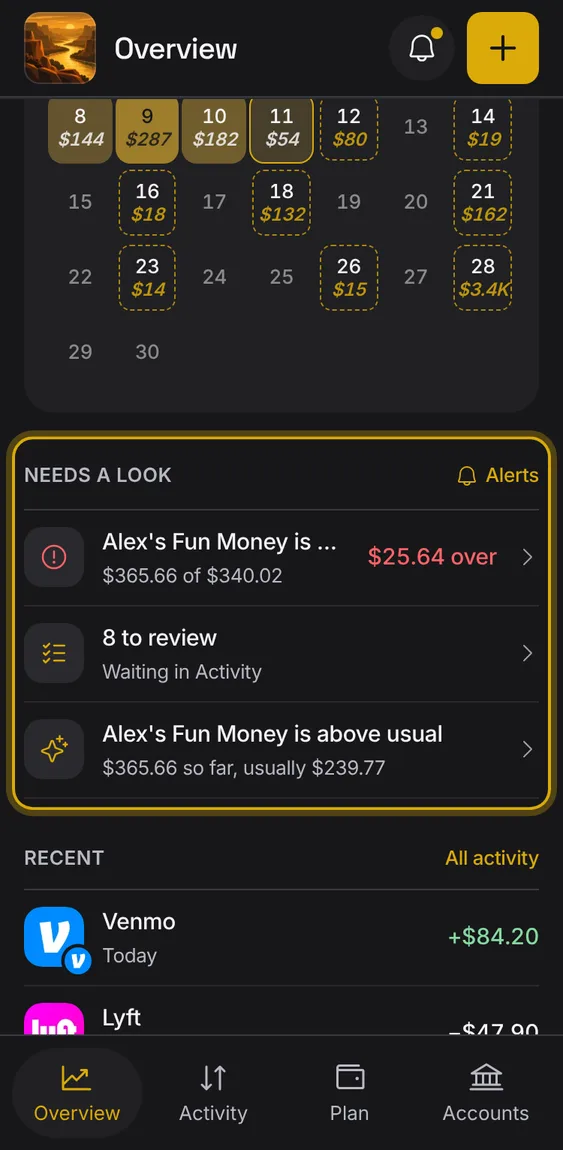
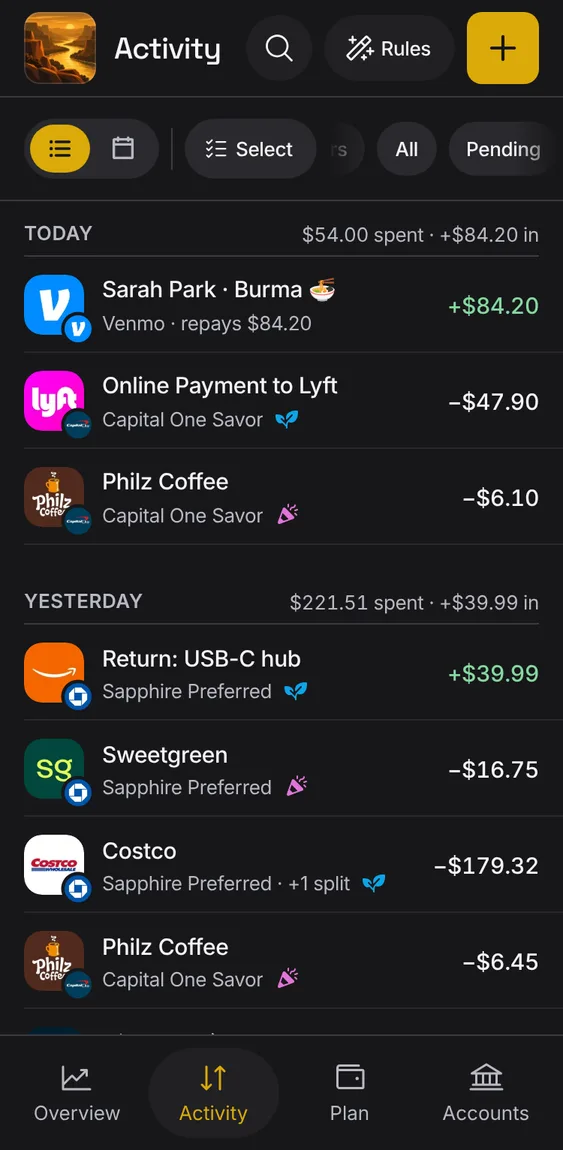
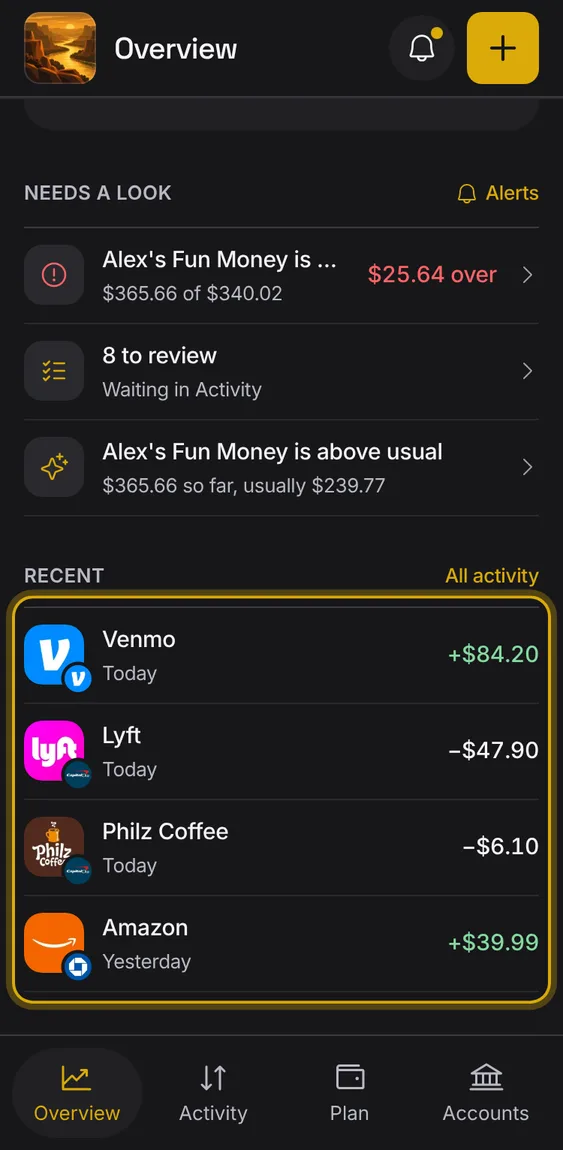
The last few entries, so you can check what just came in.
Tap an entry to open it.
All activity opens Activity.
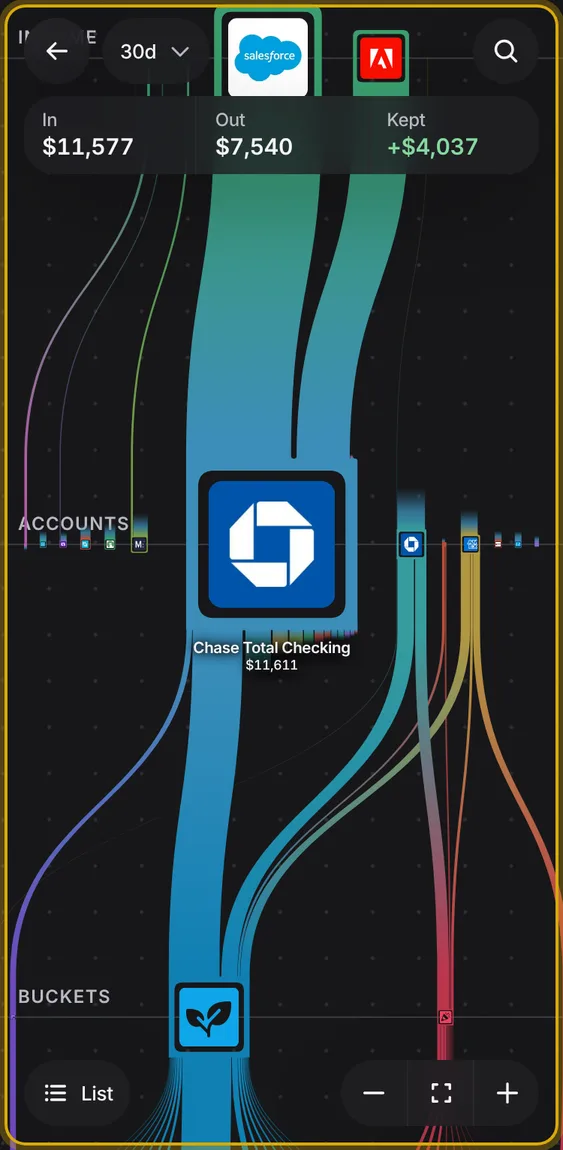
A world you can move around and zoom, showing where your money came from and went: who paid you, the account it landed in, the bucket it was spent from and who was paid.
Overview and Plan each have a small Flow World picture; tap it to open Flow World full screen.
Drag to move around and pinch to zoom; small accounts and payees show their names as you zoom in.
Tap anything to light its flows and see its figure; List has every figure to the cent.
Drag a payer or payee onto one of your accounts to mark it as your own.
 Alluvium