 Alluvium
Alerts and recap
What needs your attention, from your own ledger: bills, price changes, the monthly review, your bank, and a weekly recap.
Every Alerts and recap feature
A bell in Overview's header, with a dot when something's new.
- Tap it to open Alerts.
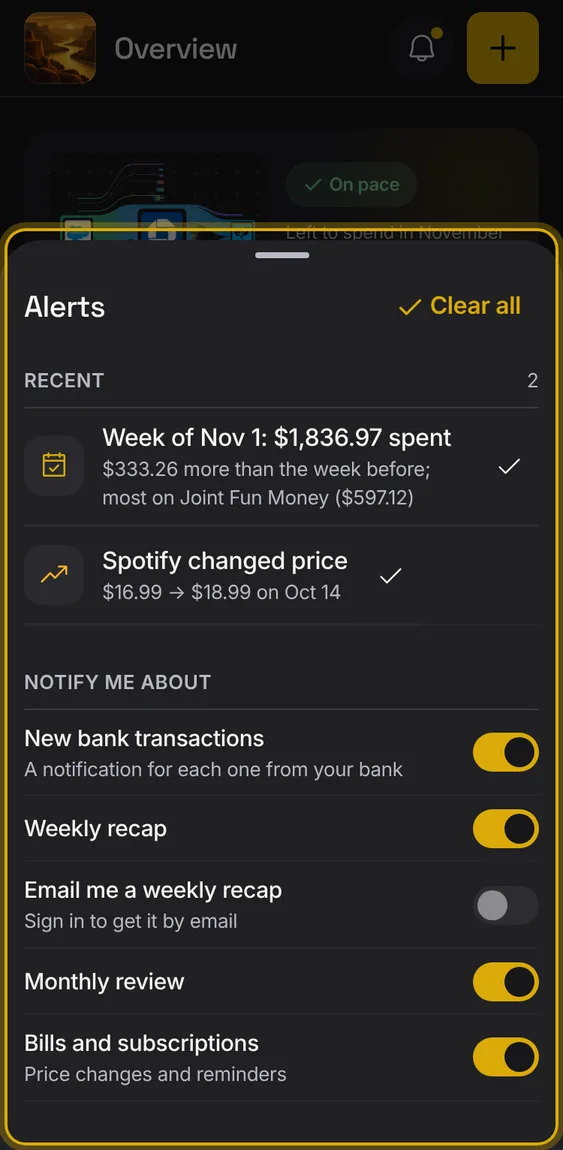
Choose which kinds of alerts you get.
- Turn each switch on or off.
A bank that needs signing in again. Offered once a bank is connected.
- Turn Bank connections on or off under Notify me about.
Not in the demo. Needs an account: the demo has none.
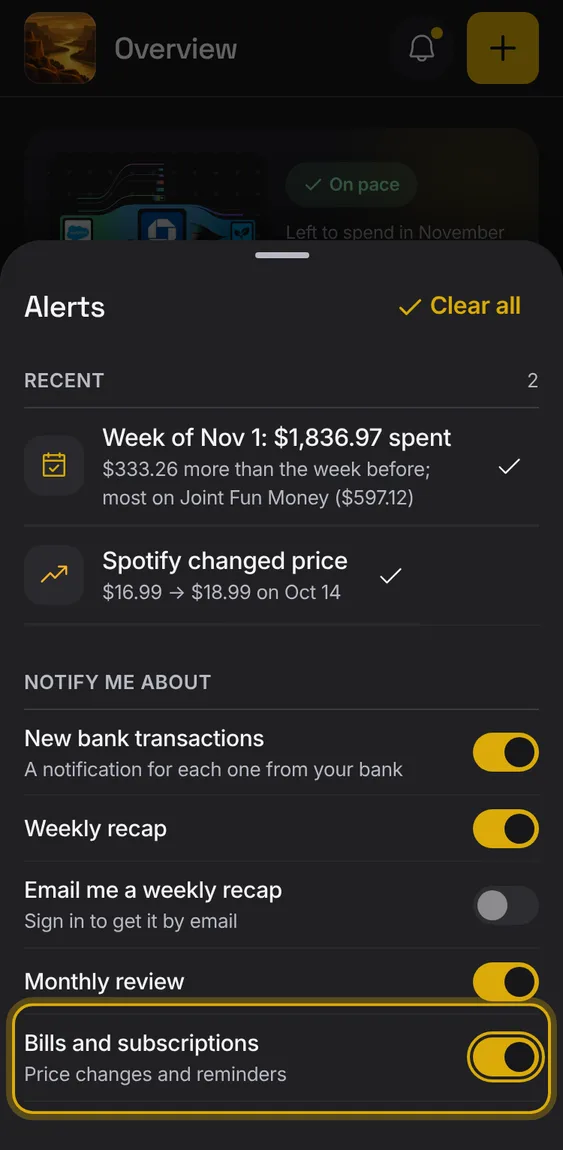
Price changes, charges after cancelling, and reminders you set.
- Turn Bills and subscriptions on or off under Notify me about.
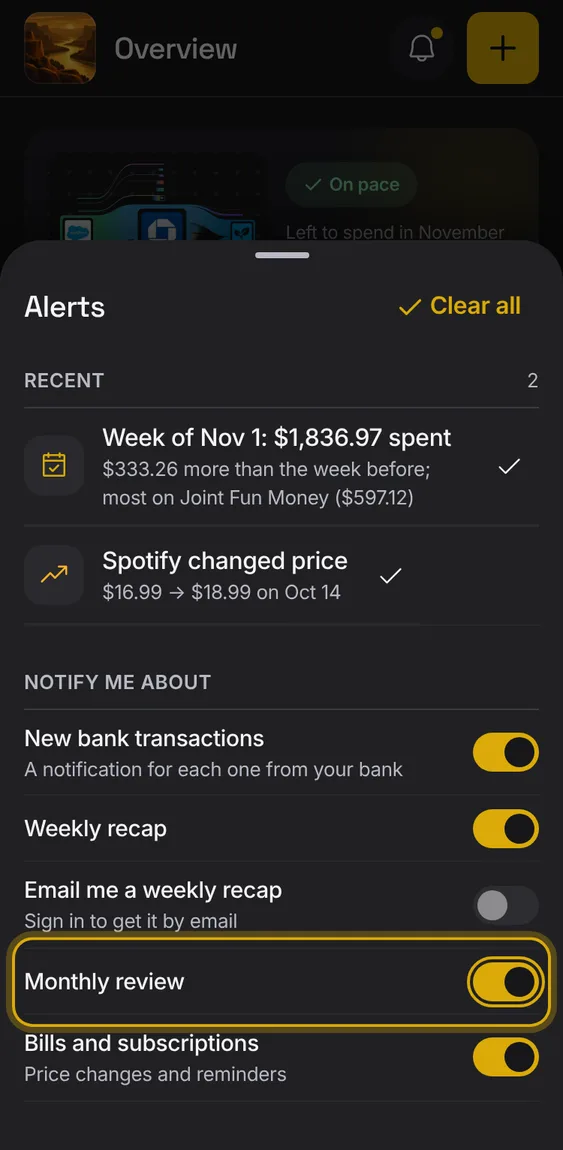
A reminder to close the month.
- Turn Monthly review on or off under Notify me about.
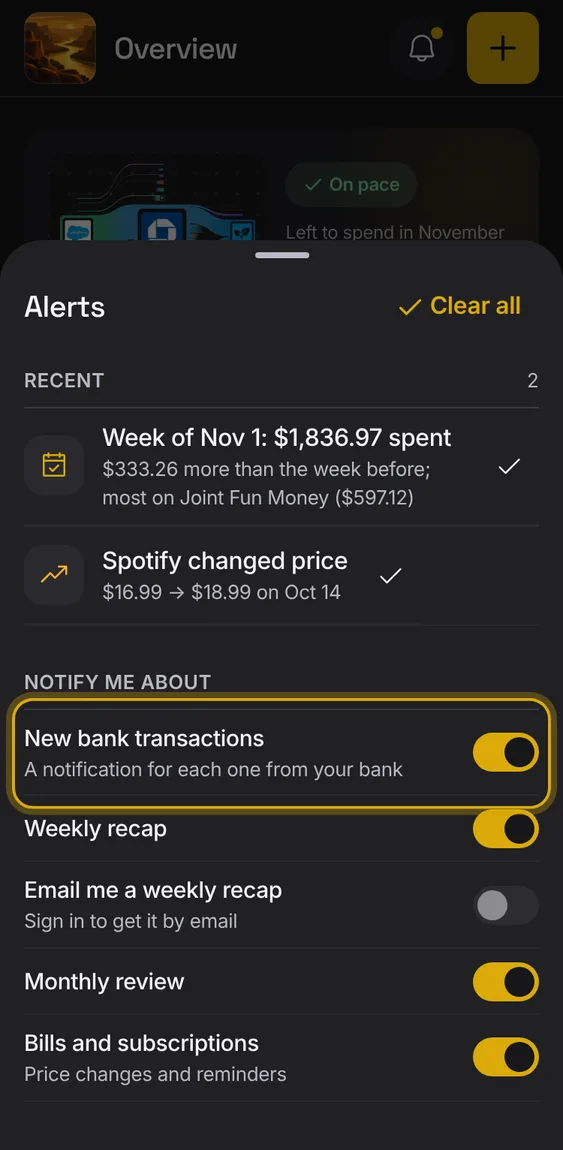
An alert for each new transaction from your bank.
- Turn New bank transactions on or off under Notify me about.
Not in the demo. Needs an account: the demo has none.
Get Alluvium's alerts as notifications on your phone, in the installed app.
- Turn on Notifications on this phone in Alerts.
Not in the demo. Needs notifications on your device.
All 2 in Notifications on this phoneEach new bank transaction can send a notification with its payee and amount; several at once come as one.
- On by default once notifications are on.
- Quiet hours are respected.
Not in the demo. Needs notifications on your device.
A notification the day before a bill is due, and on the day you asked to be reminded to cancel.
- Turn on Bills and subscriptions.
Not in the demo. Needs notifications on your device.
Each alert is a row with its kind's icon that opens what it's about.
- Tap an alert to open the filtered entries or the bill.
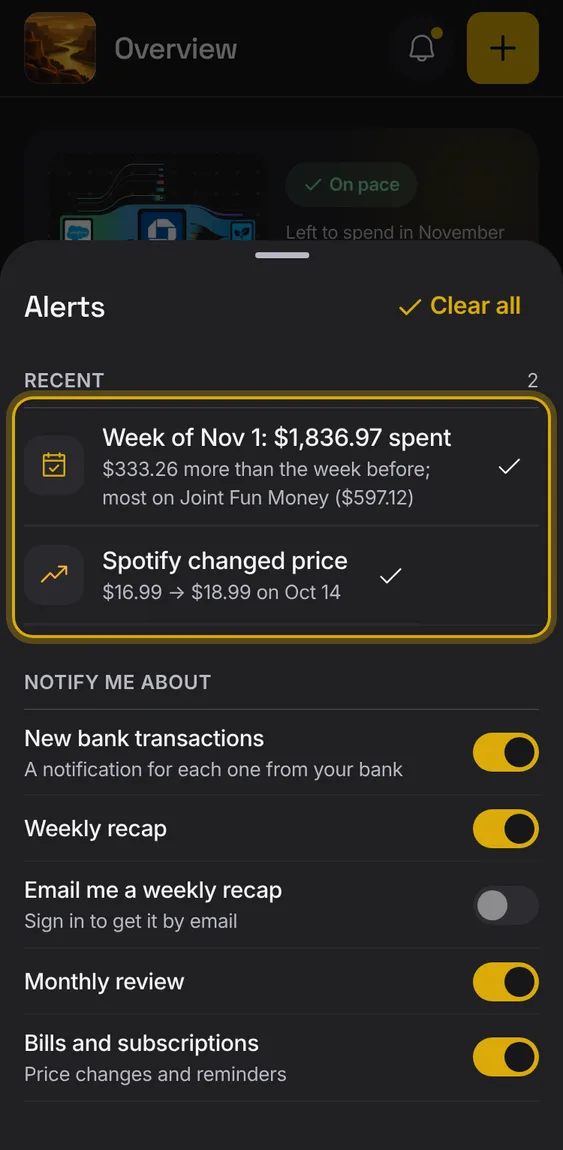
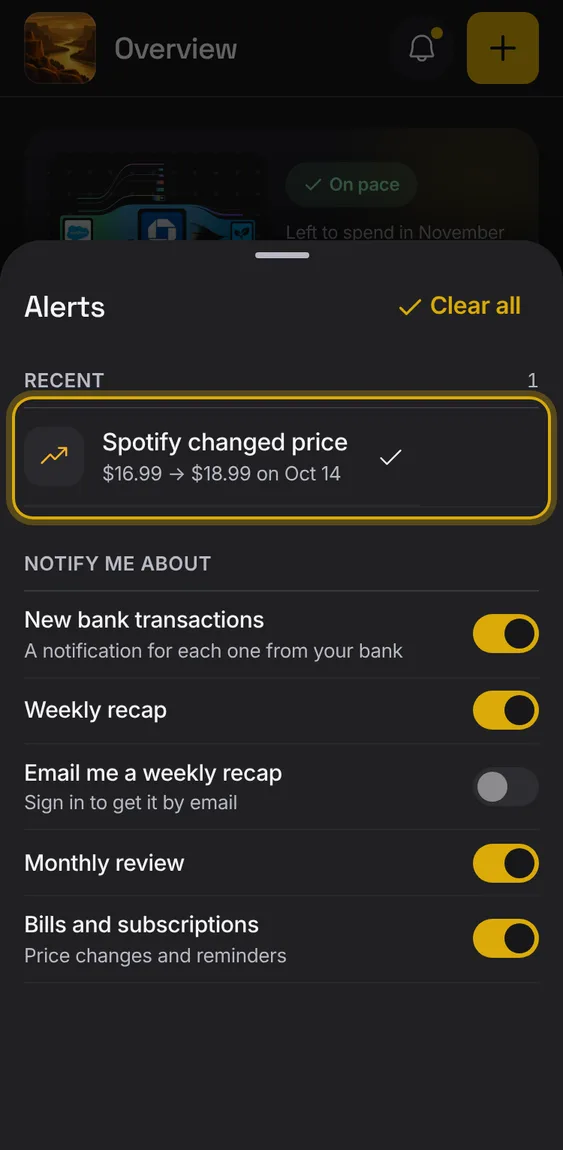
Tick an alert to dismiss it on this device, or Clear all.
- Tap the check on an alert, or Clear all.
A recap of last week's spending and income, as an alert each Monday.
- Turn on Weekly recap.
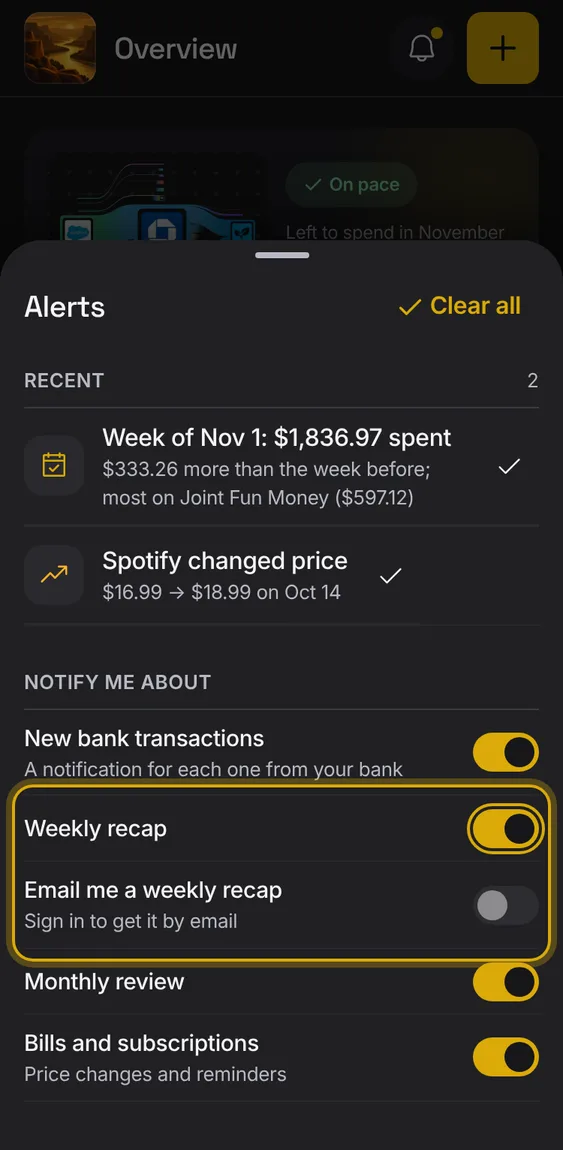
Get the weekly recap by email on Mondays; it's off until you turn it on.
- Signed in, turn on Email me a weekly recap.
Not in the demo. Needs an account: the demo has none.